
Creating a website today doesn’t require extensive coding knowledge or a large budget. Thanks to modern website builders with visual editors and mobile-optimized templates, anyone can build a professional-looking site in just a few hours. Whether you’re a small business owner, an artist, or a blogger, the right website builder can help you stand out online without writing a single line of code.
TLDR: Too Long, Didn’t Read
Choosing a website builder with a visual editor and mobile-optimized templates simplifies the process of creating a website. Top contenders like Wix, Squarespace, and Webflow offer intuitive drag-and-drop interfaces with responsive design features. These platforms allow users to preview mobile layouts, customize content on the go, and access vast libraries of professionally designed templates. For most users, they offer a cost-effective and time-saving solution to building a strong digital presence.
What Makes a Great Website Builder in 2024?
Website builders have evolved drastically over the last decade, becoming more powerful and user-friendly. Today’s top platforms enable users to:
- Drag and drop elements without needing to code
- Preview designs on desktop, tablet, and mobile screens
- Access to pre-built, mobile-responsive templates
- Offer eCommerce capabilities and integrations
- Include SEO tools and performance tracking
The focus has increasingly shifted toward mobile-optimization, given that over 60% of internet traffic comes from mobile devices. This makes responsive design and mobile adaptability essential in any website creation tool.
The Importance of Visual Editors
Visual editors—also called WYSIWYG (What You See Is What You Get)—allow users to design via drag-and-drop functionality. This means you can create a layout just by clicking and dragging elements like images, text boxes, buttons, and forms into place on the page. No need to dive into HTML or CSS unless you really want to.
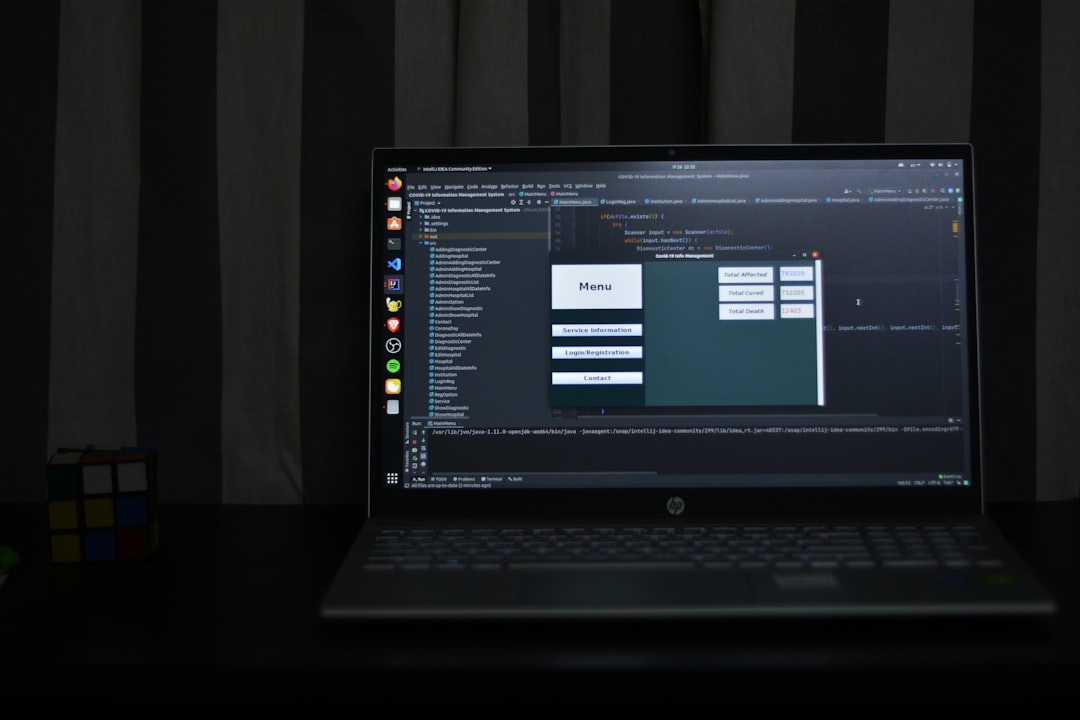
Some visual editors also offer inline editing, where you can click directly on text or images on your live preview and make immediate changes. This reduces the “back and forth” between your editing interface and your preview screen, making the design process smoother and more intuitive.
Why Mobile-Responsive Templates Matter
In today’s always-connected world, your website needs to look amazing on every screen size. Mobile usage surpasses desktop browsing in many industries, which means your visitors are more likely to see your website on a smartphone or tablet.
Here’s how mobile-responsive templates make a big difference:
- They automatically adjust layout elements for smaller screen sizes.
- Fonts, images, and buttons resize proportionally.
- No additional design effort is needed to maintain visual integrity.
- Faster load times on mobile devices improve user experience and SEO.
An unoptimized mobile site can lead to high bounce rates and lost opportunities. Responsive design isn’t a luxury in 2024—it’s a necessity.
Top Website Builders With Visual Editors and Mobile-Optimized Templates
1. Wix
Wix is one of the most popular and beginner-friendly website builders available. Its visual editor is exceptionally intuitive and offers advanced customization without needing technical skills.
Key features:
- Over 800 designer-created templates, all mobile-responsive
- Drag-and-drop WYSIWYG editor
- AI-powered Wix ADI for auto-designing websites
- Integrated SEO, Blog, and eCommerce tools
Best for: Small business owners, freelancers, and creatives who want design freedom without the complexity of code.
2. Squarespace
Squarespace is known for its sleek, polished templates that look great out-of-the-box. It has one of the most visually appealing template libraries and offers strong tools for creatives, bloggers, and small merchants.
Key features:
- Highly visual editor with intuitive sections
- Mobile-optimized templates that are perfect for showcasing portfolios
- Built-in eCommerce and analytics tools
- Strong blogging platform and podcast support
Best for: Designers, photographers, bloggers—anyone with an eye for aesthetic details.
3. Webflow
Webflow offers a more advanced visual editor for users who want the power of custom code without writing it. It’s ideal for professional designers, developers looking for a visual CMS, or businesses wanting scalable solutions.
Key features:
- Visual canvas with CSS/HTML design control
- Hundreds of mobile-first templates and the ability to create from scratch
- CMS for blogs, portfolios, and advanced dynamic content
- Hosting and SEO features included
Best for: Power users, designers, and developers who want great control over their website’s structure and appearance.

4. Shopify (for eCommerce)
While not exactly a general website builder, Shopify deserves a spot on the list due to its outstanding mobile-optimized templates and design flexibility for online stores.
Key features:
- Over 100 themes optimized for mobile commerce
- Visual store editor with drag-and-drop features for sections
- Robust eCommerce tools: inventory tracking, payment gateways, etc.
- SEO, analytics, and marketing tools included
Best for: Businesses and individuals looking to sell products or services with minimal setup time.
Things to Consider When Choosing a Builder
Before you commit to a website builder, think about your long-term goals. Here are some important factors to keep in mind:
- Scalability: Can your site grow as your business grows?
- Customization: How much design freedom do you need?
- Support: Is 24/7 customer support available?
- Integrations: Can you add tools like email marketing, CRM, or booking apps?
- Cost: What’s included in the price? Some offer free tiers, but advanced features often cost more.
Selecting a builder that aligns with your needs ensures a more seamless experience as your website adapts and grows along with your goals.
Future Trends: What’s Next for Website Builders?
As artificial intelligence and machine learning continue to evolve, website builders are beginning to implement more intelligent design features. We’re seeing:
- AI-powered content generation
- Smart layout suggestions based on industry and audience
- Automatic mobile formatting and speed optimization
- Voice-search and AR/VR feature integrations
The effect is a faster, more intelligent, and automated process—allowing beginners to build smarter websites in less time than ever before.

Final Thoughts
Website builders with visual editors and mobile-optimized templates have completely changed the landscape of web development. Whether you want something simple and elegant or complex and dynamic, there’s an option out there for you. Platforms like Wix, Squarespace, Webflow, and Shopify each bring something unique to the table, making it easier than ever to build a stunning, responsive online presence.
Ultimately, the best choice comes down to your goals, budget, and how hands-on you want to be in your design. But with today’s tools, there’s never been a better time to bring your ideas to life online—with zero coding required.