
Business cards remain a crucial tool for professional identity, even as networking increasingly shifts online. Modern business card makers now bridge the gap between digital convenience and high-quality print, allowing professionals to design, share, and update cards effortlessly. From freelancers to enterprise teams, these tools help create a strong first impression without requiring design expertise.
TLDR: This article reviews 11 popular business card makers that support both digital and print formats. It compares their features, pricing flexibility, and ideal use cases to help professionals choose the right platform. Whether someone needs QR-powered digital cards, premium print finishes, or team management tools, there is an option suited to every need.
Why Business Card Makers Matter Today
While traditional business cards still play a role at conferences and meetings, digital business cards have gained momentum thanks to smartphone adoption and remote work. A modern business card maker often combines both worlds, offering printable designs alongside shareable digital profiles. This hybrid approach ensures consistency across touchpoints and makes updates faster than reprinting stacks of cards.
Ease of use, customization, branding control, and output quality are the most important factors when evaluating these tools. Pricing and collaboration features also matter, especially for growing teams.
1. Canva
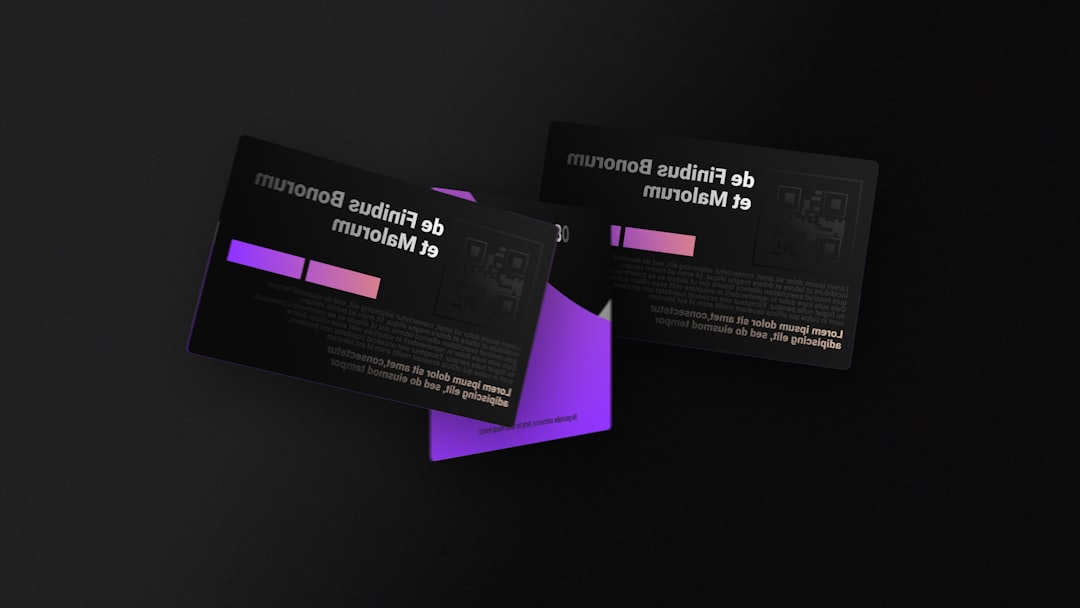
Canva is one of the most widely used design platforms and a favorite for business card creation. It offers thousands of editable templates suitable for both digital sharing and professional printing. Users can drag and drop elements, adjust colors to match brand guidelines, and export designs in print-ready formats.
Canva also integrates with print partners in many regions, making it easy to order physical cards directly. While advanced brand controls require a paid plan, the free tier is often sufficient for individuals.
2. VistaPrint
VistaPrint has long been associated with printed marketing materials, and its business card maker reflects that heritage. The platform focuses heavily on print quality, offering various finishes, paper stocks, and sizes.
In recent years, VistaPrint has expanded its digital offerings, allowing users to create simple digital versions of their cards. It is especially suitable for professionals who prioritize physical cards but want a minimal digital presence.
3. Adobe Express
Adobe Express provides a streamlined design experience backed by Adobe’s design expertise. It offers polished templates and strong typography options, making it ideal for users who want a refined look without mastering complex tools.
Cards created in Adobe Express can be shared digitally or exported for high-resolution printing. Integration with Adobe Fonts and assets is a notable advantage for brand-focused users.
4. Moo
Moo is known for its premium print quality and innovative features such as Printfinity, which allows multiple designs in a single box of cards. The platform’s design editor is simple, but the real strength lies in its physical output.
Moo also offers digital business card options with QR codes that link to online profiles, making it appealing to professionals who want a tactile yet tech-forward experience.
5. HiHello
HiHello focuses primarily on digital business cards designed for easy sharing via QR codes, email signatures, or messaging apps. Its clean and modern interface makes card creation quick and intuitive.
While print options are limited compared to traditional services, HiHello excels in analytics and contact management, helping users track engagement with their digital cards.
6. Beaconstac
Beaconstac combines digital business cards with advanced QR code management. It is particularly useful for businesses that want to track scans, update information in real time, and integrate with CRM systems.
Print-ready QR codes can be added to physical cards, making Beaconstac a strong hybrid solution for tech-savvy teams.
7. Popl
Popl is well-known for its NFC-enabled digital business cards. Users can create digital profiles that are shared instantly by tapping a phone or scanning a QR code.
Popl also offers printed cards that link to digital profiles, ensuring continuity between physical and digital interactions. It is particularly popular among startup founders and sales teams.
8. Haystack
Haystack emphasizes simplicity and team management. Its digital business cards are easy to create and share, and administrators can manage brand consistency across an entire organization.
While Haystack does not specialize in premium printing, it allows exports suitable for standard print runs, making it a practical choice for distributed teams.
9. L-Card
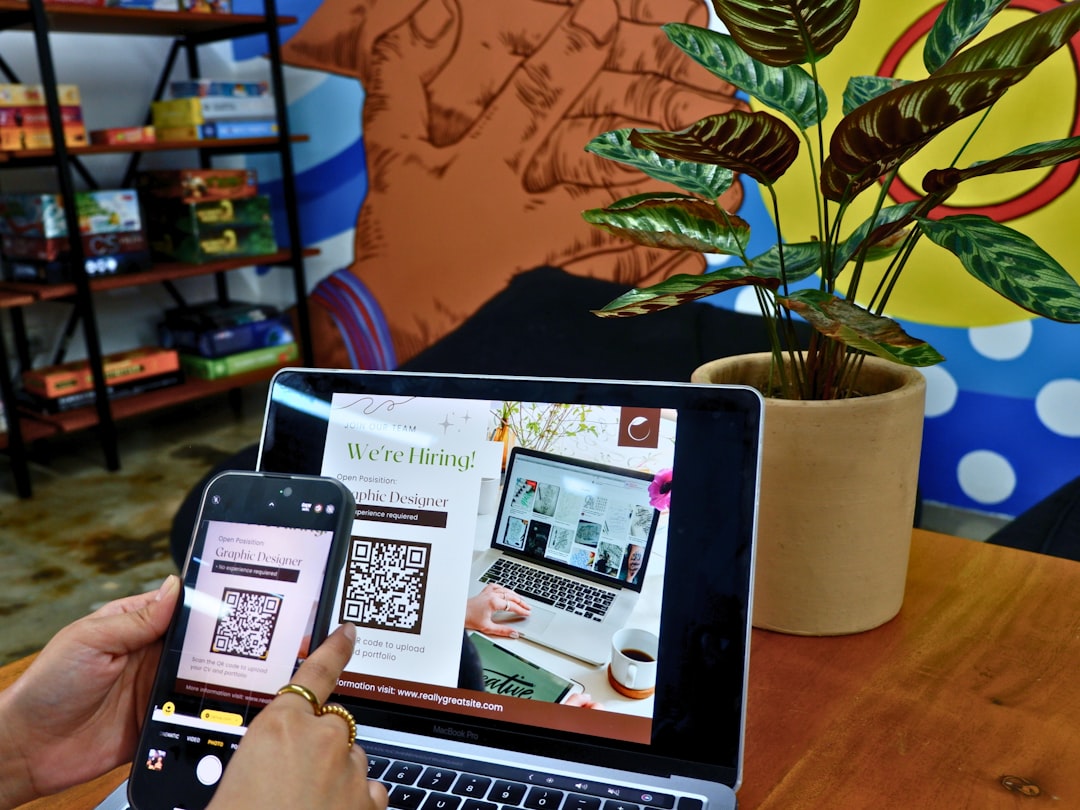
L-Card provides customizable digital business cards that can include videos, links, and social profiles. It is designed for professionals who want to present richer information than a traditional card allows.
Print integration is handled through QR codes and downloadable designs, offering flexibility without focusing on physical production.
10. Designhill
Designhill offers an AI-assisted business card maker alongside custom design services. Users can quickly generate multiple design concepts and refine them based on preferences.
The platform supports print-ready files and works well for users who want a balance between automation and professional design input.
11. CamCard
CamCard started as a business card scanning app but has expanded into digital card creation. Its strength lies in contact management and CRM integrations.
CamCard allows users to create digital cards that can be shared easily, while scanned physical cards are stored and organized in one place.
How to Choose the Right Business Card Maker
Selecting the best tool depends largely on intended use. Professionals who attend in-person events may prioritize print quality, while remote workers may lean toward digital sharing. Team size, branding needs, and budget also play a role.
Evaluating whether a platform supports both formats seamlessly can save time and ensure consistent branding across all networking scenarios.
Frequently Asked Questions
- Are digital business cards replacing printed ones?
Digital cards are becoming more common, but printed cards still play an important role in face-to-face networking. Many professionals now use both. - Can one design be used for both print and digital?
Yes, most modern business card makers allow a single design to be adapted for print and digital formats. - Which business card maker is best for teams?
Platforms like Haystack, HiHello, and Beaconstac offer strong team management and branding controls. - Do digital business cards require an app?
Not always. Many can be shared via QR codes or links that open in a web browser without requiring an app. - Are free business card makers sufficient?
Free plans work well for individuals, but paid plans often provide better branding, analytics, and print quality.