
QR codes have become an essential tool for businesses, educators, event organizers, and individuals who want to share information quickly and efficiently. Whether you need to link to a website, share contact details, connect to WiFi, or promote a product, QR codes offer a fast, contactless way to transfer data. The good news is that you don’t need expensive software or technical expertise to create them. Numerous free QR code generators are available online, offering reliable functionality and user-friendly interfaces.
TLDR: Free QR code generators allow anyone to create scannable codes for websites, contact details, WiFi access, and more—without technical skills. Many tools offer customization options, downloadable formats, and even simple analytics. This article compares ten reliable, free QR code generators and outlines their key strengths. A comparison chart is included to help you choose the right solution quickly.
Before selecting a tool, it’s important to understand what differentiates one generator from another. While most free platforms offer basic static QR codes, some provide dynamic codes, design customization, file format options, and limited tracking features. Below is a curated list of ten free QR code generators that stand out for their reliability and ease of use.
1. The QR Code Generator
This platform offers an intuitive interface and supports a variety of data types including URLs, text, email, and WiFi credentials. Free users can generate static QR codes quickly without registration. Premium features such as tracking and dynamic editing are available but not required for basic usage.
- Best for: Quick static QR codes
- Formats: PNG, SVG
- Registration required: No (for basic use)
2. QR Code Monkey
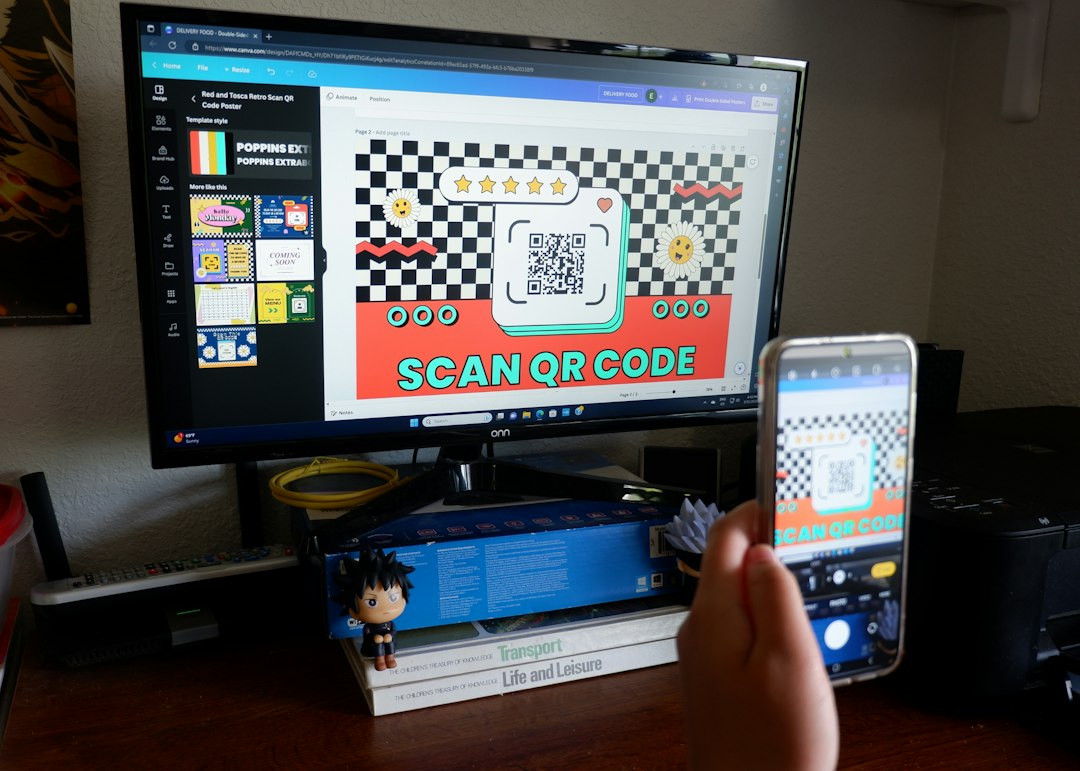
QR Code Monkey is widely recognized for its high customization capabilities. Users can change colors, add logos, and adjust design elements while maintaining scannability. It supports high-resolution downloads suitable for print.
- Best for: Branded QR codes
- Formats: PNG, SVG, PDF, EPS
- Registration required: No
3. The QR Code Generator by Shopify
Ideal for small business owners, this generator focuses on simplicity. Users can create QR codes for product pages, checkout links, and general URLs without signing up. It’s streamlined and practical for e-commerce applications.
- Best for: E-commerce use
- Formats: PNG
- Registration required: No
4. QRStuff
QRStuff provides an extensive range of data types, including social media profiles and PayPal links. The free version generates static codes, while dynamic tracking requires paid plans.
- Best for: Diverse data types
- Formats: PNG
- Registration required: No (for static codes)
5. GoQR.me
GoQR.me offers a straightforward experience focused on speed and usability. It automatically generates QR codes as you type your URL or text, making it ideal for fast deployment in presentations or printed materials.
- Best for: Fast generation
- Formats: PNG, SVG
- Registration required: No
6. Beaconstac Free QR Code Generator
Beaconstac’s free tool provides static codes with a clean interface and minimal distractions. While advanced analytics are reserved for paid users, the free version maintains strong reliability and high-quality downloads.
- Best for: Professional-grade output
- Formats: PNG
- Registration required: No (for static use)
7. QR Code Tiger (Free Version)
QR Code Tiger offers both static and limited dynamic QR codes in its free tier. Users can customize colors and patterns slightly, making it useful for branding without complexity.
- Best for: Basic dynamic features
- Formats: PNG
- Registration required: Optional
8. Unitag QR Code Generator
Unitag emphasizes design personalization. Even in the free version, users can experiment with color gradients and visual styles. It is appropriate for marketing teams seeking visual consistency.
- Best for: Advanced visual customization
- Formats: PNG, SVG
- Registration required: No (basic features)
9. QRickit
QRickit is known for supporting numerous content types including calendar events, maps, and SMS messages. Although its interface is more functional than modern, it remains dependable for diverse needs.
- Best for: Specialized content types
- Formats: PNG
- Registration required: No
10. Delivr (Free Basic Version)
Delivr allows users to create functional QR codes suitable for marketing materials. While the free tier is limited, it offers dependable performance and easy code creation.
- Best for: Simple marketing campaigns
- Formats: PNG
- Registration required: Yes (for tracking)
Comparison Chart
| Tool | Customization | Dynamic Codes | File Formats | Registration Required |
|---|---|---|---|---|
| The QR Code Generator | Basic | Paid only | PNG, SVG | No |
| QR Code Monkey | High | No | PNG, SVG, PDF, EPS | No |
| Shopify Generator | Minimal | No | PNG | No |
| QRStuff | Moderate | Paid only | PNG | No (static) |
| GoQR.me | Basic | No | PNG, SVG | No |
| Beaconstac | Basic | Paid only | PNG | No (static) |
| QR Code Tiger | Moderate | Limited free | PNG | Optional |
| Unitag | High | Paid only | PNG, SVG | No (basic) |
| QRickit | Basic | No | PNG | No |
| Delivr | Basic | Limited free | PNG | Yes (tracking) |
Key Factors to Consider When Choosing a Free QR Code Generator
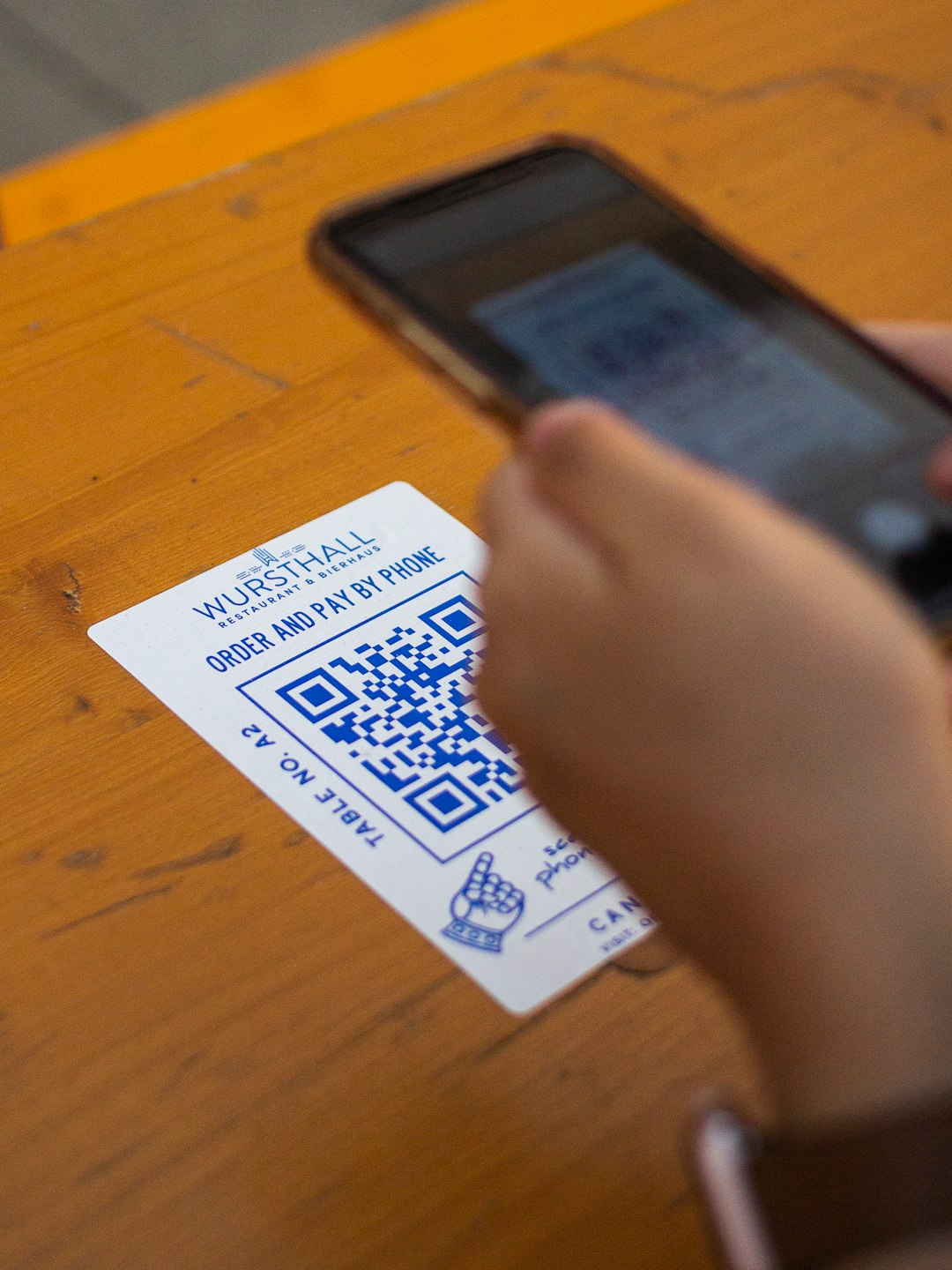
When evaluating free QR code tools, keep the following criteria in mind:
- Static vs. Dynamic Codes: Static codes cannot be edited after creation. Dynamic codes can redirect to updated URLs and often include tracking.
- Customization Options: Adjusting color, adding logos, and modifying patterns can strengthen brand recognition.
- Download Formats: SVG and EPS formats are preferable for print because they maintain quality at large sizes.
- Ease of Use: A simple interface reduces the chance of errors and speeds up deployment.
- Data Security: Reputable platforms do not store unnecessary user data for static QR generation.
Best Practices for Using QR Codes
Even the best generator will not compensate for poor implementation. Follow these guidelines to ensure optimal results:
- Test Before Publishing: Always scan the code across multiple devices.
- Ensure Adequate Size: For print materials, a minimum of 2 x 2 cm is recommended.
- Maintain Contrast: Dark codes on light backgrounds scan more reliably.
- Avoid Over-Customization: Excessive design elements can reduce readability.
- Provide Context: Add a short call to action such as “Scan to view menu” or “Scan for discount.”
Final Assessment
Free QR code generators are more capable today than ever before. For most individuals and small businesses, static QR codes fulfill the majority of needs without cost. Platforms like QR Code Monkey and Unitag stand out for customization, while others such as GoQR.me excel in simplicity and speed.
Organizations requiring advanced analytics, editable links, and performance tracking may eventually need paid plans. However, for quick and easy deployment, the tools listed above provide trustworthy, efficient solutions. Selecting the right generator ultimately depends on whether your priority is branding, functionality, file format flexibility, or dynamic tracking capabilities.
By understanding the strengths and limitations of each platform, you can confidently choose a free QR code generator that aligns with your specific goals—without compromising quality or reliability.