
Canceling your internet service can feel overwhelming, especially if you’re unsure about hidden fees, equipment returns, or contract obligations. If you’re planning to cancel WOW! Internet service, understanding the process beforehand can save you time, money, and frustration. Whether you’re switching providers, moving to a new area, or cutting costs, knowing what to expect will help you avoid unnecessary charges.
TL;DR: Canceling WOW! Internet requires contacting customer service directly and confirming your contract status to avoid early termination fees. Be prepared to return all rented equipment promptly to prevent additional charges. Ask for written confirmation of cancellation and keep records of every interaction. Planning your cancellation date carefully can help you avoid paying for an extra billing cycle.
Understanding WOW! Internet Contracts and Terms
Before you cancel, take a moment to review your service agreement. WOW! (WideOpenWest) typically offers both contract-based and no-contract plans. The key difference lies in potential early termination fees (ETFs).
- Contract Plans: May include promotional pricing with a fixed term, often 12 or 24 months.
- No-Contract Plans: Usually higher monthly rates but no long-term commitment.
If you’re still within your promotional contract period, canceling early may trigger an ETF. These fees vary depending on how many months remain in your agreement. Checking this detail before you call can help you calculate potential costs.
Common Reasons People Cancel WOW! Internet
Customers decide to cancel for various reasons, including:
- Relocating to an area not serviced by WOW!
- Switching to a competitor offering faster speeds or better pricing
- Reducing monthly expenses
- Dissatisfaction with service quality or customer support

No matter your reason, being organized before beginning the cancellation process makes the experience smoother.
Step-by-Step Process to Cancel WOW! Internet
1. Review Your Account Details
Log in to your WOW! online account and verify:
- Your contract status
- Current billing cycle dates
- Monthly service fees
- Equipment listed on your account
Understanding your billing cycle is especially important because WOW! may not prorate your final bill in some cases. Canceling a few days into a new billing period could result in paying for the entire month.
2. Contact WOW! Customer Service
WOW! requires customers to cancel service by phone. Calling customer support connects you with a retention specialist whose job may include offering promotions to keep you as a customer.
Tips when calling:
- Be polite but firm about your decision.
- Have your account number ready.
- Ask directly about early termination fees.
- Request the exact final service date.
Be prepared for potential wait times. Calling during non-peak hours, such as weekday mornings, may reduce hold times.
3. Schedule Your Cancellation Date Carefully
Timing matters. To avoid extra charges:
- Try to schedule cancellation near the end of your billing cycle.
- Confirm whether service ends immediately or on a specific future date.
- Ask if you’ll receive a prorated refund if applicable.
Always request a confirmation number for your cancellation.
4. Return Equipment Promptly
One of the most common sources of surprise charges comes from unreturned equipment. WOW! typically requires the return of:
- Modems
- Routers
- Cable boxes (if bundled services were included)
- Power cords and adapters
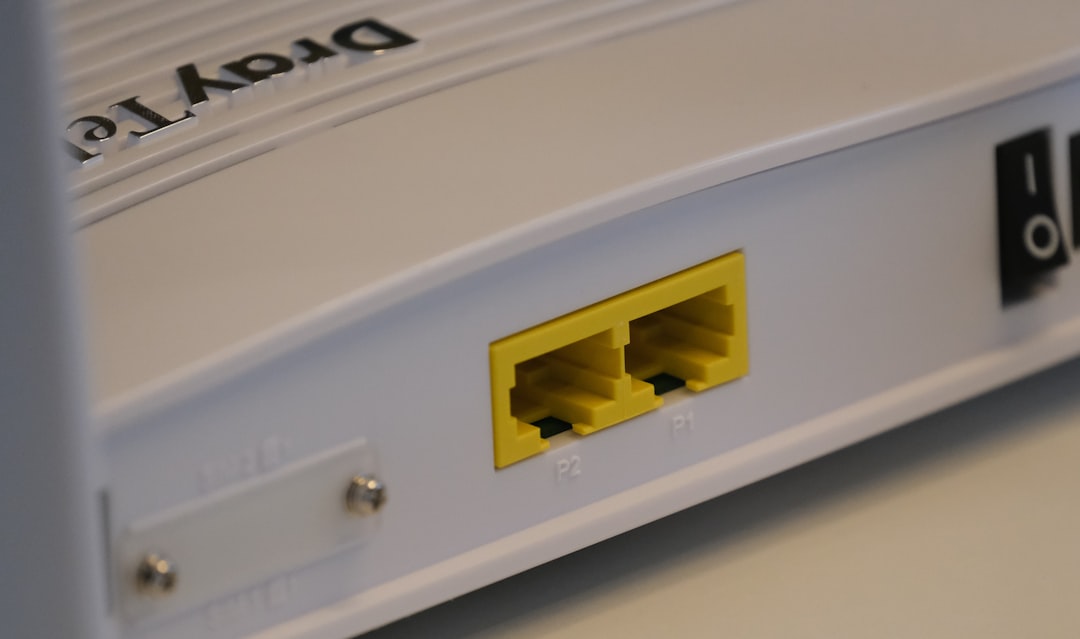
Equipment can usually be returned at a local service center or via prepaid shipping (if offered). Make sure to:
- Get a receipt showing returned items.
- Take photos of the equipment before returning.
- Track shipped packages and keep tracking numbers.
Failing to return equipment on time may result in substantial replacement fees added to your final bill.
Fees You Might Encounter
Canceling WOW! Internet doesn’t always mean simply paying your final monthly bill. Here are common charges to watch for:
Early Termination Fee (ETF)
If you’re under contract, this fee can vary. It may be calculated as a flat rate or prorated based on the remaining term.
Equipment Non-Return Fees
These charges can range from moderate to significant depending on the device. Always verify equipment receipt confirmation.
Outstanding Balance
If you have unpaid balances, late fees, or installation charges, those will appear on your final bill.
Partial Month Charges
In some situations, services may not be prorated, meaning you could be charged for a full billing cycle even if you used only part of it.
How to Avoid Extra Charges
Taking preventive steps can make a big difference in your final statement.
1. Confirm Contract End Date
If possible, wait until your contract naturally expires. Canceling after the term ends eliminates ETF concerns.
2. Document Everything
Create a simple log including:
- Date and time of your call
- Name of representative
- Confirmation number
- Promised final amount due
3. Return Equipment Early
Don’t wait until the deadline. Returning devices immediately reduces the risk of late processing fees.
4. Monitor Your Final Bill
After cancellation, check your account carefully. If you notice unexpected fees, contact customer service right away.

What Happens After Cancellation?
Once canceled, your internet access will stop on the agreed-upon date. You should receive a final bill either electronically or by mail. If you were enrolled in automatic payments, confirm whether autopay will stop automatically.
If you overpaid or are due a refund, processing times may vary. Keep watch on your bank statements to ensure the correct amount is withdrawn—or refunded.
Switching to a New Provider Without Downtime
If you’re replacing WOW! Internet with another provider, timing is crucial. To avoid service interruptions:
- Schedule the new installation before your WOW! disconnection date.
- Test the new connection before fully canceling.
- Use your own modem/router when possible to simplify transitions.
Planning this overlap carefully may mean paying for a few extra days of service, but it prevents productivity disruptions—especially if you work from home.
Negotiating Instead of Canceling
If your primary reason for canceling is cost, consider negotiating before ending service. Retention departments may offer:
- Temporary promotional discounts
- Speed upgrades at reduced costs
- Bundled service savings
Simply asking, “Are there any promotions available on my account?” can sometimes produce surprising savings.
Special Circumstances That May Waive Fees
In certain cases, WOW! may waive early termination fees. These may include:
- Moving to a location outside the service area
- Military deployment
- Verified financial hardship
You may need documentation to support your request. Always ask clearly whether exceptions apply to your situation.
Final Thoughts
Canceling WOW! Internet service doesn’t have to be stressful. The key is preparation. By reviewing your contract, timing your cancellation carefully, returning equipment promptly, and documenting every interaction, you can avoid most unexpected fees.
Internet services are essential in modern life, but so is financial clarity. Taking a proactive, organized approach ensures you close your account cleanly, protect your credit, and move forward without lingering charges. Whether you’re upgrading providers or cutting back on expenses, understanding the cancellation process empowers you to make the switch smoothly and confidently.