
In today’s fast-paced, digitally driven marketplace, a well-designed business card remains a powerful networking asset. Whether exchanged at conferences, tucked into product shipments, or handed out during chance encounters, a sleek business card can leave a lasting impression. Fortunately, modern business card generators make it possible to create polished, professional designs in minutes—without needing advanced graphic design skills.
TLDR: Business card generators allow professionals to create stylish, print-ready designs quickly and affordably. The best tools combine customizable templates, intuitive drag-and-drop editors, and high-resolution export options. This article explores 10 sleek business card generators, compares their features, and highlights what makes each one stand out. A helpful FAQ section at the end answers common questions about using these platforms.
Why Use a Business Card Generator?
Traditional design software can be complex and time-consuming. Business card generators simplify the process by offering:
- Pre-designed templates tailored for different industries
- Easy customization with drag-and-drop editing
- Print-ready exports in high-resolution formats
- Affordable pricing or even free options
These tools empower entrepreneurs, freelancers, and established professionals to maintain a consistent brand image without hiring a designer.
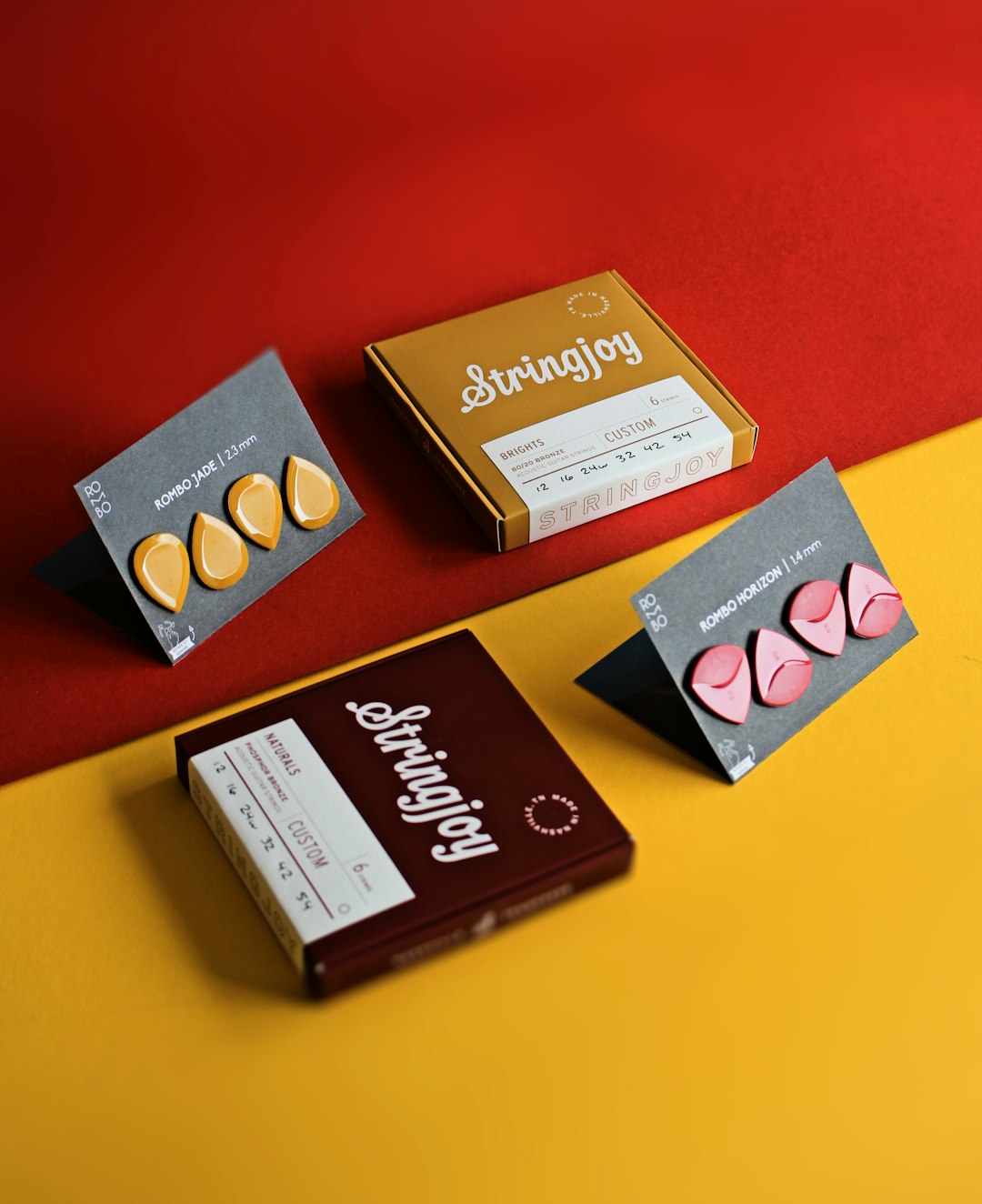
10 Sleek Business Card Generators for Instant Professional Designs
1. Canva
Canva remains a popular choice thanks to its intuitive interface and expansive template library. Users can choose from thousands of modern layouts, customize fonts and colors, and upload logos effortlessly.
- Best for: Beginners and small businesses
- Standout feature: Vast template variety
2. Adobe Express
Adobe Express offers polished templates with advanced typography controls. It integrates seamlessly with other Adobe tools, making it ideal for users familiar with the Adobe ecosystem.
- Best for: Branding consistency
- Standout feature: Professional typography tools
3. VistaCreate
VistaCreate provides dynamic and stylish templates, many of which feature bold, contemporary aesthetics ideal for creatives and startups.
- Best for: Eye-catching modern designs
- Standout feature: Strong creative template options
4. Vistaprint Business Card Maker
Vistaprint combines design and printing services in one streamlined platform. Users can customize templates and order high-quality prints directly.
- Best for: Convenient design and print packages
- Standout feature: Direct-to-print integration
5. Shopify’s Hatchful
Hatchful is tailored for entrepreneurs and e-commerce sellers. It quickly generates brand-aligned designs after asking a few guided questions.
- Best for: New online businesses
- Standout feature: Automated brand kit creation

6. Fotor
Fotor’s business card maker emphasizes simplicity and speed. Its streamlined editor is perfect for professionals who need a clean, minimal design without extra complexity.
- Best for: Quick minimalist cards
- Standout feature: Simple editing interface
7. Visme
Visme focuses on brand presentation and visual storytelling. Its templates offer refined layouts suitable for consultants, agencies, and corporate professionals.
- Best for: Corporate identity designs
- Standout feature: Advanced branding tools
8. Jukebox Print Online Designer
Jukebox provides modern, highly stylized templates with unique finishes such as foil or embossed textures, making it a strong contender for luxury branding.
- Best for: Premium print finishes
- Standout feature: Specialty printing options
9. PsPrint Design Tool
PsPrint offers a robust selection of templates for various industries, from healthcare to real estate. Its customization options are straightforward and efficient.
- Best for: Industry-specific templates
- Standout feature: Organized template categories
10. Tailor Brands
Tailor Brands uses AI-driven design recommendations to create cohesive brand materials, including business cards. By analyzing user preferences, it generates tailored layouts.
- Best for: AI-powered branding
- Standout feature: Automated design generation
Comparison Chart
| Tool | Ease of Use | Template Variety | Print Services | Best For |
|---|---|---|---|---|
| Canva | Very Easy | Extensive | No | Beginners |
| Adobe Express | Moderate | Large | No | Brand professionals |
| VistaCreate | Easy | Modern and bold | No | Creatives |
| Vistaprint | Very Easy | Good | Yes | All-in-one solution |
| Hatchful | Very Easy | Moderate | No | Startups |
| Fotor | Very Easy | Moderate | No | Minimalists |
| Visme | Moderate | Professional | No | Corporate users |
| Jukebox | Moderate | Stylish | Yes | Luxury brands |
| PsPrint | Easy | Industry-focused | Yes | Specific industries |
| Tailor Brands | Very Easy | AI generated | No | Automated branding |
Key Features to Look For
When selecting a business card generator, professionals should consider:
- Customization flexibility: Ability to modify fonts, layouts, and colors.
- High-resolution exports: Essential for print clarity.
- Brand kit integration: Uploading logos and maintaining consistent colors.
- Print compatibility: Proper bleed and margin settings.
- User experience: An intuitive interface saves time.
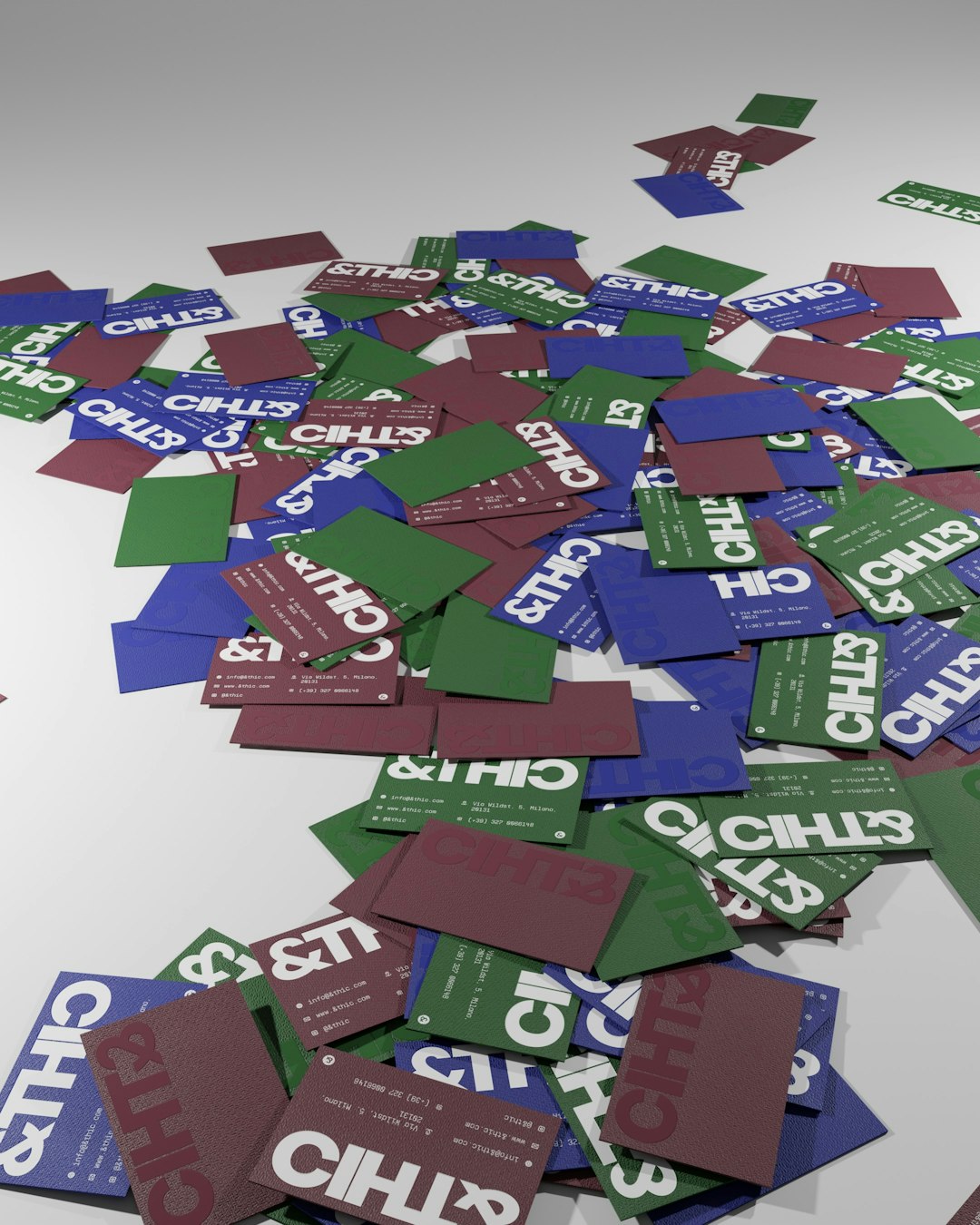
Design Tips for a Sleek Business Card
Even with a powerful generator, design principles matter. Here are several professional recommendations:
- Keep it minimal: Avoid overcrowding with excess text.
- Use consistent branding: Match colors and fonts to existing marketing materials.
- Choose readable typography: Legibility is more important than flair.
- Consider unique finishes: Matte, glossy, or textured options can elevate presentation.
- Include essential details only: Name, title, contact information, and website are typically sufficient.
By combining a sleek generator with thoughtful design choices, professionals can create memorable business cards that stand out in any networking environment.
FAQ
1. Are business card generators suitable for large companies?
Yes. Many generators offer advanced customization and branding features that meet corporate standards. Some integrate directly with professional design ecosystems for consistent branding.
2. Can users print cards directly from these platforms?
Some tools provide integrated printing services, while others allow users to download high-resolution files for external printing. Always check file specifications before ordering prints.
3. Are free templates good enough for professional use?
Free templates can be highly professional if customized thoughtfully. However, premium templates often provide more unique and polished designs.
4. What file format is best for printing?
PDF files with bleed settings are typically recommended for professional printing. High-resolution PNG files may also be accepted by certain print providers.
5. How long does it take to design a card?
With a streamlined generator, a simple yet professional design can be completed in 10 to 20 minutes. More detailed customization may take longer.
6. Can AI tools really create effective designs?
AI-powered platforms analyze preferences and branding details to produce well-aligned layouts. While human refinement is still valuable, AI tools can generate strong starting points quickly.
In an era where first impressions often happen in seconds, a sleek business card remains a tangible reflection of professionalism and brand identity. With the right business card generator, anyone can craft a sophisticated, print-ready design that communicates credibility and confidence instantly.