
Looking for books online can feel like digging through a giant treasure chest. Some gems are free. Some are cheap. Some are hiding in library apps. And some links are best left alone. If you want a Z-Library alternative, the good news is simple. You have many fun, safe, and legal ways to find books.
TLDR: The best Z-Library alternatives are Open Library, Project Gutenberg, Libby, Internet Archive, and WorldCat. Use them to borrow, read, or discover books without jumping into risky sites. For new releases, try library apps, sale alerts, or ebook stores. For classics and public domain books, free sites are amazing.
Why Look for a Z-Library Alternative?
Z-Library became popular because it was huge. People liked the idea of finding almost any book in seconds. But there is a catch. Many copies on shadow library sites may be shared without permission. That can create legal issues. It can also hurt authors, publishers, and small presses.
There is another problem too. Fake Z-Library clone sites are everywhere. Some ask for payment. Some ask for logins. Some may try to steal data. That is not a fun reading adventure. That is a digital swamp.
So, what should you do instead? Use trusted places. Many are free. Many are backed by libraries, universities, or public projects. Some help you borrow books. Some help you buy them for less. Some help you find rare books near you.
Let’s open the map.
1. Open Library: Like a Giant Online Bookshelf
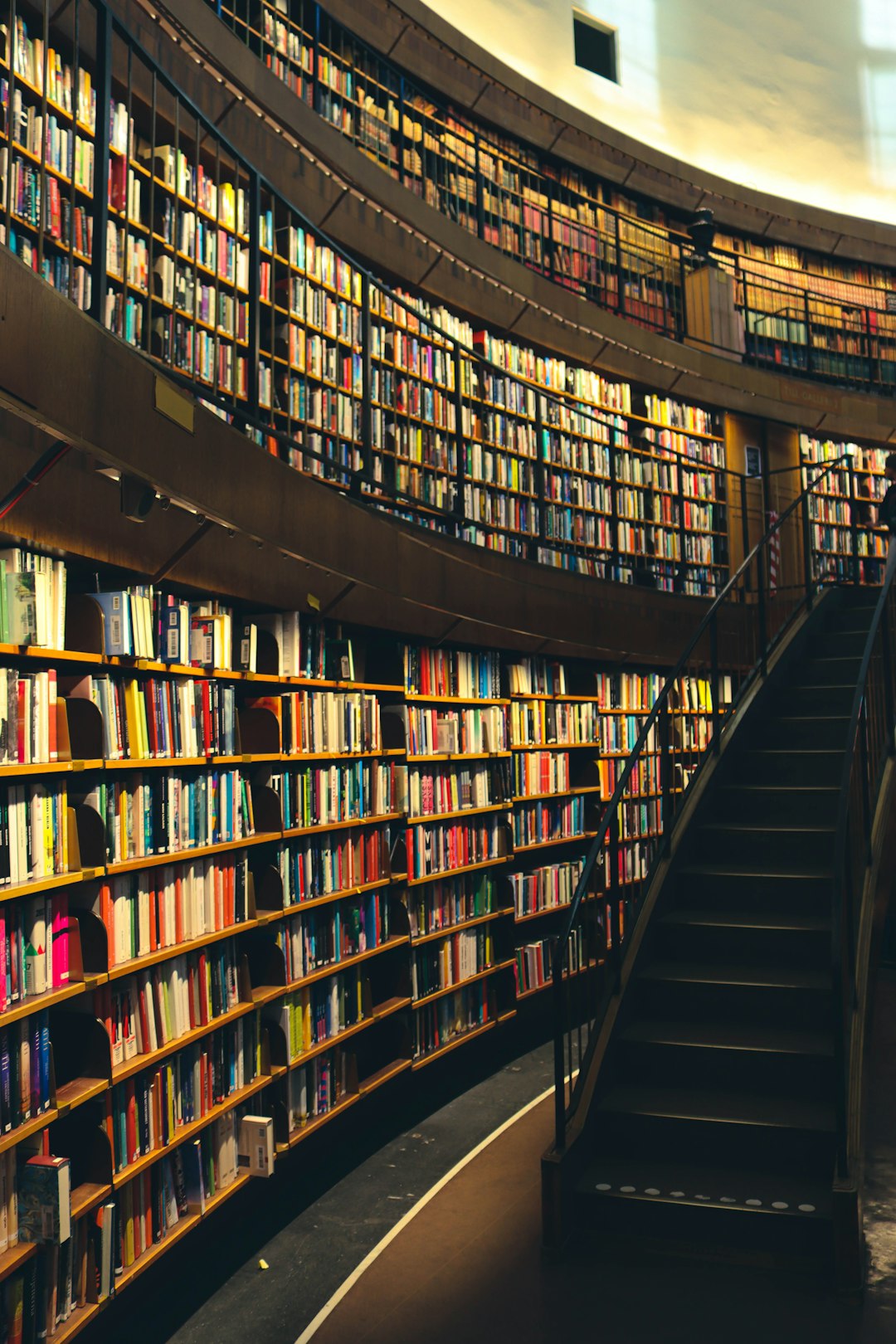
Open Library is one of the best-known options. It is part of the Internet Archive. Its goal is bold and sweet: one web page for every book ever published.
You can borrow many ebooks for free. You create an account. Then you borrow a digital copy, much like a regular library book. Some books have waiting lists. Yes, waiting is annoying. But hey, it also means the system is trying to work like a real library.
Best for:
- Older books
- Fiction and nonfiction
- School reading
- Hard-to-find titles
Why it is fun: You can search forever. It feels a bit like wandering through a book maze. In a good way.
2. Project Gutenberg: The Free Classics Kingdom
If you love classics, Project Gutenberg is a dream. It offers free ebooks in the public domain. That means the copyright has expired in many places. You can read books by Jane Austen, Mark Twain, Mary Shelley, Charles Dickens, and many more.
No account is needed. No payment is needed. No drama is needed. You just search, click, and read.
The site looks plain. Very plain. Like “made by a wise librarian in 1998” plain. But do not judge it by style. The books are the treasure.
Best for:
- Classic novels
- Old poetry
- Historical texts
- Public domain books
Tip: If a teacher assigns an old book, check Project Gutenberg first. You may find it in seconds.
3. Libby: Your Library Card Becomes Magic
Libby is an app made by OverDrive. It connects to many local libraries. If your library supports it, you can borrow ebooks and audiobooks from your phone or tablet.
This is one of the best Z-Library alternatives for modern books. Why? Because libraries often buy licenses for current titles. You can get thrillers, romance, memoirs, cookbooks, comics, and business books.
You need a library card. That is the key. If you do not have one, visit your local library website. Many libraries let you apply online.
Best for:
- New releases
- Audiobooks
- Popular fiction
- Reading on a phone
Why it rocks: Libby is clean and easy. It also remembers your loans. It even lets you send some books to Kindle in certain countries.
4. Hoopla: Borrow Without the Wait
Hoopla is another library-powered platform. It offers ebooks, audiobooks, comics, music, movies, and TV shows. Yes, it is like a buffet. A nerdy buffet. The best kind.
Many Hoopla titles are available instantly. No wait list. Your library sets a monthly borrow limit. So you may get, for example, 5 or 10 borrows each month.
Best for:
- Comics and graphic novels
- Audiobooks
- Quick borrowing
- Mixed media fans
Tip: If Libby has a wait list, check Hoopla. You might get lucky.
5. Internet Archive: A Digital Time Machine
The Internet Archive is famous for saving websites. But it also has books, magazines, audio, video, and old software. It is a huge digital museum.
For books, it offers public domain downloads and controlled digital lending for some titles. You can find old textbooks, historic magazines, manuals, novels, and strange little gems.
Best for:
- Old or rare books
- Research
- Magazines
- Historic documents
Warning: Searches can get messy. Use filters. Sort by year, media type, or language. Otherwise, you may fall into a rabbit hole and wake up three hours later reading a 1912 chicken farming guide.
6. WorldCat: Find the Book, Anywhere
WorldCat is not mainly for reading online. It is for finding books in libraries near you. Think of it as a global library map.
You search a title. WorldCat tells you which libraries have it. This is great for rare books, academic books, and print copies. You may also discover ebook versions, audiobook versions, and different editions.
Best for:
- Finding physical books
- Academic research
- Rare editions
- Library hunters
Bonus: If your library does interlibrary loan, it may borrow a book from another library for you. That feels like sending a little book courier across the land.
7. Google Books: Preview Before You Pounce
Google Books is great for discovery. Some books are fully readable. Some have previews. Some only show small snippets. Still, it is useful.
You can search inside books. This is perfect when you remember one quote but not the title. It is also great for checking if a book is useful before buying or borrowing it.
Best for:
- Book previews
- Quote searching
- Research
- Finding editions
Tip: Search a phrase in quotation marks. This helps Google Books find the exact words.
8. Standard Ebooks: Classics, But Pretty
Standard Ebooks also offers public domain books. But it takes a design-first approach. The ebooks are carefully formatted. Covers look polished. Text is cleaned up. The result feels modern and pleasant.
If Project Gutenberg is the dusty treasure chest, Standard Ebooks is the shiny display case.
Best for:
- Classic literature
- Beautiful ebook formatting
- Kindle and ereader users
- Distraction-free reading
Fun note: Many books here are also on Project Gutenberg. But Standard Ebooks may feel nicer on your device.
9. ManyBooks: Free and Discounted Reads
ManyBooks has free public domain titles and also modern indie books. Some are free. Some are discounted. The site is easy to browse by genre.
You can find romance, fantasy, mystery, horror, and adventure. It is a nice place to explore when you do not know what you want yet.
Best for:
- Genre fiction
- Free classics
- Indie authors
- Casual browsing
Tip: Read ratings and summaries. Indie catalogs can be mixed. But that is part of the treasure hunt.
10. DOAB: Free Academic Books
DOAB means Directory of Open Access Books. It lists academic books that are free to read legally. These are often published by universities and research groups.
This is not the place for beach reads. Unless your beach read is about medieval trade routes. No judgment. You do you.
Best for:
- Students
- Researchers
- Open access books
- Serious nonfiction
Good to know: Many books are available as PDFs. They are great for citations and study.
11. JSTOR and Open Access Collections
JSTOR is famous in schools and universities. Some content needs access through an institution. But JSTOR also has open content. You can find free articles, books, and research materials.
Other open access collections are worth checking too. Universities often host free digital books. Museums do this too. Government sites also share reports and historic texts.
Best for:
- Academic articles
- Scholarly books
- Primary sources
- History and culture research
Tip: Add words like open access, PDF, or university press to your search.

12. BookBub: Cheap Books, Big Smiles
BookBub helps you find ebook deals. You choose genres you like. Then it sends alerts about free or discounted books. These deals usually connect to major ebook stores.
This is great if you want legal books without paying full price. Many deals are temporary. So act fast if something looks good.
Best for:
- Discounted ebooks
- Genre fiction
- New authors
- Daily deal hunters
Fun idea: Make a “tiny book budget.” Even a few dollars a month can build a nice digital library.
13. Ebook Store Samples: Try Before You Buy
Most ebook stores offer free samples. Kindle, Kobo, Apple Books, Google Play Books, and others let you read the first pages. Samples are not full books. But they are useful.
You can test the writing style. You can see if the book grabs you. You can avoid buying something that looked cool but feels boring after three pages.
Best for:
- New releases
- Popular books
- Checking writing style
- Building a wish list
Tip: Keep a wish list. Then wait for sales. Patience can save money.
14. Used Book Sites and Local Shops
Not every alternative has to be digital. Used books are wonderful. They smell like adventure. Sometimes they include notes from strangers. Sometimes they include a bookmark from 2007. That is history, my friend.
Try local used bookstores, library book sales, thrift shops, and online used book sellers. You can often find novels, textbooks, and nonfiction at low prices.
Best for:
- Cheap print books
- Out-of-print titles
- Collecting
- Supporting local shops
Bonus: Library book sales can be amazing. Bring a tote bag. Maybe two.
How to Choose the Best Option
Picking the right Z-Library alternative depends on your goal. Do you need a classic? Use Project Gutenberg or Standard Ebooks. Do you need a new bestseller? Try Libby, Hoopla, or your local library. Do you need research? Use DOAB, JSTOR open content, Google Books, or WorldCat.
Here is a quick guide:
- For free classics: Project Gutenberg, Standard Ebooks, ManyBooks
- For library borrowing: Libby, Hoopla, Open Library
- For rare books: Internet Archive, WorldCat
- For academic books: DOAB, JSTOR, university sites
- For cheap ebooks: BookBub, ebook store deals
- For print copies: WorldCat, used bookstores, library sales
Safety Tips for Finding Books Online
The internet has many book sites. Some are helpful. Some are sketchy. Use common sense. If a site offers every new book for free, be careful. If it asks for strange downloads, leave. If it demands payment for “free” books, run away like the floor is lava.
Use these simple safety rules:
- Check the source. Libraries, universities, and known projects are safer.
- Avoid strange files. Be careful with unknown downloads.
- Do not share private data. A book site does not need your life story.
- Support authors when you can. Buy, borrow legally, review, or recommend.
- Use your library card. It is one of the best free tools you have.
Final Thoughts
You do not need to rely on risky sites to find great books. The web is full of legal, friendly, and useful Z-Library alternatives. Some are perfect for classics. Some are great for new books. Some help with research. Some help you save money.
Start with Libby if you have a library card. Try Project Gutenberg for classics. Use Open Library and the Internet Archive for older and unusual titles. Search WorldCat when you need a book in the real world.
Books are everywhere. They are on apps. They are in libraries. They are in dusty shops. They are waiting in digital archives like tiny dragons guarding knowledge. Go find your next read. And bring snacks.