
Choosing a business card maker is a practical decision with branding consequences. A well-made card communicates professionalism, clarifies what you offer, and gives prospects a physical reminder of your business. For entrepreneurs, freelancers, and companies, the best provider is not always the cheapest one; it is the service that balances design quality, print reliability, customization, turnaround time, and overall value.
TLDR: The best business card maker depends on your priorities: Moo is excellent for premium cards, VistaPrint is a dependable all-around option, and Canva is ideal for easy design control. Freelancers may prefer flexible templates and small print runs, while companies should look for brand consistency, team ordering, and reliable fulfillment. Always review paper stock, finish, proofing options, and delivery times before ordering.
What Makes a Business Card Maker Worth Using?
A trustworthy business card maker should do more than upload a logo and print contact details. The right platform helps you create a card that looks deliberate, feels professional, and aligns with your brand identity. Before choosing a service, consider the following criteria:
- Print quality: Sharp typography, accurate colors, and clean trimming are essential.
- Paper and finish options: Matte, gloss, soft touch, recycled, textured, and extra-thick stocks create different impressions.
- Design flexibility: Templates should be attractive but editable enough to feel original.
- Ease of use: A good editor should be intuitive, especially for users without design experience.
- Proofing and quality control: Digital previews, bleed guides, and print checks reduce expensive mistakes.
- Turnaround and shipping: Delivery speed matters when preparing for events, meetings, or launches.
- Pricing transparency: Costs should be clear, including upgrades, shipping, and taxes.
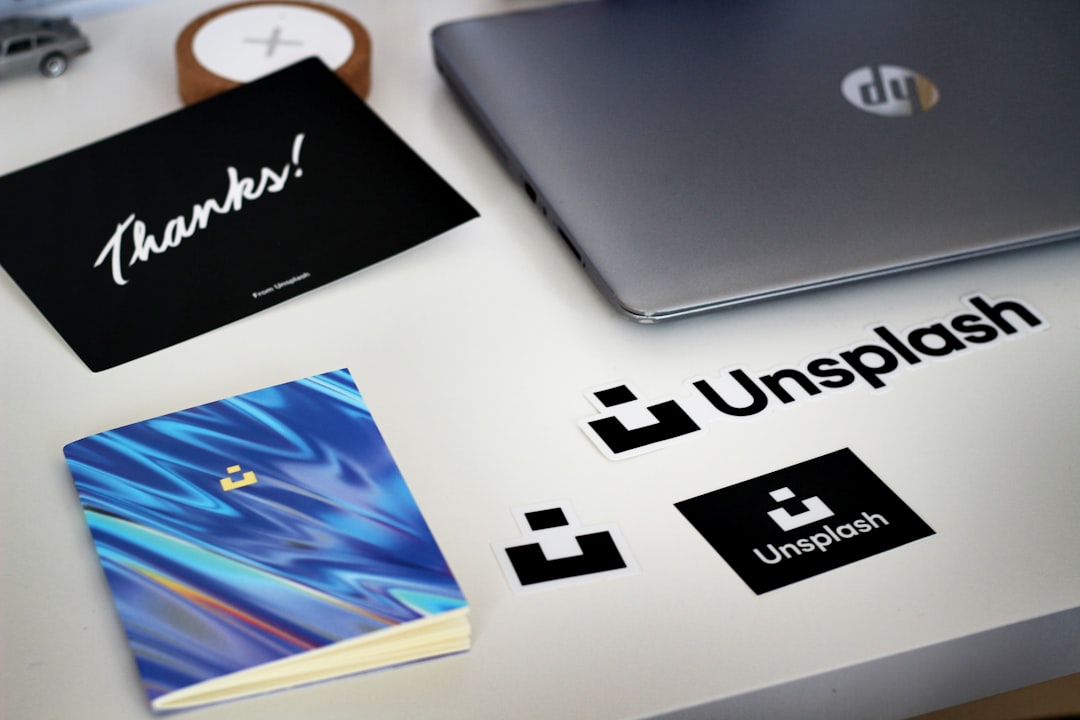
1. VistaPrint: Best All-Around Choice for Small Businesses
VistaPrint remains one of the most widely used business card makers because it combines affordability, variety, and accessibility. It is particularly suitable for entrepreneurs and small companies that need dependable cards without a complex ordering process.
The platform offers many templates across industries, including consulting, real estate, beauty, hospitality, and trades. Users can upload a logo, change fonts and colors, and choose from finishes such as matte, glossy, recycled, and premium papers. VistaPrint is also helpful for businesses that want matching print materials, such as flyers, postcards, signs, and stationery.
Best for: small businesses, local service providers, startups, and users who want a practical balance of price and quality.
2. Moo: Best for Premium and Memorable Cards
Moo is known for high-quality materials, elegant templates, and distinctive finishing options. It is often a strong choice for consultants, creative professionals, boutique companies, and anyone who wants a card that feels more refined than standard alternatives.
One of Moo’s notable strengths is its premium paper selection. Options such as thick cardstock, soft touch, cotton paper, and special finishes help create a more tactile and memorable experience. Moo also supports designs with different images on different cards in the same pack, which can be useful for photographers, artists, product-based businesses, or agencies showcasing varied work.
While Moo is usually more expensive than basic print providers, the result often justifies the cost when first impressions are especially important. For client-facing professionals, luxury brands, and high-value service providers, that extra polish can matter.
Best for: premium brands, designers, consultants, photographers, and businesses that value superior materials.
3. Canva: Best for Easy Design and Creative Control
Canva is a strong option for users who want a simple, visual design process. Its drag-and-drop editor is approachable, even for people with limited design knowledge. Freelancers and entrepreneurs often appreciate Canva because they can create a card, social media graphics, presentations, and basic marketing materials in one familiar workspace.
Canva provides a large collection of business card templates that can be customized with colors, photos, icons, QR codes, and brand elements. It also allows users to download print-ready files or order printed cards directly, depending on what is most convenient.
The main advantage is design flexibility. If you want to test several layouts or keep your visual identity consistent across different marketing materials, Canva can be very efficient. However, users should still pay attention to margins, readability, and print settings before placing an order.
Best for: freelancers, creators, solopreneurs, and teams that want simple design tools with broad marketing use.
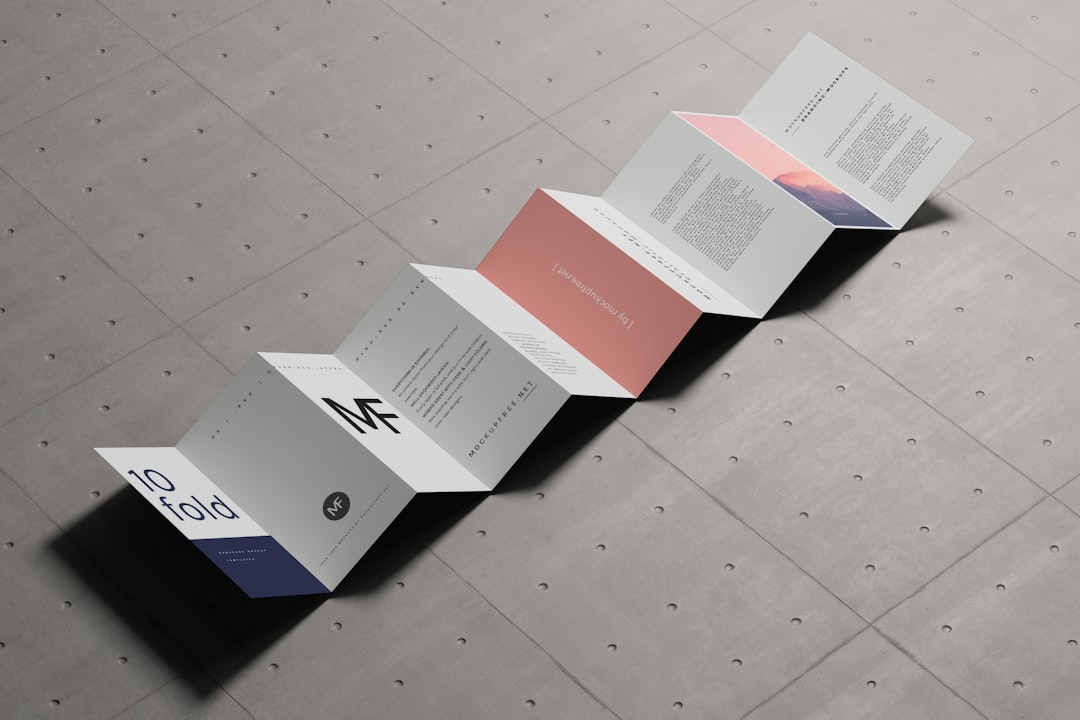
4. Zazzle: Best for Variety and Niche Styles
Zazzle offers a large marketplace of customizable business card designs, making it useful for people who want something specific, visual, or unconventional. Its selection includes minimalist cards, bold illustrated styles, industry-specific templates, and more decorative options.
Because many designs are created by independent designers, the range is broad. This can be helpful if your business has a distinctive personality or operates in a niche where generic corporate templates feel unsuitable. However, the variety also means quality and style consistency can differ from one template to another, so careful selection is important.
Best for: independent professionals, niche businesses, personal brands, and users seeking unusual design styles.
5. GotPrint: Best for Budget-Conscious Bulk Orders
GotPrint is often chosen by businesses that need cost-effective printing, especially in larger quantities. It offers standard cards as well as premium options, including thicker stocks and special shapes. For companies ordering cards for multiple staff members or for frequent networking events, the pricing can be attractive.
The platform may not feel as polished as some design-first services, but it performs well for straightforward print needs. If you already have a completed design from a professional designer, GotPrint can be a practical production partner.
Best for: companies ordering in volume, budget-conscious startups, and users with finished artwork.
6. Jukebox: Best for Specialty Materials and Unique Finishes
Jukebox is a serious option for brands that want distinctive materials or high-end production details. It offers choices such as textured paper, recycled stocks, painted edges, foil, letterpress, and unusual materials. These features can help a business card stand out in competitive industries.
This type of provider is best when the card itself is part of the brand experience. For example, a premium restaurant, architecture studio, fashion label, or luxury consultant may benefit from a card that feels carefully crafted. The trade-off is usually higher cost and more attention required during setup.
Best for: luxury brands, creative studios, event professionals, and companies seeking memorable physical branding.
How Different Professionals Should Choose
Entrepreneurs should choose a business card maker that supports growth. At the beginning, flexibility and affordability are important, but the design should still look credible. Services such as VistaPrint and Canva are often practical starting points.
Freelancers should focus on personality and clarity. A card should quickly explain what you do and how to contact you. Designers, photographers, writers, coaches, and consultants may benefit from more customized visuals or premium finishes, making Canva, Moo, or Zazzle strong candidates.
Companies need consistency. If several employees require cards, brand control becomes more important than individual creativity. Companies should look for reliable reordering, consistent color reproduction, saved templates, and clear approval processes. VistaPrint, GotPrint, and premium providers can work well depending on budget and brand standards.

Common Mistakes to Avoid
- Using text that is too small: Contact details must be readable at a glance.
- Ignoring bleed and margins: Important details too close to the edge may be cut off.
- Choosing style over clarity: A beautiful card still needs to communicate effectively.
- Uploading low-resolution logos: Blurry branding makes the entire card look unprofessional.
- Overloading the design: Too many colors, fonts, or icons can weaken the impression.
Final Recommendation
There is no single best business card maker for everyone. VistaPrint is a dependable choice for everyday business needs, Moo is ideal for premium impressions, Canva is excellent for accessible design control, Zazzle offers broad creative variety, GotPrint suits economical bulk orders, and Jukebox is valuable for specialty finishes.
The best decision comes from matching the provider to your business purpose. If your card will be handed out at high-value meetings, invest in better materials. If you need practical cards for a growing team, prioritize consistency and reordering. Above all, choose a card maker that helps your brand appear clear, credible, and professionally presented.