
A strong WordPress trading card collection site should treat One Piece cards as searchable data, not as a pile of image posts. The best setup uses custom card fields, clean filters, sharp card images, and clear pages for values, rarity, sets, characters, and ownership status.
TLDR: A One Piece card website works best when each card has its own profile with rarity, set, number, color, type, market value, image, and condition notes. For example, a collector with 500 cards can cut sorting time by roughly 70% if visitors filter by set, leader color, rarity, and price range instead of scrolling through galleries. The site can start as a personal checklist, then grow into a price guide, trade hub, or affiliate store. WordPress is a practical choice because it keeps content, images, SEO, and user accounts in one place.
Why One Piece Trading Cards Need a Proper Website
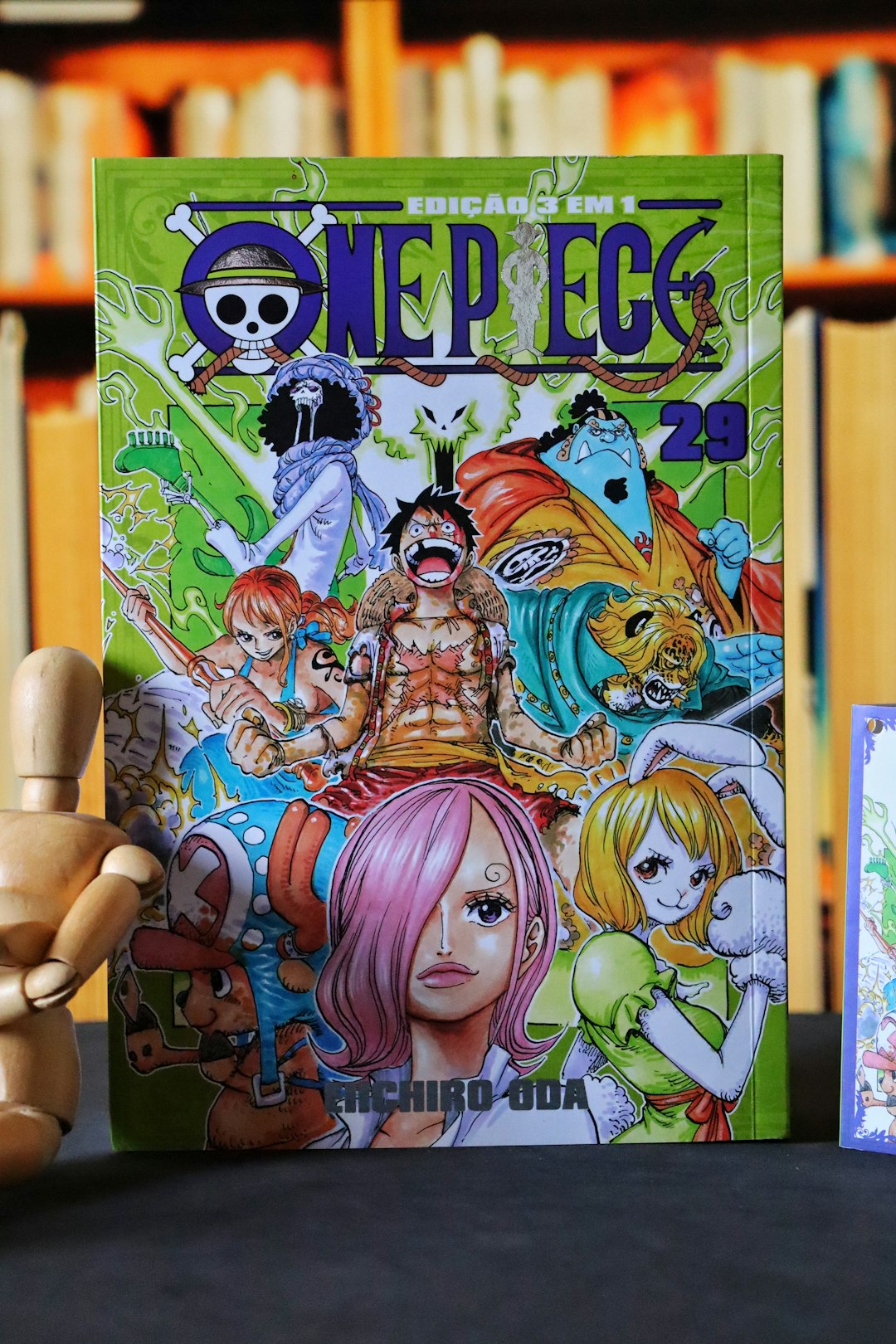
One Piece cards are not simple collectibles. A single card can have multiple versions, alternate art prints, tournament promos, manga rares, starter deck variants, and region differences. That makes a basic blog layout feel messy fast.
A collector site should help users answer quick questions:
- Which One Piece cards are the best to collect?
- Which cards are missing from a set?
- What is the current value of a specific card?
- Which cards belong to a character like Luffy, Zoro, Nami, or Law?
- Which cards are owned, wanted, graded, or available for trade?
The catch is that WordPress does not do this well out of the box. Regular posts are too loose. Pages are too stiff. A proper card database needs structure.
Step 1: Pick a Lean WordPress Foundation
The site owner should begin with reliable hosting, a fast theme, and a clean plugin stack. Speed matters because card sites rely on many images. If every card scan takes three seconds to load, visitors will bail before reaching the good cards.
A good basic stack includes:
- Lightweight theme: GeneratePress, Astra, Kadence, or a custom block theme.
- Custom fields: Advanced Custom Fields or Meta Box.
- Custom post types: Custom Post Type UI or code in a small site plugin.
- Filtering: FacetWP, Search & Filter, or a similar filter plugin.
- Image compression: ShortPixel, Imagify, or EWWW Image Optimizer.
- SEO: Rank Math or Yoast SEO.
Honestly, it feels like some collection sites waste ten extra clicks just to find one card. The homepage should place search, filters, and popular sets near the top.
Step 2: Create a Custom Post Type for Cards
Each One Piece card should be stored as a separate item, not buried inside a gallery. The site owner can create a custom post type called Cards. This makes every card easy to edit, rank, search, and share.
Useful card fields include:
- Card name: Monkey D. Luffy, Roronoa Zoro, Trafalgar Law.
- Card number: Such as OP01-001 or ST01-001.
- Set name: Romance Dawn, Paramount War, Pillars of Strength, starter decks, promos.
- Rarity: Common, Uncommon, Rare, Super Rare, Secret Rare, Manga Rare.
- Color: Red, green, blue, purple, black, yellow, or mixed color.
- Card type: Leader, Character, Event, Stage, DON card.
- Cost and power: Useful for players and deck builders.
- Market value: Low, average, high, or manually entered price.
- Condition: Near mint, lightly played, damaged, graded.
- Ownership status: Owned, wanted, for trade, sold.
This setup turns a normal WordPress website into a real collection database. It also helps search engines understand each card page.
Step 3: Build Pages for the Best One Piece Cards
The phrase best cards can mean different things. Some users want the most valuable cards. Others want the strongest competitive cards. Some only care about art, character popularity, or long-term collectibility.
A useful site should split best-card content into clear lists:
- Best One Piece cards by value for collectors tracking chase cards.
- Best One Piece cards for gameplay for players building decks.
- Best manga rare cards for premium collectors.
- Best starter deck cards for beginners.
- Best character cards for fans of Luffy, Shanks, Ace, Zoro, and Nami.
Each list should link to full card profiles. A short table works well here. It can show card name, set, rarity, price range, and why the card matters.
Image not found in postmetaStep 4: Add Filters That Collectors Actually Use
Filters are the heart of the site. A visitor should be able to find “red super rare cards from OP03” in seconds. If that takes more than one minute, the filter system has failed.
The best filter options include:
- Set
- Rarity
- Color
- Card type
- Character
- Price range
- Owned or wanted status
- Graded or ungraded
For larger collections, the site owner should also add sorting by newest cards, highest value, alphabetical order, and card number. Small touches like these make the site feel far less clunky.
Step 5: Use High Quality Images Without Slowing the Site
Card images sell the experience. They also wreck load speed if handled poorly. Every card page should include a sharp front image. If the site tracks condition, the owner may add back images, corner closeups, and graded slab photos.
Images should be compressed, resized, and served in modern formats when possible. A card image around 800 to 1200 pixels tall is usually enough for browsing. Full-size scans can be reserved for logged-in users or detailed pages.
Alt text should describe the card clearly. For example: “Monkey D. Luffy Super Rare card from Romance Dawn set.” This helps SEO and accessibility.
Step 6: Add Collection Features
A personal checklist is fine at first. A better site lets users track their own collections. WordPress can support this with user accounts, custom tables, or membership plugins.
Useful collection features include:
- Owned cards checklist
- Wishlist tracking
- Duplicate count
- Trade availability
- Estimated collection value
- Export to CSV
A simple scenario shows the value. A collector owns 1,200 cards, with 180 duplicates. After adding duplicate tracking, the collector can list trades in minutes instead of digging through binders for an hour.
Step 7: Monetize Without Making the Site Annoying
A One Piece card site can earn money, but it should not feel like a pop-up trap. Clean monetization works better for collectors.
Good options include affiliate links to card marketplaces, display ads on price guide pages, sponsored set reviews, paid collection tools, or a small WooCommerce store for singles and accessories. Price pages should stay honest. If a card is overpriced, the page should say so.
Step 8: Plan for SEO Early
Each card page should target specific searches. Titles like “OP01-120 Shanks Secret Rare Card Price and Details” work better than vague titles like “Cool Shanks Card.”
Strong SEO content includes set guides, price updates, card checklists, rarity explainers, and comparison posts. The site owner should also use internal links between characters, sets, and card pages. This helps visitors move through the site and keeps older cards useful.
FAQ
What is the best way to display One Piece cards in WordPress?
The best method is a custom post type for cards with structured fields for rarity, set, card number, color, price, and ownership status. This is cleaner than using regular blog posts.
Can WordPress handle a large trading card database?
Yes. WordPress can handle thousands of card entries if the site uses good hosting, optimized images, caching, and efficient filters.
Which One Piece cards should a site feature first?
The site should start with popular chase cards, manga rares, secret rares, starter deck staples, and fan favorite characters such as Luffy, Zoro, Shanks, Ace, and Law.
Should the website show card prices?
Yes, if prices are updated often or clearly marked as estimates. Stale prices can frustrate collectors, so each price page should show a last updated date.
Can the site include user collections?
Yes. User accounts can support owned cards, wishlists, duplicate counts, and trade lists. This turns the site from a catalog into a useful collector tool.
Does a One Piece card site need WooCommerce?
Only if the owner plans to sell cards, binders, sleeves, or digital tools. For a pure checklist or price guide, WooCommerce is optional.