
Choose managed WordPress hosting if you want WordPress to “just work.” Choose cloud hosting if you want control, scaling power, and do not mind getting your hands dirty. That is the whole fight in one sentence. In 2026, both can be fast. Both can be secure. The best choice depends on your time, skills, traffic, and stress limit.
TL;DR: Pick managed WordPress hosting for blogs, business sites, agencies, and WooCommerce stores that need support and easy care. Pick cloud hosting for apps, custom stacks, big traffic swings, or teams with a developer. For example, a store doing 80,000 visits per month may save 6 to 10 hours monthly with managed hosting. But a SaaS team that needs Node.js, Redis, workers, and custom server rules will likely feel trapped there.
What managed WordPress hosting really means
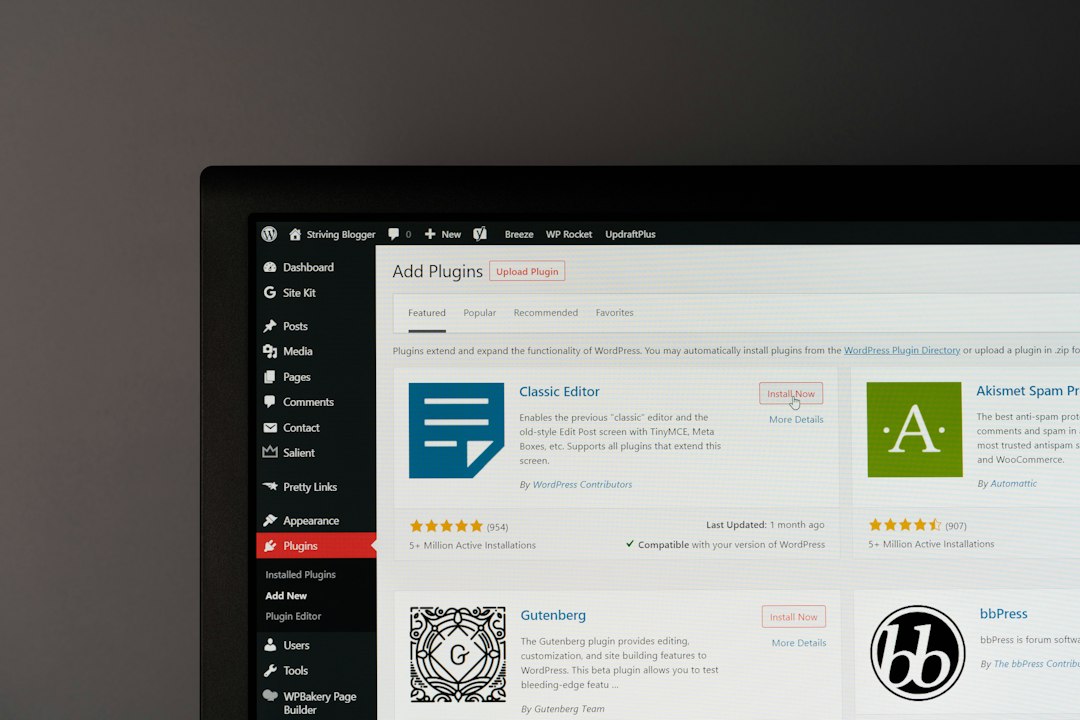
Managed WordPress hosting is hosting built only for WordPress. The host tunes the server for WordPress. They handle updates, backups, caching, security rules, staging, and support.
Think of it like renting an apartment with a super. The lights work. The pipes work. If something breaks, you call someone.
Good managed WordPress hosts usually include:
- Automatic backups, often daily or hourly.
- WordPress focused support, not generic server replies.
- Built in caching for speed.
- Staging sites for testing changes.
- Malware scanning and cleanup options.
- Easy SSL and basic firewall protection.
It is great when you care more about publishing, selling, or marketing than server chores. Honestly, it feels silly when a tiny plugin update eats your whole Tuesday. Managed hosting helps avoid that mess.
What cloud hosting really means
Cloud hosting gives you server resources from a cloud provider. You rent CPU, RAM, storage, and network power. You can scale up. You can add services. You can build almost anything.
But there is a trade. More freedom means more responsibility.
Cloud hosting may mean a simple cloud VPS. It may also mean a full setup with load balancers, object storage, containers, databases, and monitoring. That can be powerful. It can also become a tiny monster with invoices.
Cloud hosting is a better fit when you need:
- Full server control.
- Custom software beyond WordPress.
- Unusual traffic spikes.
- Advanced scaling.
- Separate database services.
- Developer workflows with CI, containers, or scripts.
The catch is billing can get weird. One extra database. One backup volume. One forgotten test server. Suddenly your $30 plan is $96. Nobody claps.
The 2026 hosting question: time or control?
This is the key choice.
If you value time, choose managed WordPress hosting.
If you value control, choose cloud hosting.
That sounds simple because it is. Most bad hosting choices happen when people buy for some future fantasy. They imagine huge traffic. They imagine complex tools. Then they spend 13 seconds more than usual waiting for a server panel to load while trying to fix a cache rule. Fun? No.
Buy for the site you have now. Plan for the next 12 months. Not for the empire in your head.
Choose managed WordPress hosting if…
- You run a WordPress blog, portfolio, or business site.
- You sell with WooCommerce and need fewer disasters.
- You do not have a developer on call.
- You hate server updates.
- You want support that knows plugins, themes, and PHP errors.
- You need fast setup for clients.
- You care about sleep.
Managed WordPress hosting shines for small and mid sized businesses. It is also good for agencies. A staging site alone can save hours. Test the new theme. Push it live. Done.
It also reduces blame ping pong. With cheap generic hosting, support may say, “Ask your plugin maker.” The plugin maker may say, “Ask your host.” Managed WordPress support is usually better at spotting the real issue.
Choose cloud hosting if…
- You need more than WordPress.
- You run a custom app beside your site.
- You have a technical team.
- You want custom server packages.
- You need advanced scaling rules.
- You handle big data jobs or queues.
- You want to tune costs at a deep level.
Cloud hosting is the right tool for complex builds. It is also smart for high traffic projects with odd traffic patterns. For example, a news site may get 5,000 visits on a normal hour, then 200,000 after one viral post. Cloud setups can stretch for that, if built well.
But “if built well” is doing a lot of work there. A poor cloud setup is not magic. It is just a slow server with a cooler name.

Speed in 2026: both can win
Speed is no longer only about the server. It is about caching, database health, image size, CDN use, theme weight, and plugin choices.
A good managed WordPress host can be very fast. They usually include page caching, object caching, PHP tuning, and a CDN option. That is enough for most sites.
A good cloud setup can be faster at the high end. You can split the database. Add Redis. Use edge caching. Move media to object storage. Fine tune workers. Great stuff.
But if your homepage has a 9 MB hero image and 38 plugins, no host can save you fully. That is not hosting. That is a digital sandwich with bricks in it.
Security: who holds the mop?
Security is where managed hosting feels nice. The host often watches for known plugin attacks, bad login attempts, malware, and outdated PHP versions. They may block risky plugins too.
That can annoy some users. But it protects many sites.
Cloud hosting gives you more control. You choose firewall rules, patches, logs, SSH access, and backup systems. This is strong in skilled hands. It is risky in lazy hands.
Ask yourself one blunt question:
If the site gets hacked at 2:13 a.m., who fixes it?
If the answer is “me, after Googling angry forum posts,” managed hosting may be your friend.
Cost: simple bill or custom bill?
Managed WordPress hosting often costs more at first glance. Plans may start around $20 to $40 per month for small sites. Busy WooCommerce sites can cost $100 to $500+ per month.
Cloud hosting can start cheap. A small server may be $6 to $20 per month. But you may also pay for backups, storage, bandwidth, monitoring, email, security tools, and admin time.
Here is the simple math:
- Managed hosting: higher monthly price, lower time cost.
- Cloud hosting: lower entry price, higher setup and care cost.
If your time is worth $50 per hour, and managed hosting saves 4 hours monthly, that is $200 in saved time. Suddenly a $60 plan looks less scary.
Support: WordPress help or server help?
Support is a huge difference.
Managed WordPress support can help with WordPress errors, plugin conflicts, slow queries, cache issues, and staging. They may not fix your custom code. But they understand the house you live in.
Cloud support depends on the provider and plan. Basic support may only cover the platform. They may tell you the server is online. That is technically true. It is also not helpful when WordPress is showing a white screen.
If you are not technical, this matters a lot.

A quick decision checklist
Use this before you buy.
- Is the site mostly WordPress? Pick managed WordPress hosting.
- Do you need custom apps? Pick cloud hosting.
- Do you have no tech person? Pick managed WordPress hosting.
- Do you need root access? Pick cloud hosting.
- Is uptime tied to revenue? Pick the option with better support and backups.
- Do you expect wild traffic swings? Cloud may fit, but only with proper setup.
- Do clients need easy staging? Managed WordPress hosting wins.
The best choice for most people
For most WordPress users in 2026, managed WordPress hosting is the safer pick. It is easier. It is cleaner. It removes boring maintenance work.
Cloud hosting is excellent when you need its power. It is not the prize for being “serious.” It is just a different tool.
So pick managed WordPress hosting if you want to grow a site without babysitting a server. Pick cloud hosting if your project needs custom parts and your team can run them well.
Simple rule: if hosting is not your job, do not make it your new hobby.