
The best LLM for data analysis is usually the one that can inspect files, write working code, explain results, and show its reasoning clearly. For many teams, that means using ChatGPT with Advanced Data Analysis, Claude for careful written interpretation, Gemini for Google Workspace workflows, or a coding-first setup such as Python notebooks when accuracy and repeatability matter most.
TLDR
LLM data analysis tools are best for quick exploration, plain-language summaries, chart ideas, and first-pass insights. AI coding and analytics alternatives are better when the work must be audited, rerun, or connected to production data. For example, a sales team with 50,000 rows of CRM data might use an LLM to find that churn is 18% higher among customers with fewer than three support interactions, then ask a data analyst to verify it in Python or SQL. The smartest setup is often mixed: LLM for speed, code for trust, BI for reporting.
What Makes an LLM Good for Data Analysis?
A strong data analysis LLM does more than answer questions. It should read CSV, Excel, JSON, PDF, and database exports. It should create charts, detect outliers, suggest statistical tests, and explain what changed in simple language.
Still, raw intelligence is not enough. The tool must handle messy columns, missing values, weird date formats, duplicate records, and business context. It drives teams crazy that some tools sound confident while quietly skipping rows or misreading column headers. A 20-second answer is not useful if the model misunderstood the data.
The best tools share several traits:
- File handling: support for spreadsheets, logs, survey exports, and structured data.
- Code execution: the ability to run Python, R, SQL, or internal scripts.
- Transparent steps: clear methods, formulas, assumptions, and caveats.
- Chart creation: quick visual output for trends, segments, and comparisons.
- Privacy controls: limits on training use, retention, and data access.
- Integration: connections to BI tools, warehouses, notebooks, or business apps.
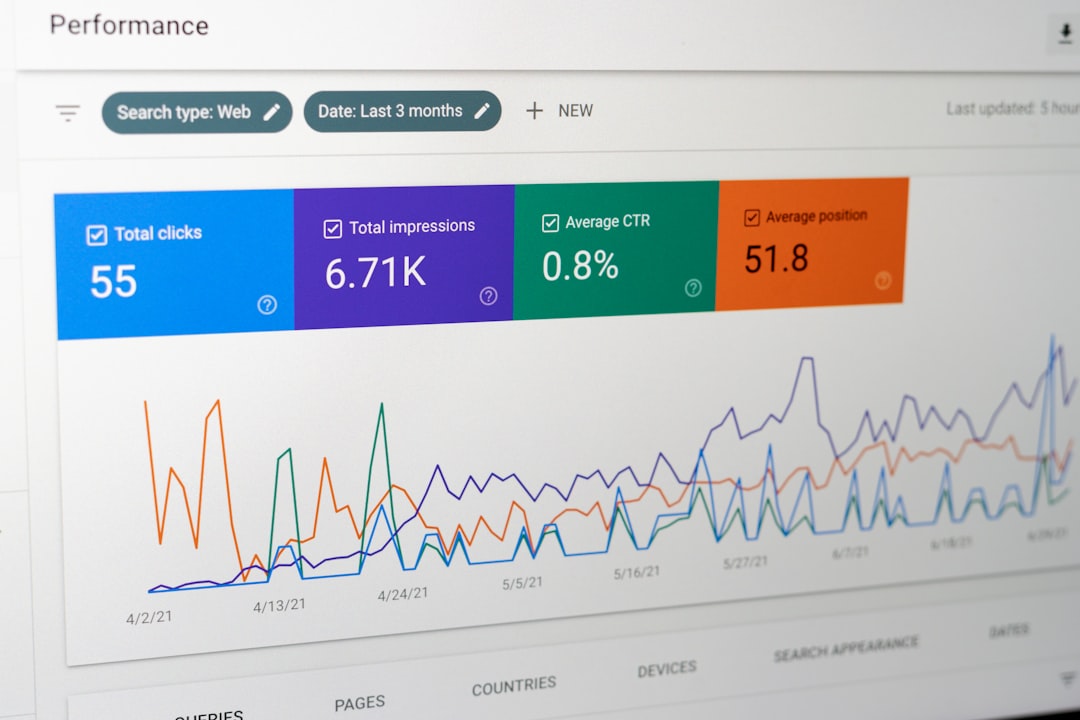
Top LLM Options for Data Analysis
ChatGPT with Advanced Data Analysis
ChatGPT is often the strongest general choice for ad hoc analysis. It can inspect uploaded files, write Python, create charts, summarize findings, and suggest next steps. It works well for analysts, marketers, operators, and founders who need fast answers from spreadsheets.
Its main strength is the blend of coding and explanation. A user can ask for revenue by cohort, margin by product line, or anomalies in web traffic. The model can then generate code, run it, and explain the result in plain English.
The weak spot is consistency. It may choose odd chart types or make assumptions unless prompted carefully. For serious work, teams should ask it to show cleaning steps, row counts, formulas, and code outputs.
Claude
Claude is a strong option for interpreting reports, documents, survey responses, and long business context. It is often valued for readable summaries, cautious wording, and structured reasoning. It can be especially useful when the dataset sits beside interview notes, research files, or policy documents.
Claude may feel less like a pure analytics workbench than code-centered tools. Yet it is very good at turning messy information into executive summaries, themes, risks, and recommendations. For qualitative analysis, it can be excellent.
Gemini
Gemini is useful for teams tied to Google Sheets, Google Drive, and Google Workspace. It can help summarize spreadsheet content, generate formulas, and assist with analysis inside familiar tools. That makes it attractive for business users who do not want to move files between systems.
The tradeoff is depth. For complex statistical modeling or custom data pipelines, coding tools still tend to give more control. Gemini works best when the task is close to everyday office analysis.
Open Source and Private LLMs
Open source models can be useful when data privacy or internal hosting is the main concern. Companies can run models inside controlled infrastructure and connect them to approved databases. This can reduce risk for finance, healthcare, legal, and enterprise analytics teams.
The downside is setup time. Model hosting, permissions, monitoring, and evaluation require skilled engineers. Honestly, it feels like some teams spend three weeks building an internal chat interface just to recreate basic spreadsheet Q&A. That effort only pays off when privacy, scale, or customization is worth the cost.
Image not found in postmetaLLM Data Analysis Tools vs AI Coding Tools
LLM data analysis tools are best when the question is still fuzzy. They help teams explore data, ask follow-up questions, and spot patterns. They are ideal for work such as:
- Finding trends in sales, support, marketing, or product data.
- Summarizing survey responses and internal feedback.
- Creating first-draft charts and dashboards.
- Explaining metrics to non-technical stakeholders.
- Generating SQL or Python for later review.
AI coding tools are better when precision matters. Tools such as GitHub Copilot, Cursor, Replit AI, and notebook assistants help analysts write code faster. They do not replace statistical judgment, but they can speed up cleaning, joins, transformations, tests, and visualizations.
The main difference is control. In a chat-based tool, the model may hide parts of the process unless asked. In a coding setup, the analyst sees the code, stores it, tests it, and reruns it. That matters for monthly reports, regulated analysis, forecasting models, and board-level metrics.
Analytics Platforms Still Matter
LLMs are not a clean replacement for BI or analytics platforms. Tools such as Tableau, Power BI, Looker, Mode, Hex, Databricks, Snowflake, and BigQuery still handle governed reporting, shared dashboards, access control, and large-scale data work.
The best workflow often looks like this:
- BI tool: tracks trusted metrics such as revenue, churn, CAC, and retention.
- LLM: explains changes, suggests questions, and drafts analysis notes.
- Notebook or SQL tool: verifies the math and produces reusable work.
- Business report: shares a clean summary with charts and decisions.
This split prevents a common problem: treating a chatbot answer as a source of truth. LLMs are excellent assistants. They are not a substitute for clean data models, metric definitions, or analyst review.
Best Choice by Use Case
- Small business spreadsheet analysis: ChatGPT with file analysis is often the quickest fit.
- Research summaries and customer feedback: Claude is strong for text-heavy analysis.
- Google Sheets workflows: Gemini fits teams already working in Google apps.
- Repeatable reporting: SQL, Python, Power BI, Tableau, or Looker should lead.
- Highly sensitive data: private LLMs or approved enterprise tools are safer.
- Data science and modeling: notebooks with AI coding support are usually the best route.
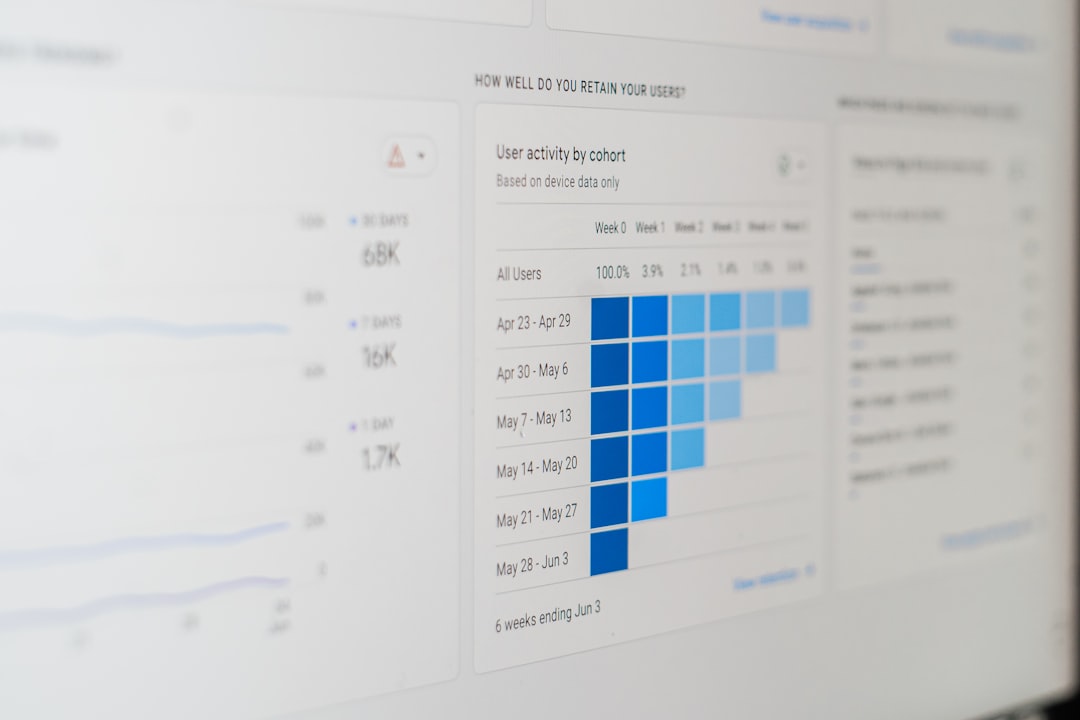
How Teams Should Choose
Teams should start with risk, not hype. If the analysis affects payroll, pricing, compliance, or investor reporting, it needs reproducible code and human review. If the goal is quick insight, brainstorming, or a rough read on a dataset, an LLM data tool can save hours.
A practical rule works well: use an LLM to explore, use code to confirm, use BI to share. That keeps speed without giving up trust. It also reduces rework caused by unclear prompts, hidden assumptions, and one-off answers.
FAQ
What is the best LLM for data analysis?
ChatGPT with Advanced Data Analysis is often the best general-purpose option because it can read files, run code, create charts, and explain results. Claude and Gemini may be better for specific workflows.
Can an LLM replace a data analyst?
No. An LLM can speed up cleaning, exploration, charting, and explanation. A data analyst is still needed for validation, metric design, business context, and final judgment.
Are LLM data analysis tools accurate?
They can be accurate for simple tasks, but they can also make mistakes. Teams should verify row counts, formulas, filters, and statistical methods before acting on the results.
Is Python better than an LLM for analytics?
Python is better for repeatable, auditable, and complex analysis. An LLM is better for quick questions, plain-language summaries, and first drafts. The strongest workflow often uses both.
What data should not be uploaded to an LLM?
Teams should avoid uploading sensitive customer data, health records, financial records, credentials, trade secrets, or regulated data unless the tool has approved privacy and security controls.
What is the best setup for a business team?
A balanced setup works best: BI for trusted dashboards, an LLM for exploration and explanation, and SQL or Python for verified analysis. This gives speed without losing control.