
Files by Google is the safest first pick if you want an app like CleanX that clears junk, finds large files, and helps free storage without acting shady. Google says Android app archiving can free up nearly 60% of an app’s storage while keeping user data, which shows how much space can be recovered with the right tools [source: Google].
TLDR: Start with Files by Google for Android because it is simple, free, and low risk. If your phone has 128 GB storage and only 6 GB free, removing duplicate downloads, cached files, and 20 large videos can quickly recover 10–25 GB. For deeper cleanup, try CCleaner or Avast Cleanup. iPhone users should focus on photo cleanup with Cleaner Kit, since iOS blocks many deep cleaning features.
What to Look for in a CleanX Alternative
A good phone cleaning app should do more than show scary red warnings. It should explain what it wants to delete. It should let you review files before removal. It should not push fake “virus found” alerts.
Honestly, it feels like too many cleaner apps try to make users panic. That is a bad sign. A serious cleaner should help with storage, photos, downloads, duplicate files, app cache, and unused apps. It should not promise miracle speed boosts.
- Clear file previews before deletion.
- Large file finder for videos, downloads, and media folders.
- Duplicate photo detection with manual review.
- Low ad pressure and clear pricing.
- Privacy controls that explain file access.
1. Files by Google: Best Overall CleanX Alternative
Best for: Android users who want a safe, free cleaner.
Files by Google is not flashy. That is a good thing. It focuses on real storage problems: large files, old downloads, duplicate files, blurry photos, and unused apps. It also works as a file manager, so you can move, share, or delete items from one place.
The app gives clear suggestions but does not delete things without asking. That matters. One wrong tap in a cleaner app can wipe photos, work files, or chat downloads. Files by Google keeps the process calm and easy to check.
Pros:
- Free to use.
- Built by Google.
- Good file previews.
- No strange “boost phone now” tricks.
Cons:
- Android only.
- Not as aggressive as paid cleaners.
- Limited photo sorting compared with dedicated gallery cleaners.
Verdict: This is the app most people should try first. It is practical, clear, and low risk.
2. CCleaner: Best for Detailed Android Cleanup
Best for: users who want more control over cache, app data, and storage reports.
CCleaner is a known name in cleaning software. Its Android app can scan junk files, app cache, downloads, APK files, media folders, and hidden storage waste. It also gives a simple view of which apps use the most space.
The free version is useful, but expect upgrade prompts. They are not shocking, but they do slow things down. It is mildly annoying when a basic scan takes a few extra taps because the app wants you to see premium options first.
Pros:
- Good storage breakdowns.
- Finds cache and temporary files.
- Can show resource-heavy apps.
- Simple user interface.
Cons:
- Premium prompts can get in the way.
- Some features overlap with Android settings.
- Not ideal for users who dislike ads or upsells.
Verdict: Pick CCleaner if you want more detail than Files by Google gives, but still want a familiar app.
3. Avast Cleanup: Best for Automated Maintenance
Best for: Android users who want scheduled cleanup and photo suggestions.
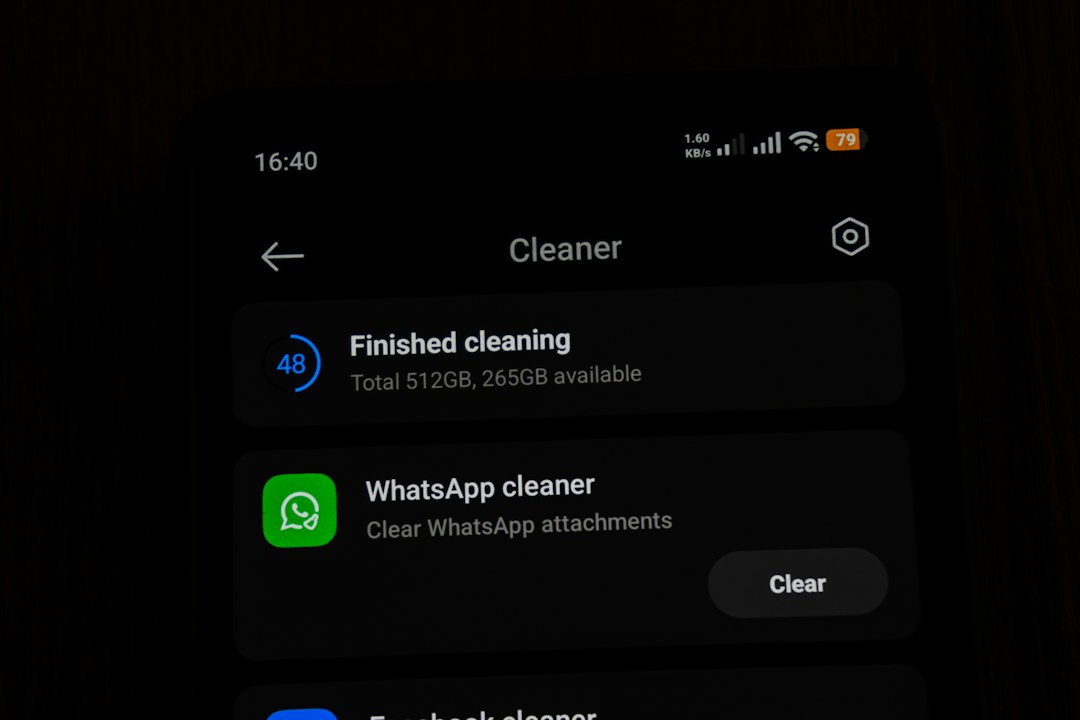
Avast Cleanup aims to reduce manual work. It can scan hidden cache, leftover files, thumbnails, large media, and apps you rarely use. It also includes photo tools that flag similar shots, dark photos, and bad images.
The app is strongest when used weekly. For example, someone who records short videos every day may build up 15 GB of media in a month. Avast Cleanup can group those files so they are easier to review.
The catch is that automation needs trust. You should still check every cleanup list before deleting anything. Similar photos are not always duplicates. Sometimes one image has better lighting, and the app may not know that.
Pros:
- Strong automatic cleanup options.
- Useful photo review tools.
- Good for heavy media users.
- Can help spot unused apps.
Cons:
- Some features require payment.
- Can feel busy for casual users.
- Needs careful review before deletion.
Verdict: Avast Cleanup is a solid choice if your storage fills up often and you want reminders, scans, and guided cleanup.
4. Cleaner Kit: Best CleanX Alternative for iPhone
Best for: iPhone users who need help with photos, videos, contacts, and calendar clutter.
iPhones do not allow cleaner apps to remove system cache the same way Android does. That is why many iPhone cleaners focus on photos and contacts. Cleaner Kit fits that role well. It can find similar photos, large videos, screenshots, duplicate contacts, and old calendar items.
This is useful because photos are usually the real storage problem on iPhones. A few 4K videos can take several gigabytes. Hundreds of screenshots can also pile up fast. Cleaner Kit makes those groups easier to review.
Pros:
- Good for duplicate and similar photos.
- Helps clean large videos.
- Can organize contacts.
- Simple for nontechnical users.
Cons:
- Deep system cleaning is not possible on iOS.
- Subscription pricing may not suit everyone.
- Photo review still takes time.
Verdict: Use Cleaner Kit if you are on iPhone and your storage warning is mostly caused by photos and videos.
Quick Comparison
- Best free option: Files by Google.
- Best detailed Android cleaner: CCleaner.
- Best automated Android cleanup: Avast Cleanup.
- Best iPhone option: Cleaner Kit.
Final Recommendation
If you use Android, start with Files by Google. It is safe, free, and does the main job well. Move to CCleaner or Avast Cleanup only if you need deeper scans or scheduled cleaning.
If you use iPhone, pick Cleaner Kit, but keep your expectations realistic. iOS will not let third-party apps clean every hidden system file. The biggest wins will come from deleting large videos, duplicate photos, old screenshots, and unused apps.
For best results, run a cleanup once a month. Review before deleting. Back up important photos first. A cleaner app should save time, not create a new problem.