
Macs are sleek, powerful, and a joy to use. But sometimes—when you really need to get things done—you just wish you could talk to your machine, tell it what to do, and watch it go to work. That’s where command-based productivity apps come in. These nifty tools let you type your tasks or actions and have your Mac respond with superpowers.
TL;DR: Want to make your Mac smarter, quicker, and more user-friendly? Use command-driven apps to boost your productivity. From launching files to managing tasks, these four Mac apps will turn you into a power user, fast. Type, trigger, and conquer your work day like a pro.
1. Raycast – The Fastest Command Bar Ever
Raycast is like Spotlight search—but on caffeine and protein shakes. It’s a keyboard-friendly powerhouse that lets you run tasks, open apps, control settings, and even write custom scripts—all without touching your mouse.
Here’s why Raycast is amazing:
- Lightning fast – Hit
Cmd + Space(or your custom shortcut), and Raycast is ready for action. - Plugin paradise – Browse thousands of extensions for everything from Spotify control to GitHub PRs.
- Custom commands – Use your own scripts? Raycast executes shell, Python, or JavaScript like a champ.
- Clipboard history – Recover anything you’ve copied with a search-friendly log.
You can skip clicking through folders and menus. Just say (well, type) what you need and let Raycast work its magic.

Bonus: It looks beautiful with dark mode vibes and buttery-smooth animations. Oh, and it’s free.
2. Alfred – Your Personal Mac Butler
Alfred has been around for years, and it’s still one of the best. Think of it like a butler for your Mac, one that listens carefully and acts smartly.
Main powers of Alfred:
- Search genius – Find files, folders, and even web results with blazing speed.
- Workflows – Create powerful action chains that can manipulate text, open apps, fetch data, or do basically anything with a string of commands.
- Clipboard manager – It stores your copy-paste history so nothing gets lost.
- Snippets – Save time by auto-expanding your most-used texts and logins.
If you love automation, Alfred’s Powerpack add-on is totally worth it. You can build workflows that feel like your Mac is reading your mind.
Example: Type “email John”, and you’ll be writing an email to John before your coffee cools down.
3. Espanso – The Snippet Automator
Do you type the same things over and over? Espanso is your new best friend. It’s a powerful text expander that lets you insert predefined text or commands by typing a few characters.
Why Espanso rules:
- Powerful snippets – Auto-expand shortcuts like
:addrto your full address. - Dynamic inputs – Use forms and scripts to insert variable info, dates, or responses.
- Cross-app support – It works in browsers, email, editors—everywhere.
- Scriptable – Espanso can even run shell commands or fetch API data on the fly.
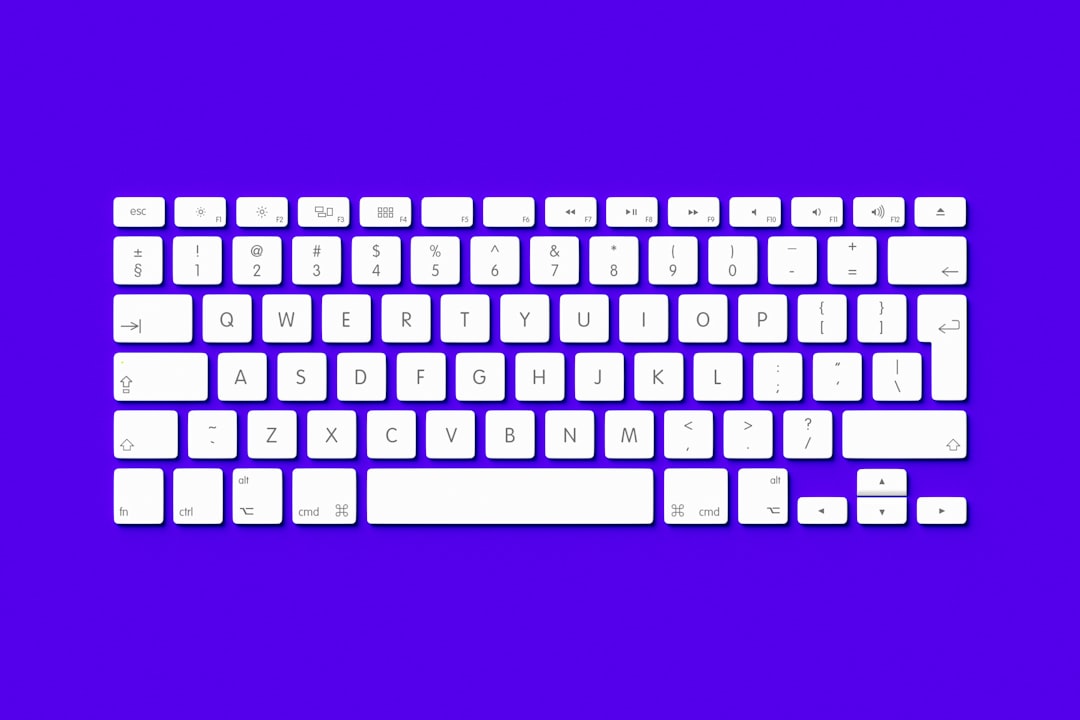
Need to send the same customer support reply? Just tap :reply and boom—it’s there. Want your current date or clipboard pasted? There’s a snippet for that too.
Tip: Tech support agents, coders, writers, and even students love Espanso. Once you set up your top snippets, you’ll wonder how you lived without it.
4. Hammerspoon – Mac Scripting on Steroids
Ready to go full nerd? Hammerspoon is a Swiss army knife for your Mac, controlled by Lua scripts. It connects the deepest corners of macOS to custom behaviors and actions. If your fantasy is commanding your computer like Jarvis from Iron Man—this is it.
What makes Hammerspoon epic:
- Endless automation – Resize windows, move files, change wallpaper, launch apps—all from one place.
- Keyboard triggers – Map your own hotkeys to do tasks instantly.
- Custom alerts and widgets – Add weather, network status, or CPU load to your screen with style.
Imagine: When your camera turns on, your lights auto-dim. When you plug in your charger, a greeting pops up. With Hammerspoon’s scripting power, you can make it happen.
It’s definitely a geekier option, but communities and docs are super helpful. If you like puzzles and power, this will feel like playtime.
How Do These Apps Work Together?
Each app has its superpower. But together, they’re unstoppable.
- Use Raycast to launch everything with a keystroke.
- Alfred’s workflows give you multi-step automation without scripting.
- Espanso makes sure you never retype anything again.
- Hammerspoon lets you create totally custom, reactive setups.
Want to go nuts? Set a Raycast command to run an Alfred workflow, which triggers a script that Hammerspoon uses to change your window layout, and drops in your project name using Espanso. That’s real power.
Why Use Command-Driven Apps?
Speed. Focus. Flow.
These tools strip away distractions. You’re not clicking through endless menus—you’re just typing what you want, and getting it. It feels like casting spells, but for work.
And because everything’s at your fingertips, you stay in flow longer. No app switch fatigue. No forgetting what you were doing. Just smooth, productive motion.

Final Thoughts
Your Mac is already pretty smart. But with these four command-based apps, it becomes a productivity beast.
Start with Raycast for quick commands and app launches. Add Alfred if you want deeper workflows and search control. Integrate Espanso to stop retyping stuff forever. And if you’re daring, master Hammerspoon for full automation freedom.
With these in place, suddenly your keyboard isn’t just for typing—it’s your command center.
Now go forth, type your commands, and rule your digital kingdom.