
Use WPA3 if your devices support it, keep WPA2 AES as a backup, and turn on guest network isolation for visitors and smart gadgets. That simple setup blocks most easy WiFi trouble. WPA3 uses stronger login protection than WPA2, including better defense against password guessing [source: Wi-Fi Alliance].
TLDR: Pick WPA3 Personal first. If your printer or old TV throws a fit, use WPA2 AES, not WPA2 TKIP. Put guests and smart home devices on a guest network with isolation on. Example: if 10 friends visit and one phone has junkware, isolation helps stop that phone from poking at your laptop, NAS, or security camera.
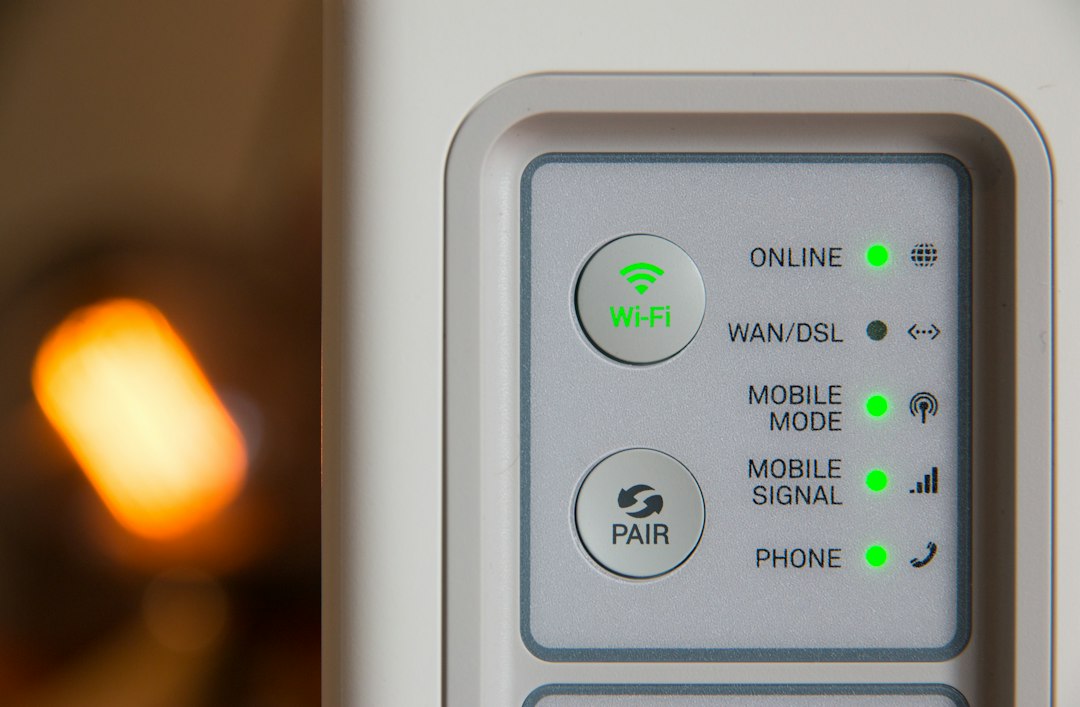
The best router security setup
Here is the quick recipe.
- Main WiFi: WPA3 Personal, if possible.
- Fallback: WPA2 Personal with AES only.
- Guest WiFi: On, with guest isolation enabled.
- WPS: Off. Always off.
- Router admin password: Long and unique.
- Firmware updates: On auto update, if your router supports it.
This is not fancy. It is just good hygiene. Like locking the front door and not leaving the spare key under a rock labeled “spare key.”
WPA3: the best choice
WPA3 is the newer WiFi security mode. It is the best pick for most homes.
Its biggest win is stronger protection when someone tries to guess your WiFi password. With older setups, attackers could capture some data and test passwords later. WPA3 makes that much harder.
WPA3 also helps on public-style networks. Some versions can encrypt traffic even when many people connect. That is great for coffee shops, offices, and shared spaces.
At home, WPA3 is simple. Turn it on if your router and devices support it. Your newer phones, laptops, and tablets probably do.
The annoying part? Some older smart plugs, cameras, printers, and TVs may refuse to connect. Honestly, it feels like every old printer has chosen chaos as a lifestyle.
WPA2: still okay, if you use AES
WPA2 is older, but it is not dead. It can still be safe enough for home use if you set it up right.
The magic word is AES. Use WPA2 Personal AES. Do not use TKIP. TKIP is old and weak. If your router shows “WPA/WPA2 mixed TKIP,” avoid it.
If WPA3 breaks your older devices, WPA2 AES is the safe fallback. Many routers also offer WPA2/WPA3 mixed mode. This lets new devices use WPA3 while older ones use WPA2.
That sounds perfect. It is not always perfect. Mixed mode can reduce some of the pure WPA3 benefits. Still, it is often better than fighting your router for 40 minutes while your smart bulb blinks like it is sending Morse code.
Guest network isolation: the quiet hero
A guest network is a second WiFi network. It uses a different name and password. Your visitors use it. Your main devices do not.
Guest isolation goes one step further. It stops guest devices from seeing other devices on your network.
That matters a lot.
- Your friend’s phone should not see your work laptop.
- Your smart doorbell should not talk to your tax documents.
- Your cheap smart plug should not sniff around your family photos.
Guest isolation is great for visitors. It is also great for smart home gear. Many smart devices are cheap. Some get rare updates. Some never get updates. Lovely.
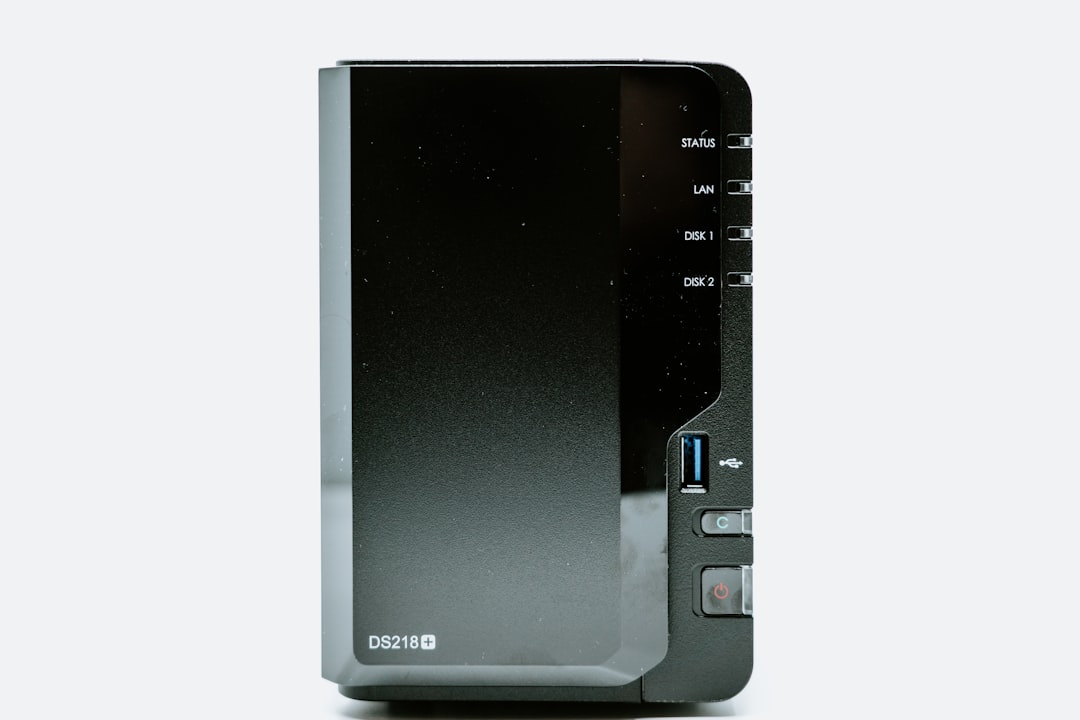
Use a guest network for smart devices
Put these on the guest network:
- Smart TVs
- Smart speakers
- Security cameras
- Smart plugs
- Robot vacuums
- Game consoles, if they do not need local sharing
Keep these on your main network:
- Work laptops
- Personal computers
- Phones
- Network storage drives
- Printers, if you print from home devices often
If you need to print from a guest network, some routers offer a setting for local access. Use it only if needed. Less access is usually safer.
Router settings to change today
Open your router app or admin page. Then check these settings.
- Set security to WPA3 Personal. If devices fail, try WPA2/WPA3 mixed mode.
- Use WPA2 AES only if WPA3 is not an option. Avoid TKIP.
- Turn on guest WiFi. Give it a simple name.
- Enable guest isolation. It may be called “access intranet,” “local network access,” or “AP isolation.” Turn local access off.
- Disable WPS. The push-button setup is handy, but it can be a weak spot.
- Change the router admin password. Not the WiFi password. The router login password.
- Update firmware. Old router software is a gift to attackers.
What password should you use?
Use a long WiFi password. Aim for 16 characters or more. Longer is better than weird.
Good example:
BlueCoffeeRiver77Moon
Bad example:
password123
Do not reuse your email password. Do not use your street name. Do not use your dog’s name if your dog has an Instagram account. Cute, but risky.
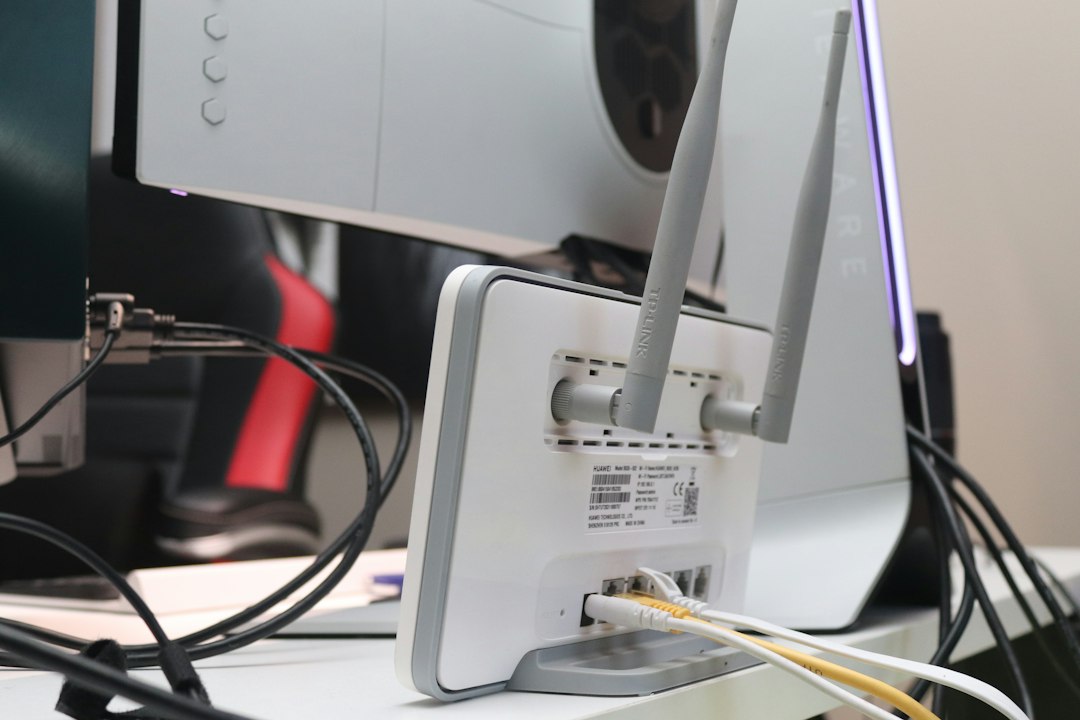
WPA3 vs WPA2 vs guest isolation
- WPA3 protects the WiFi login better. Use it when you can.
- WPA2 AES is the safe backup. Still fine for many homes.
- Guest isolation limits damage if a guest or gadget acts shady.
They do different jobs. WPA3 and WPA2 protect the door. Guest isolation adds walls inside the house.
The best setup is not hard. Use WPA3 for your main network. Use WPA2 AES only when needed. Put visitors and smart gadgets on an isolated guest network. Then turn off WPS and update the router.
That is it. Your WiFi is now much less embarrassing.