
A business card may be small, but it carries a surprising amount of responsibility. In a few square inches, it must communicate who you are, what you do, and why someone should remember you. The right business card design tool can turn that tiny piece of print or digital real estate into a polished brand asset that opens conversations and reinforces credibility.
TLDR: Business card design tools help you create professional, memorable cards without needing advanced design skills. The best tools offer templates, brand customization, print-ready exports, and options for digital sharing. Choose a tool that matches your brand personality, workflow, and budget. A strong business card should be simple, readable, consistent, and aligned with your overall visual identity.
Why Business Card Design Still Matters
In an age of websites, social profiles, and instant messaging, it is easy to assume business cards are outdated. Yet they remain one of the most practical and personal branding tools available. A well-designed card creates a tactile moment, giving someone a physical reminder of your meeting and your message.
More importantly, business cards are often exchanged in situations where attention is limited: conferences, client meetings, networking events, trade shows, and casual introductions. A generic card can disappear into a stack. A thoughtful card, however, can make your brand feel more established, intentional, and trustworthy.

What Makes a Business Card Design Tool Valuable?
Not all design platforms are created with the same user in mind. Some are built for beginners who need guided templates, while others serve professional designers who want deep control over layout, typography, and print specifications. The best tools strike a balance between ease of use and creative flexibility.
When evaluating a business card design tool, look for features such as:
- Customizable templates: A strong template library saves time while still allowing room for originality.
- Typography controls: Font choice, size, spacing, and hierarchy greatly affect readability and brand tone.
- Brand color support: The ability to use exact color codes helps keep your card consistent with your website, logo, and marketing materials.
- Logo and image uploads: Your design tool should let you add high-resolution brand assets easily.
- Print-ready export options: Look for PDF, CMYK support, bleed settings, and high-resolution downloads.
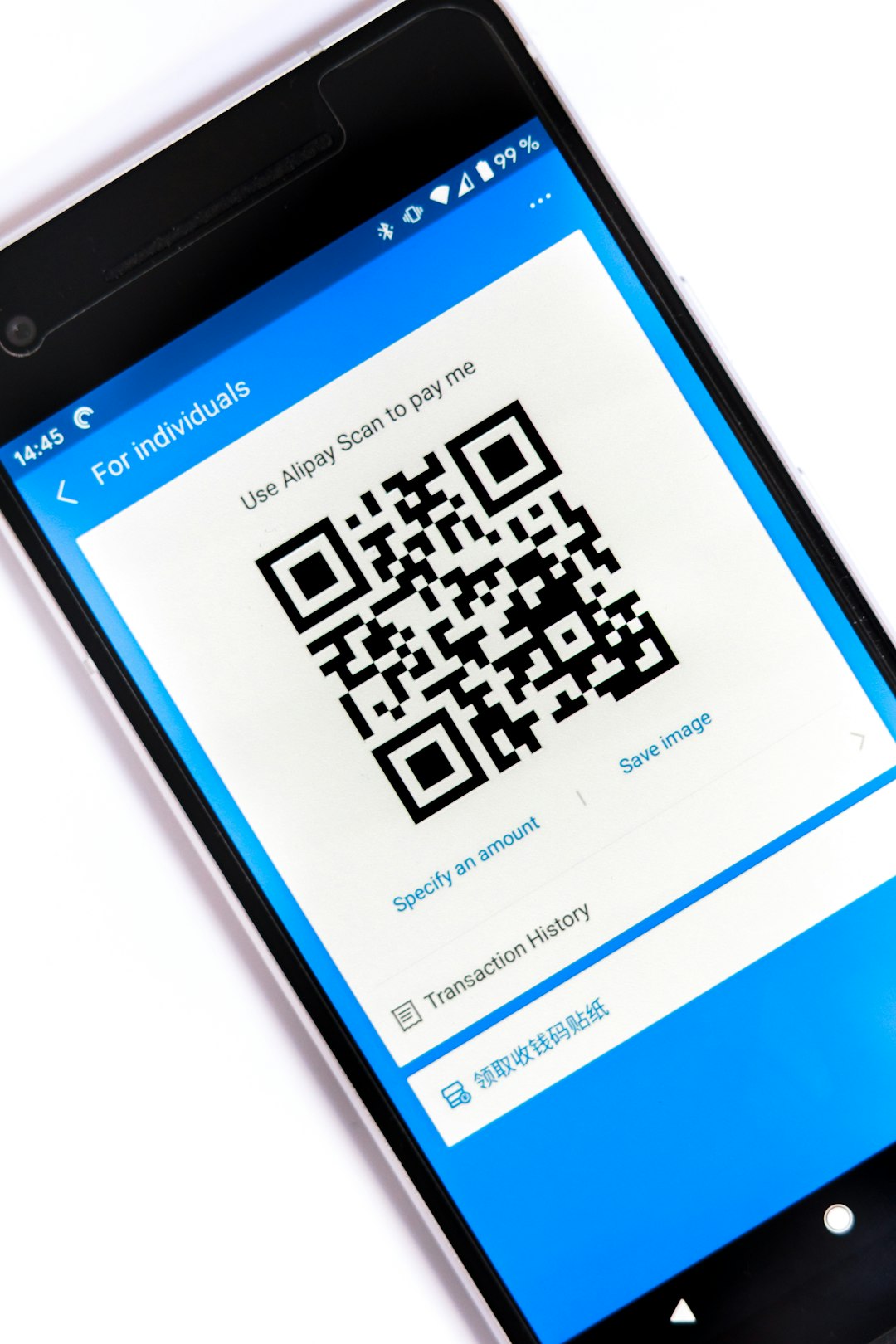
- Digital sharing features: Some tools allow you to create virtual business cards, QR codes, or mobile-friendly contact cards.
Template-Based Tools: Fast, Accessible, and Practical
Template-based design tools are ideal for entrepreneurs, freelancers, consultants, and small business owners who need a polished card quickly. These platforms usually offer drag-and-drop editors, pre-sized layouts, and professionally designed starting points. You can adjust colors, replace text, upload a logo, and export your final card with minimal effort.
The key advantage is speed. Instead of staring at a blank canvas, you begin with a design structure that already works. This is especially useful if you are not confident in layout design or if you need several versions for different team members.
However, templates should be treated as a foundation, not a finished identity. To avoid a generic result, customize details thoughtfully. Change the fonts to match your brand voice, use your exact color palette, and remove any decorative elements that do not serve a purpose.
Professional Design Software: Maximum Control for Refined Brands
For brands that require complete creative control, professional design software offers more precision. These tools typically allow advanced grid systems, vector editing, custom typography handling, layered artwork, and detailed print setup. Designers often prefer them when producing cards for luxury brands, agencies, creative studios, or companies with strict brand guidelines.
The learning curve is higher, but the results can be extremely refined. You can control every millimeter of the card, experiment with unconventional layouts, prepare files for specialty finishes, and coordinate the card with broader brand collateral such as letterheads, brochures, and packaging.
If you invest in professional software, make sure you understand basic print production terms such as bleed, safe area, trim line, and resolution. These technical details ensure that the card looks as good in real life as it does on screen.
Digital Business Card Tools: Modern Networking Meets Convenience
Digital business cards have become increasingly popular, especially for professionals who network frequently or work across international markets. Instead of handing over a printed card, you can share a link, QR code, NFC card, or mobile contact page. These tools often allow instant updates, so you do not need to reprint cards every time your job title, phone number, or website changes.
Digital cards are particularly useful for teams. Companies can maintain brand consistency across employee cards while allowing individual contact details to vary. Many digital card platforms also offer analytics, showing when someone opens your card or clicks a link.
Still, digital cards should not always replace printed ones. In many industries, a physical card still feels more personal and ceremonial. The smartest approach may be a hybrid: a printed card with a QR code that leads to your digital profile, portfolio, booking page, or contact form.
Design Elements That Elevate Your Brand
A tool is only as effective as the choices you make inside it. To create a card that genuinely strengthens your brand, focus on a few essential design principles.
- Keep it readable: Your name, title, company, phone number, email, and website should be easy to scan quickly.
- Use hierarchy: Make the most important information stand out through size, weight, or placement.
- Limit fonts: One or two typefaces are usually enough. Too many fonts can make the card feel chaotic.
- Embrace white space: Empty space is not wasted space. It gives the design breathing room and makes your card feel more premium.
- Stay on brand: Your card should visually connect to your logo, website, packaging, social media, and other customer touchpoints.
Consider the emotional impression you want to create. A financial advisor may need a card that feels stable, clean, and conservative. A wedding photographer may want something soft, elegant, and artistic. A tech founder might choose a minimal layout with a sharp color accent and a QR code. The best design tools make it easy to express these differences without overcomplicating the process.
Print Finishes and Materials to Consider
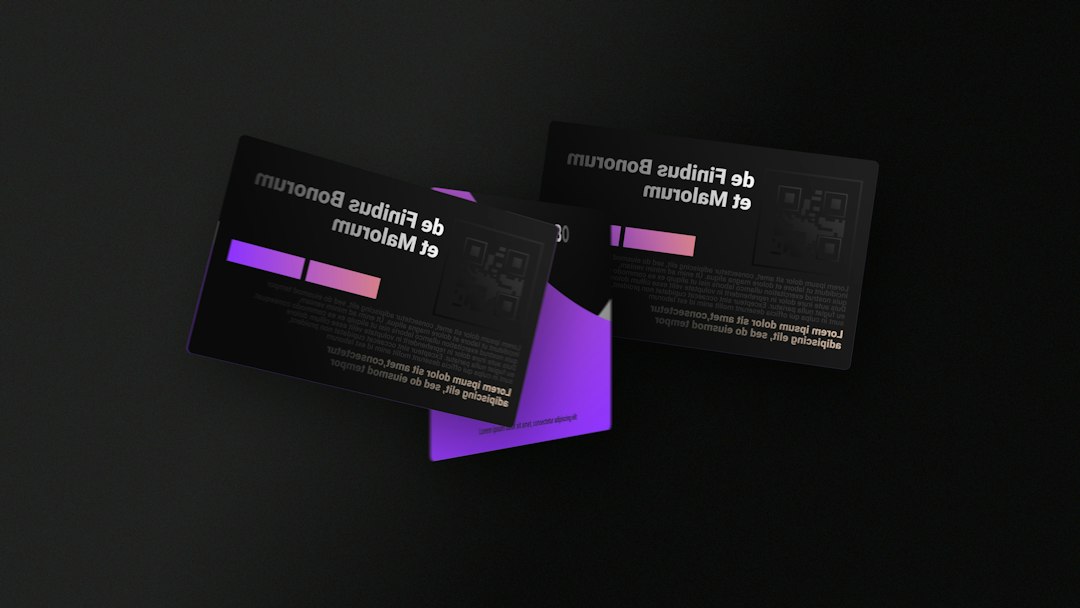
Some business card design tools integrate with printing services or provide export settings tailored for specialty production. This is where your card can become especially memorable. Beyond the visual design, think about the physical experience of holding it.
Popular finishing options include:
- Matte finish: Smooth, understated, and professional.
- Gloss coating: Bright and eye-catching, especially for colorful designs.
- Soft touch coating: Velvety and premium, ideal for luxury brands.
- Embossing or debossing: Raised or pressed details that add texture.
- Foil stamping: Metallic accents that can highlight a logo or name.
- Thick card stock: A heavier card often feels more substantial and durable.
How to Choose the Right Tool
Before choosing a business card design tool, define what you actually need. If you want a clean card for a new freelance business, a simple online editor may be perfect. If you are developing a full brand system, professional software or a more advanced platform may be worth the effort. If your team is remote and constantly changing contact details, a digital card tool might save time and money.
Ask yourself these questions:
- Do I need printed cards, digital cards, or both?
- Do I already have a logo, color palette, and brand fonts?
- Will multiple employees need matching cards?
- Do I need advanced print features such as bleed and CMYK export?
- How much customization do I want?
- What is my budget for design and printing?
Final Thoughts
Business card design tools make professional branding more accessible than ever, but the tool itself is only part of the equation. A strong card comes from clear messaging, consistent visuals, and smart design decisions. Whether you choose a template editor, professional software, or a digital business card platform, aim for a result that feels unmistakably connected to your brand.
Your business card does not need to be loud to be memorable. It needs to be clear, intentional, and useful. When designed well, it becomes more than contact information: it becomes a compact expression of your credibility, personality, and professional promise.