
Google Play is still the safest default for most Android users, mainly because it combines app review, automatic updates, refunds, and Play Protect, which Google says scans apps for harmful behavior across Android devices [source: Google]. Alternative Android app stores can still be useful, especially for open-source apps, regional apps, older versions, or apps blocked from Google Play. The safer choice depends on who runs the store, how apps are reviewed, and whether the user understands the risk of sideloading.
TLDR: Google Play Store wins for most people because it offers the best mix of security, convenience, updates, and app selection. Alternative stores like F-Droid, Amazon Appstore, and Samsung Galaxy Store can be better for niche needs, such as open-source tools or device-specific apps. For example, a Samsung phone owner may use Google Play for 90% of apps, then use Galaxy Store for camera plugins or watch apps. The risk rises when a store has weak review rules or when users install random APK files from unknown websites.
Security: Google Play Has the Stronger Safety Net
Security is the biggest difference between Google Play and other Android app stores. Google Play uses automated checks, human review in some cases, developer identity rules, app signing, and Play Protect. It is not perfect. Bad apps still slip through. That part is annoying, because users expect “official” to mean safe every time. Still, Google Play gives users more protection than most third-party sources.
Alternative stores vary a lot. F-Droid is respected because it focuses on open-source software. Its apps are usually transparent, and the community can inspect the code. That does not mean every app is polished or risk-free, but it does reduce some hidden behavior concerns.
Amazon Appstore and Samsung Galaxy Store are more controlled than random APK sites. They have review processes and brand reputation to protect. Smaller stores may not have the same resources. Some APK download sites also host modified apps, cracked apps, or outdated versions. That is where problems start.
Image not found in postmeta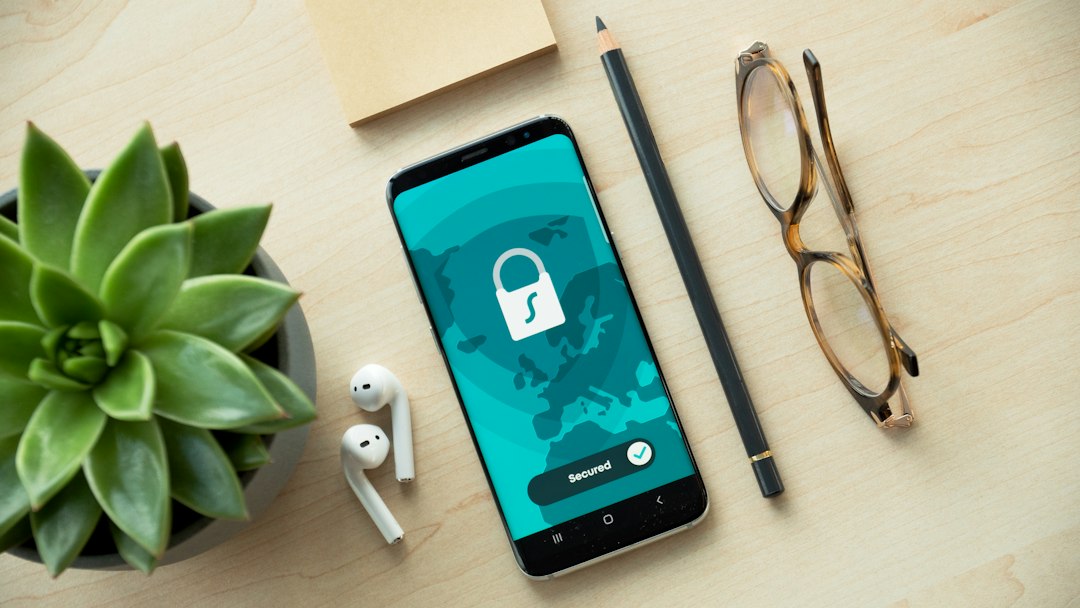
- Safest for average users: Google Play Store
- Good for open-source fans: F-Droid
- Good for Samsung extras: Samsung Galaxy Store
- Riskier choice: unknown APK sites and modified app stores
Features: Google Play Is Smoother, but Not Always Better
Google Play is easy. It handles installs, updates, subscriptions, refunds, parental controls, app ratings, and device syncing. A user can buy an app on one Android phone and install it later on another linked device. That convenience matters.
Alternative stores often feel less polished. Some require extra permissions before installation. Some updates arrive late. Some have weaker search. Honestly, it feels like a small task can take 30 seconds longer than it should, especially when Android asks the user to approve installs from an outside source. That extra friction is there for safety, but it still gets old.
Yet alternative stores have useful perks. F-Droid shows clear notes about anti-features, such as tracking, ads, or non-free services. That is helpful for privacy-minded users. Samsung Galaxy Store may offer apps and watch faces that are not listed on Google Play. Amazon Appstore can matter for Fire tablets and users tied to Amazon services.
App Selection: Google Play Has the Biggest Catalog
Google Play has the broadest app selection. Major banks, streaming services, airlines, games, smart home tools, and work apps usually appear there first. For most users, that ends the debate. They need the apps their school, bank, gym, or employer already supports.
Alternative Android app stores fill gaps. F-Droid has privacy tools, file managers, note apps, launchers, and utilities that appeal to technical users. Some apps removed from Google Play may still appear elsewhere. Developers also use outside stores to avoid certain fees or rules.
The catch is quality can be uneven. A user may find three versions of the same app name on a lesser-known store. One may be real. One may be outdated. One may be suspicious. That is not a fun guessing game when the app asks for contacts, storage, or SMS access.
Image not found in postmeta
When an Alternative Store Makes Sense
Alternative stores are not only for advanced users. They make sense in clear cases:
- Open-source preference: The user wants apps with public code and fewer trackers.
- Device-specific apps: Samsung users may need Galaxy Store for watch apps or system add-ons.
- Regional access: Some apps may be available outside Google Play in certain countries.
- Older devices: An older Android phone may need older app versions, though this adds risk.
- Amazon devices: Fire tablets are built around Amazon Appstore.
Even then, users should avoid installing apps from search results alone. They should go straight to the store’s official site or trusted app. They should also check app permissions. A flashlight app asking for microphone access should raise eyebrows.
Practical Security Tips
- Stick with known stores. Google Play, F-Droid, Samsung Galaxy Store, and Amazon Appstore are safer than random APK sites.
- Keep Play Protect on. It can still warn about harmful apps even when they come from outside Google Play.
- Check the developer name. Fake copies often use similar icons and names.
- Read recent reviews. A sudden wave of complaints can reveal malware, broken updates, or scam behavior.
- Avoid cracked apps. Free paid apps often come with a hidden cost.
Best Choice for Different Users
For most people, Google Play Store should be the main app source. It is safer, faster, and easier to manage. For privacy-focused users, F-Droid is a smart second store. For Samsung users, Galaxy Store is useful but should not replace Google Play for everything. For Fire tablet owners, Amazon Appstore is often the normal path.
The best setup is simple: use Google Play for daily apps, add one trusted alternative store only when needed, and avoid random APK downloads. That keeps choice open without turning app installs into a security gamble.
FAQ
Is Google Play Store safer than alternative Android app stores?
Yes, for most users. Google Play has stronger scanning, update controls, developer checks, and user protections than most third-party stores.
Is F-Droid safe?
F-Droid is generally trusted for open-source apps. Users should still read app notes, permissions, and update history before installing anything.
Can Android get viruses from alternative app stores?
Yes. The risk is higher when users install apps from unknown stores, cracked APK sites, or links shared in messages.
Why use Samsung Galaxy Store if Google Play exists?
Samsung Galaxy Store offers some device-specific apps, watch faces, themes, and system tools that may not appear on Google Play.
Should users install APK files manually?
Only when they trust the source and understand the risk. Manual APK installs can bypass normal store protections.