
Use a price tracking API if you need clean Amazon price data often. Use an e-commerce monitoring tool if you want alerts, dashboards, and fewer headaches. Scraping Amazon prices sounds simple. Open page. Copy price. Repeat. Then Amazon changes the page, blocks a request, hides shipping, or shows a coupon only your browser can see. Fun? Not really.
TLDR: Price tracking APIs are best for teams that need Amazon prices at scale, like tracking 10,000 ASINs every hour. E-commerce monitoring tools are better for business users who want alerts, charts, and competitor reports without building code. For example, a seller watching 500 products could spot a 12% competitor price drop within 30 minutes and change ad spend the same day. APIs give control. Monitoring platforms give speed and comfort.
Why Amazon price tracking is harder than it looks
Amazon prices move a lot. They can change by hour, seller, region, stock level, Prime status, coupon, and shipping fee. One shopper may see $19.99. Another may see $21.49. A business tool may see nothing at all if the request gets blocked.
That is the first pain point. There is no single “Amazon price.” There is the Buy Box price. There is the lowest new price. There is the used price. There is the price after coupon. There is the landed price with delivery. Tiny detail. Big mess.

So, when people say “scrape Amazon prices,” they usually mean one of three things:
- Track competitor prices for products they sell.
- Watch Buy Box changes and seller rotation.
- Collect catalog data, such as title, ratings, reviews, availability, and shipping info.
Each goal needs a different setup. That is where APIs and monitoring tools split paths.
Option 1: Price tracking APIs
A price tracking API gives you structured data. You send a product ID, keyword, URL, or ASIN. The API returns prices, sellers, availability, and other fields. It can also handle proxies, retries, page parsing, and blocked requests behind the scenes.
Think of it as ordering food instead of farming tomatoes. You still need to know what you want. But you do not have to build the greenhouse.
Best for:
- Developers and data teams.
- Large product catalogs.
- Frequent price checks.
- Custom dashboards.
- Automated repricing systems.
Good APIs can return data like:
- Current price.
- List price.
- Buy Box seller.
- Stock status.
- Shipping cost.
- Coupon details.
- Ratings and review count.
- Historical price points.
The big win is control. You decide how often to check prices. You decide where the data goes. You can connect it to Google BigQuery, Snowflake, Power BI, a repricer, or your own odd little spreadsheet that somehow runs the company.
The catch is the setup. You need someone technical. You need to manage rate limits. You need to handle missing fields. You need to check data quality. Honestly, it feels like fixing a vending machine some days. It works. Then one product category acts weird for no clear reason.
Pros of price tracking APIs
- Scalable: Great for thousands or millions of checks.
- Flexible: You can build your own rules.
- Automated: Data can flow into reports or systems.
- Granular: You can track exact ASINs, sellers, or regions.
- Fast: Many APIs support frequent refreshes.
Cons of price tracking APIs
- Needs coding: Not ideal for nontechnical teams.
- Can get pricey: High request volume costs money.
- Requires checks: Data errors can sneak in.
- No instant business context: Raw data still needs analysis.
If your team has engineers, an API is often the smart pick. If your team has three marketers, one intern, and a shared login nobody can find, maybe not.
Option 2: E-commerce monitoring alternatives
E-commerce monitoring tools are more like command centers. You add products or competitors. The tool tracks prices for you. Then it shows charts, sends alerts, and builds reports. Less wiring. More buttons.
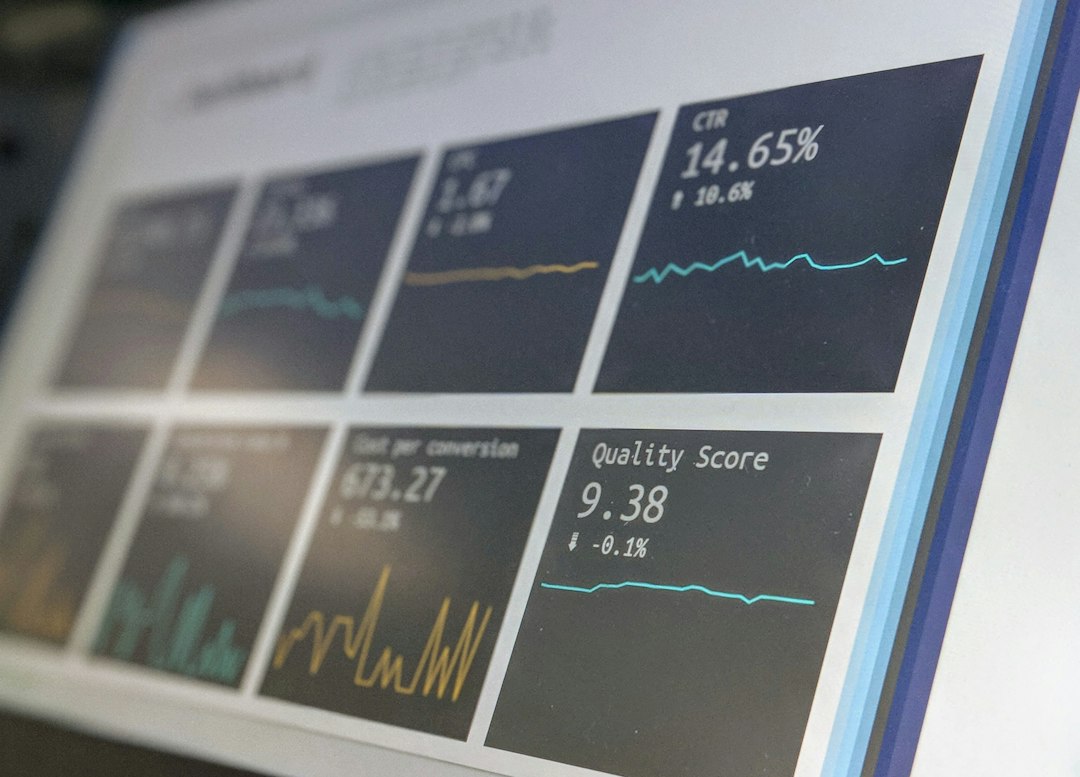
These tools often cover Amazon, Walmart, eBay, Target, Shopify stores, and other retail sites. Some also track search rank, product content, ratings, ads, stock, and marketplace sellers.
Best for:
- Brand managers.
- Marketplace sellers.
- Retail teams.
- Pricing analysts.
- Agencies handling client products.
Common features include:
- Price drop alerts.
- Buy Box tracking.
- Stock alerts.
- MAP policy monitoring.
- Competitor comparison charts.
- Daily or weekly reports.
- Shareable dashboards.
This is the friendly route. You can often start in a day. No one has to touch Python. No one has to debug a 403 error at 11:48 p.m. That alone may save a few souls.
Pros of monitoring platforms
- Easy to use: Built for business teams.
- Visual: Charts and dashboards are ready.
- Alert focused: Great for quick action.
- Broad view: Many tools track more than price.
- Less maintenance: The vendor handles most messy parts.
Cons of monitoring platforms
- Less flexible: You work inside their system.
- May limit exports: Some tools restrict raw data access.
- Can be expensive: Seats and product limits add up.
- Not ideal for custom logic: Weird pricing rules may not fit.
It drives me crazy when a tool shows a pretty chart but will not let you export the exact fields you need. It is like being handed a cupcake in a locked glass box.
API vs monitoring tool: which one should you pick?
Use this simple rule.
- Pick an API if you want raw data, custom workflows, and high volume.
- Pick a monitoring tool if you want alerts, reports, and a simple setup.
- Pick both if your company is serious about pricing and needs speed plus control.
Here is a quick example. A small Amazon seller tracks 200 products. They need alerts when a rival cuts price by more than 5%. A monitoring tool is a good fit. It can send an email or Slack alert. Done.
A large retailer tracks 80,000 ASINs across 12 categories. They need hourly data, region checks, and pricing rules tied to margin. An API is the better choice. The data can feed internal systems.
A brand protection team may need both. The monitoring platform flags sellers breaking MAP rules. The API stores evidence, timestamps, and seller history in a database.
What about building your own scraper?
You can build your own scraper. Many teams try it. Some even enjoy the chaos. But Amazon pages are not gentle playgrounds. You may face blocks, captchas, layout changes, bot checks, missing content, and regional quirks.
You also need to respect laws, site terms, and data rules. Do not collect personal data. Do not overload websites. Do not assume “public page” means “free for any use.” Ask legal if the data will support major business decisions.

Self-built scraping makes sense when you have strong engineers, a clear legal review, and a special data need vendors cannot meet. For most teams, buying an API or monitoring service is cheaper than paying developers to chase broken selectors every week.
Key buying questions
Before choosing any tool, ask these questions:
- How many ASINs do we need to track?
- How often do we need updates?
- Which price matters: Buy Box, lowest price, list price, or final shipped price?
- Do we need history or only current prices?
- Do we need exports through CSV, API, or database sync?
- Who will use it: developers, analysts, or managers?
- What action follows when a price changes?
The simple verdict
Price tracking APIs are power tools. They are best when data needs to move into your own systems. They fit teams that care about scale, custom logic, and automation.
E-commerce monitoring tools are control rooms. They are best when people need to see changes fast and act without code. They fit pricing, sales, brand, and marketplace teams.
If you only need a few alerts, do not build a giant machine. Use a monitoring platform. If pricing data is core to your company, use an API. If Amazon price shifts decide your margin every day, bring snacks, pick good tools, and track the numbers before your rivals do.