
AI poster and flyer generators have moved from novelty tools to practical marketing assistants. Small businesses, event organizers, agencies, and local service providers now use them to create campaign visuals faster, test more design directions, and reduce dependence on fully manual layout work.
TLDR: For most everyday marketing materials, Canva and Adobe Express deliver the strongest balance of design quality, templates, editing control, and brand consistency. For example, a local café promoting a weekend event could generate three flyer concepts in under 15 minutes, then resize them for Instagram, print, and email. Teams that create frequent campaigns may save 30% to 50% of production time by using AI-assisted layouts, copy suggestions, and automatic resizing. Piktochart is best for data-heavy posters, while Microsoft Designer works well for quick social-first visuals.
How the Tools Were Compared
The best AI poster and AI flyer generator is not always the one with the most features. Marketing materials need to be clear, branded, readable, and conversion-focused. This comparison looks at seven tools based on:
- Template quality for posters, flyers, events, offers, and announcements
- AI generation quality, including layout, imagery, and copy support
- Ease of editing for non-designers
- Branding tools such as fonts, colors, logos, and reusable kits
- Export options for print, social media, email, and web campaigns
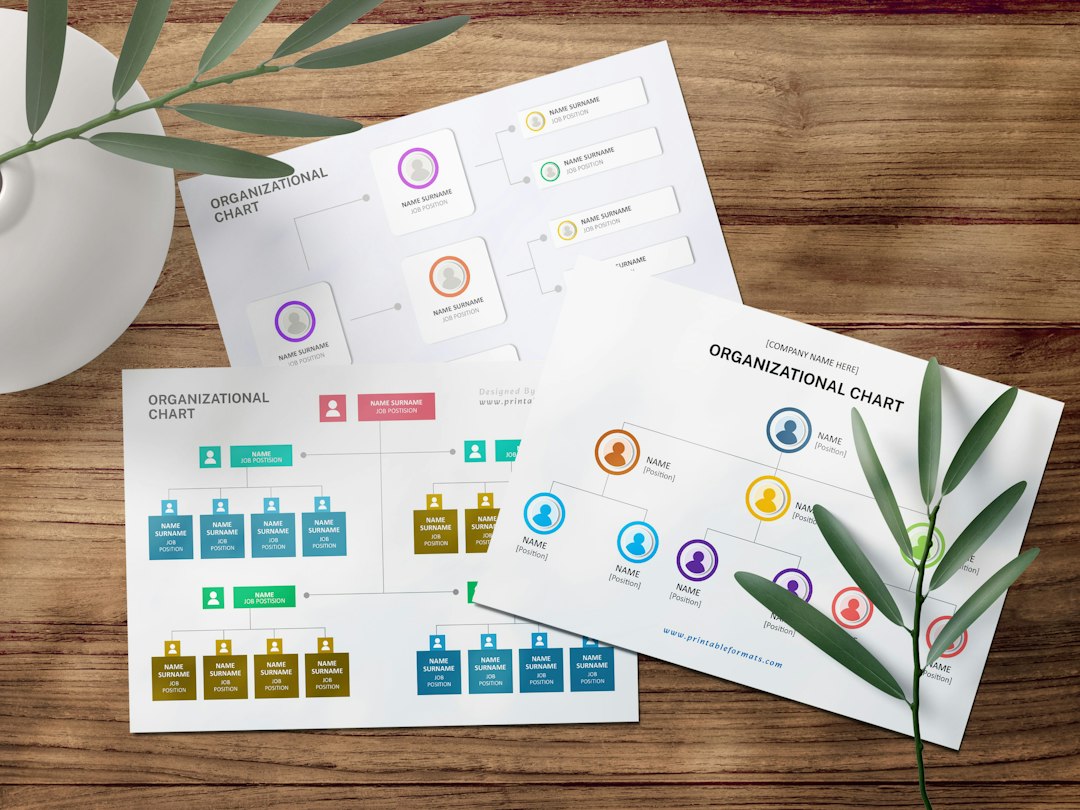
1. Canva: Best Overall for Fast, Polished Flyers
Canva remains one of the strongest choices for AI-assisted marketing design because it combines a massive template library with intuitive editing. Its AI features can generate design ideas, images, text, and presentation-style layouts. For posters and flyers, Canva is especially useful because a user can start with a professional template and then use AI to refine the visuals or copy.
Its greatest advantage is practicality. A restaurant, gym, salon, or school can quickly create a flyer that looks clean without needing advanced design knowledge. Brand kits, easy resizing, stock assets, and collaboration features make it suitable for both solo creators and teams.
Best for: small businesses, social media campaigns, event flyers, retail promotions.
Weakness: AI-generated designs can sometimes feel familiar because many users rely on the same templates.
2. Adobe Express: Best for Brand Quality and Creative Control
Adobe Express is ideal for marketers who want AI speed but care about brand polish. It includes generative AI features, strong typography, background removal, image generation, and quick resizing. Since it connects naturally with the broader Adobe ecosystem, it appeals to teams that may later hand files to designers using Photoshop or Illustrator.
Adobe Express generally produces more refined visual results than many lighter tools, especially when working with photography, layered designs, and professional-looking promotional materials. Its template collection is also strong, though some beginners may find Canva slightly easier at first.
Best for: branded campaigns, agencies, product launches, professional event posters.
Weakness: some advanced creative options may take longer to learn.
3. Microsoft Designer: Best for Quick Social Flyers
Microsoft Designer is a fast AI design tool that generates visuals from text prompts. It is especially appealing for users already working in the Microsoft ecosystem. A marketer can describe a campaign, such as “summer sale flyer for a boutique with pastel colors,” and receive several ready-to-edit design options.
The tool is strongest for digital-first marketing materials rather than complex print layouts. It works well for quick announcements, social posters, simple invitations, and promotional graphics. However, its layout control and template ecosystem are not as mature as Canva or Adobe Express.
Best for: quick digital flyers, social media announcements, Microsoft users.
Weakness: less suitable for detailed print production or complex branding systems.
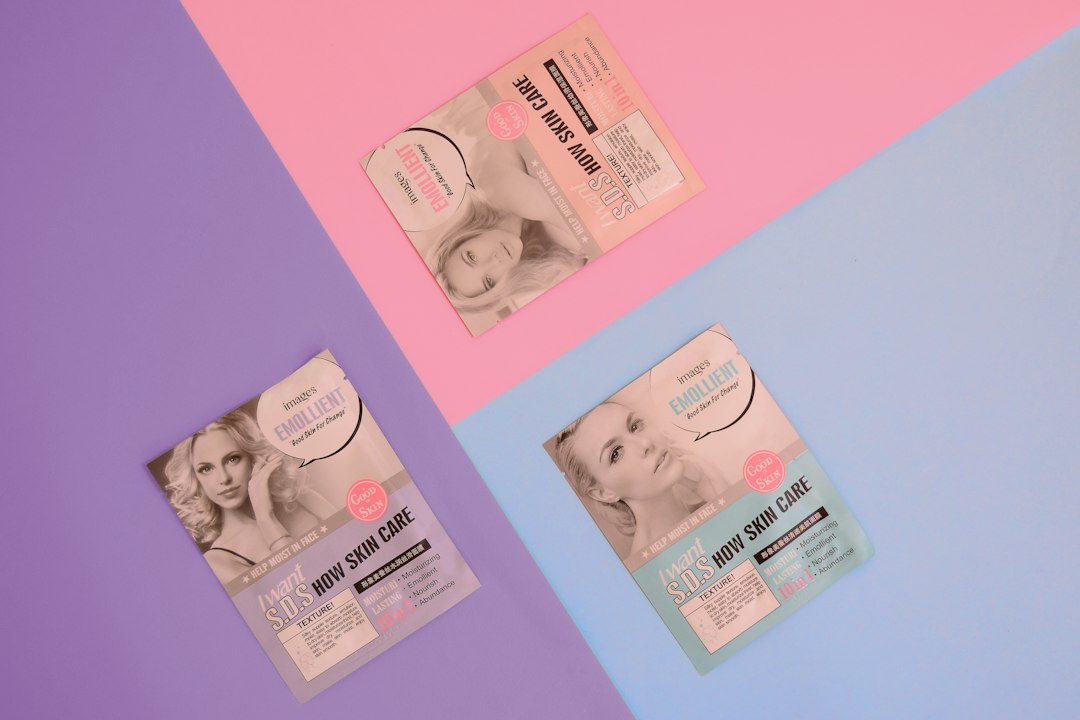
4. VistaCreate: Best for Template-Based Promotions
VistaCreate is a strong template-driven design platform for businesses that need attractive posters, flyers, social graphics, and ads. Its AI features help with image editing, background removal, and content creation, while its templates provide reliable starting points for common marketing needs.
VistaCreate is particularly practical for promotional campaigns such as sales, seasonal announcements, restaurant menus, webinars, and local events. It may not feel as AI-forward as some newer platforms, but it delivers dependable results for users who prefer editing a polished template instead of generating everything from scratch.
Best for: retail promotions, seasonal flyers, simple branded campaigns.
Weakness: AI design generation is less central than in specialist AI-first tools.
5. Fotor: Best for AI Image-Heavy Posters
Fotor is useful when a poster or flyer relies heavily on AI-generated images. It offers AI image generation, background tools, photo enhancement, and design templates. This makes it a good option for entertainment posters, creative announcements, product visuals, and campaign concepts that need original imagery.
Its editing experience is straightforward, but the overall marketing workflow is not as broad as Canva or Adobe Express. Fotor is strongest when the visual concept matters more than complex brand management or team collaboration.
Best for: creative posters, image-led flyers, concept visuals, entertainment promotions.
Weakness: weaker brand management and collaboration features compared with larger platforms.
6. Piktochart: Best for Data-Driven Posters and Flyers
Piktochart is the best choice when marketing materials need to communicate data. It is designed for infographics, reports, presentations, charts, and information-heavy visuals. For example, a nonprofit could create a campaign poster showing impact numbers, donation goals, and community outcomes in a clear visual format.
Its AI capabilities help convert ideas or written content into structured visual assets. Piktochart may not be the first choice for fashion-style flyers or bold retail posters, but it is excellent for educational campaigns, B2B marketing, healthcare communications, and nonprofit outreach.
Best for: infographic posters, nonprofit campaigns, reports, educational flyers.
Weakness: less focused on trendy promotional designs and lifestyle visuals.
7. Kittl: Best for Stylish Print-Oriented Designs
Kittl stands out for typography, vintage-inspired layouts, merchandise-style graphics, and visually distinctive posters. Its AI tools assist with image generation, vector-style artwork, and design creation. For brands that want posters with a more crafted or artistic look, Kittl can produce memorable results.
It is particularly strong for music events, apparel promotions, food brands, craft markets, and boutique campaigns. However, it may not be as broad for everyday corporate flyers or high-volume social resizing.
Best for: artistic posters, event graphics, merchandise-style flyers, typography-led designs.
Weakness: not always ideal for teams needing broad multipurpose marketing workflows.
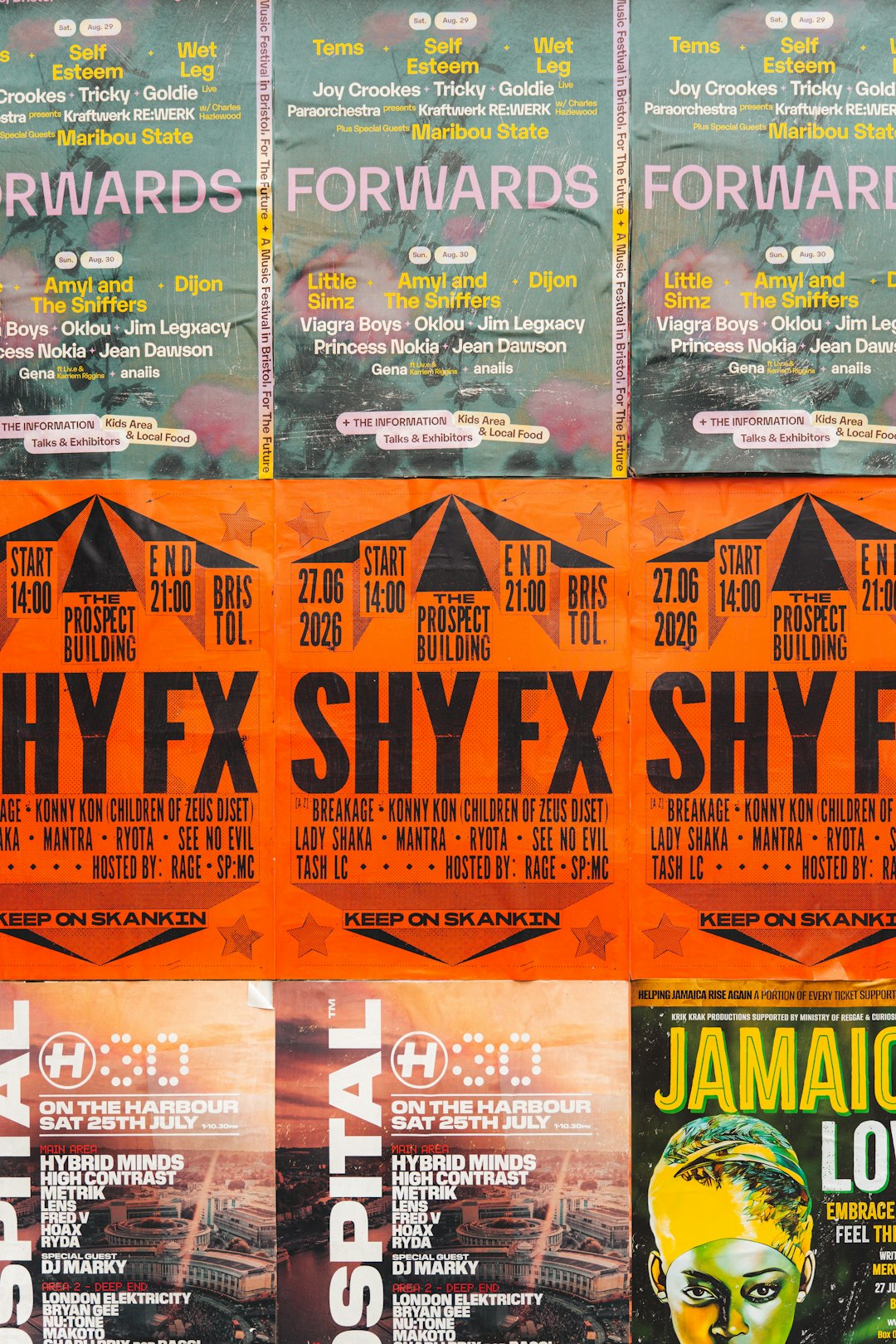
Which Tool Creates Better Marketing Materials?
The answer depends on the marketing goal. Canva creates the best all-around flyers for most users because it is fast, flexible, and beginner-friendly. Adobe Express creates better polished brand materials when visual quality and creative control matter. Piktochart creates better informational posters, while Kittl creates more distinctive artistic designs.
For a local business needing weekly promotions, Canva or VistaCreate usually offers the best speed-to-quality ratio. For an agency creating client-ready campaign assets, Adobe Express may provide a more professional workflow. For a school, nonprofit, or healthcare campaign, Piktochart can make complex information much easier to understand.
Practical Recommendation
- Choose Canva for the best overall mix of templates, AI tools, and ease of use.
- Choose Adobe Express for higher-end branded marketing visuals.
- Choose Microsoft Designer for fast prompt-based social graphics.
- Choose VistaCreate for simple promotional templates.
- Choose Fotor for image-heavy AI poster concepts.
- Choose Piktochart for data-rich marketing materials.
- Choose Kittl for stylish, typography-focused print designs.
FAQ
What is the best AI flyer generator overall?
Canva is the best overall choice for most users because it combines AI assistance, templates, brand tools, and easy resizing for print and digital campaigns.
Which AI poster generator is best for professional branding?
Adobe Express is a strong option for professional branding because it offers polished design tools, quality typography, and useful creative controls.
Are AI-generated flyers suitable for print?
Yes, many tools support print-ready exports, but marketers should always check size, resolution, margins, and bleed settings before sending a file to a printer.
Which tool is best for data-heavy marketing posters?
Piktochart is best for data-heavy posters, infographics, nonprofit reports, educational materials, and B2B campaign visuals.
Can AI replace a graphic designer for posters and flyers?
AI can handle many simple and repetitive marketing materials, but professional designers are still valuable for complex branding, original campaign concepts, and high-stakes advertising.