
Your brand is more than a name. It is a vibe. It is your colors, your logo, your card, and the tiny “wow” people feel when they see you. The good news? You do not need to be a design wizard. These tools can help you build a professional brand identity without stress.
TLDR: The best logo and business card maker tools make branding fast, simple, and budget-friendly. For example, a new bakery could create a logo in 15 minutes, then turn it into a matching business card before lunch. Some tools claim users can create designs up to 50% faster with templates and AI help. Start with Canva or Adobe Express if you want easy control, or try Looka if you want AI to do most of the heavy lifting.
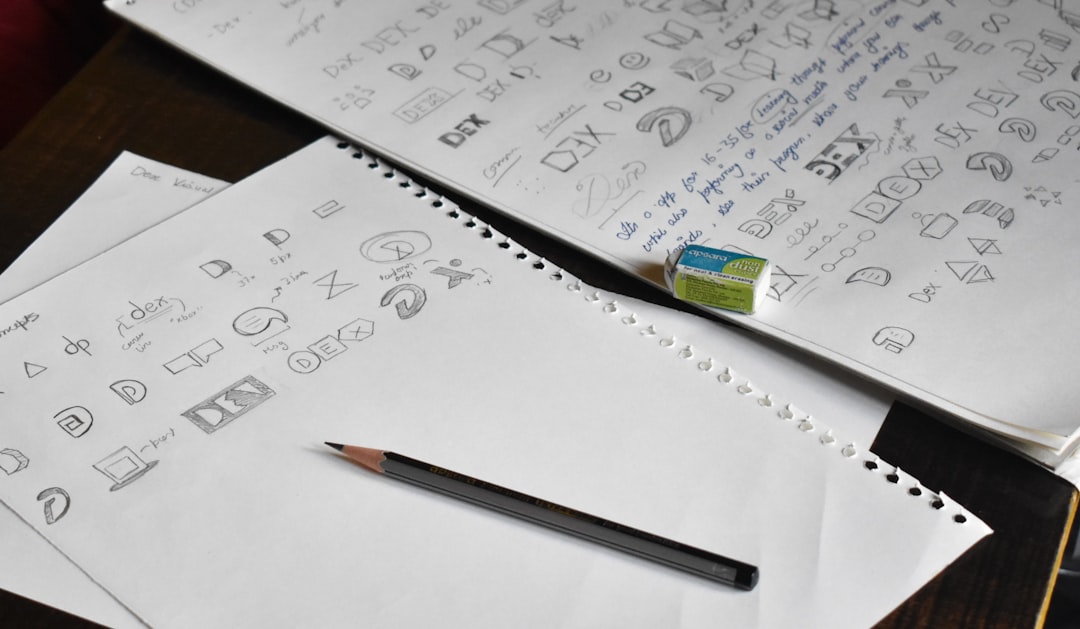
Why Logo and Business Card Tools Matter
A logo helps people remember you. A business card helps them contact you. Together, they make your brand feel real.
Think of them as your brand’s outfit. A messy logo and boring card can feel like socks with sandals. A clean logo and sharp card say, “Yes, I know what I am doing.”
The best tools give you:
- Ready-made templates so you do not start from zero.
- AI design help for faster ideas.
- Brand kits with colors, fonts, and logos.
- Print-ready files for cards and other items.
- Easy editing even if you are not a designer.
1. Canva
Canva is one of the friendliest design tools around. It feels like a toy box for branding. You can make logos, business cards, flyers, social posts, and more.
Its drag-and-drop editor is very simple. Pick a template. Change the name. Swap colors. Add icons. Done.
Canva is great for small businesses, freelancers, coaches, shops, and creators. It also has a Brand Kit feature. This keeps your colors, fonts, and logo in one place.
Best for: Beginners who want quick and pretty designs.
Fun feature: Magic design tools can suggest layouts and styles.
Watch out: Some templates are used by many people. Customize them well so your brand does not look too familiar.
2. Adobe Express
Adobe Express is like Canva’s stylish cousin. It is simple, but it carries the Adobe name. That means strong design tools with a clean interface.
You can create logos, business cards, posters, videos, and social graphics. It has templates for many industries. Think restaurants, pet grooming, fitness, beauty, tech, and more.
Adobe Express is good if you want a polished look without opening complex software. You can also remove backgrounds, resize graphics, and use AI image tools.
Best for: People who want simple tools with a professional edge.
Fun feature: Quick actions help you resize, convert, and clean up designs fast.
Watch out: Some premium assets need a paid plan.
3. Looka
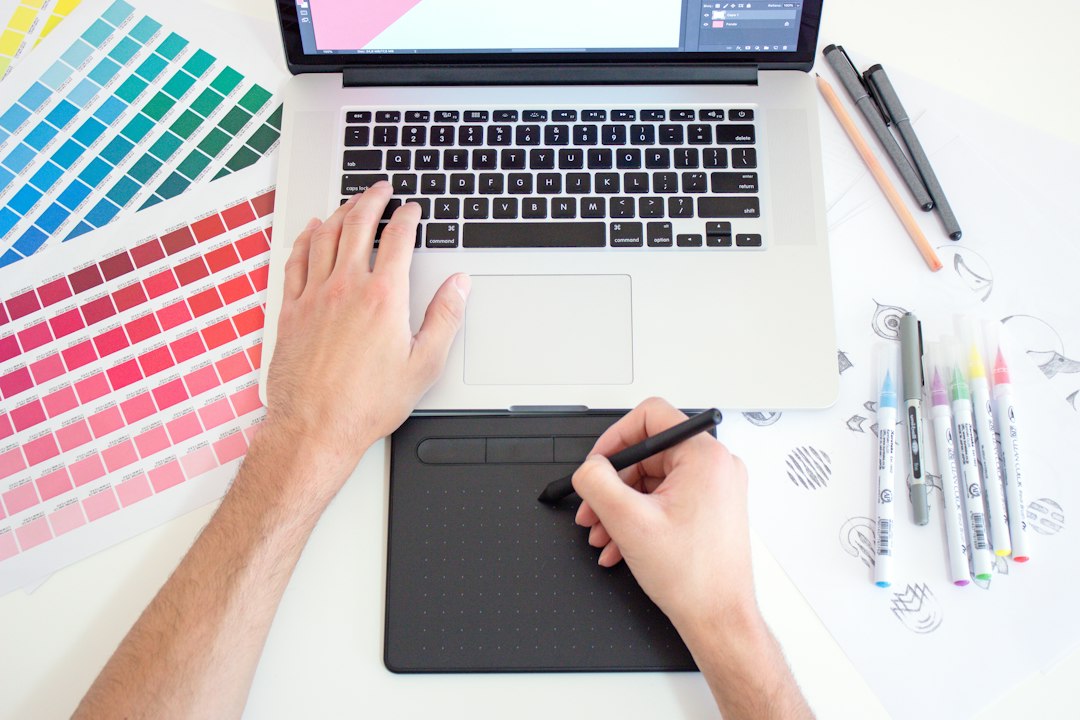
Looka is built for AI logo creation. It asks questions about your brand. Then it shows logo ideas based on your answers.
You choose styles, colors, and symbols. Then Looka creates logo options. It feels like speed dating, but for logos. Swipe through ideas until one makes you smile.
Looka also offers brand kits. These can include logos, business card designs, social media graphics, and other brand assets.
Best for: Founders who want AI to create many logo ideas quickly.
Fun feature: You can preview your logo on cards, shirts, and signs.
Watch out: You may need to buy a package to download full files.
4. Tailor Brands
Tailor Brands is more than a logo maker. It is a branding platform for small businesses. It can help with logos, business cards, websites, and even business setup tools in some regions.
The logo process is easy. Enter your business name. Pick your industry. Choose styles you like. Then the tool creates logo options.
It is useful if you want your brand pieces in one place. You can create a logo and then use it across business cards and other materials.
Best for: New business owners who want a guided branding path.
Fun feature: The platform feels like a brand assistant.
Watch out: Plans and add-ons can vary, so check what is included.
5. VistaPrint
VistaPrint is famous for printing business cards. But it also offers design tools for logos and branded materials.
This tool is ideal if your main goal is to print. You can design your card online, choose paper type, select finish, and order physical cards.
It also supports lots of products. You can put your logo on flyers, mugs, signs, bags, stickers, and more. That makes it great for local businesses and events.
Best for: Anyone who wants printed cards delivered to their door.
Fun feature: You can choose card finishes like glossy, matte, or textured.
Watch out: The logo tools may feel less flexible than design-first platforms.
6. Wix Logo Maker
Wix Logo Maker is a smart choice if you also want a website. It asks simple questions, then creates logo ideas for your brand.
You can edit fonts, colors, icons, and layout. After that, you can use your logo in website designs, social media, and business cards.
This tool works well for service brands. Examples include consultants, photographers, tutors, personal trainers, and home repair pros.
Best for: People building both a logo and a website.
Fun feature: Your logo can connect with other Wix branding tools.
Watch out: Make sure you choose the right file package for printing and online use.
7. Placeit
Placeit is a fun tool for logos, mockups, and templates. It is especially useful for creators, gamers, clothing brands, and online sellers.
You can create a logo, then place it on business card templates, shirts, packaging, or digital mockups. This helps you see how your brand looks in real life.
Placeit is not just about static designs. It also has video templates and social content. So your brand can move, dance, and wave at the internet.
Best for: Creators who want logos plus cool mockups.
Fun feature: Product mockups make your brand feel real fast.
Watch out: Template quality varies, so choose carefully.
How to Pick the Right Tool
Do not pick a tool just because it is popular. Pick one that matches your goal.
- Need something easy? Try Canva.
- Want a clean pro style? Try Adobe Express.
- Want AI logo ideas fast? Try Looka.
- Need a full business branding path? Try Tailor Brands.
- Want printed cards? Try VistaPrint.
- Need a logo plus website? Try Wix Logo Maker.
- Want mockups and creator-friendly designs? Try Placeit.
Quick Tips for Better Logos and Cards
Even the best tool needs smart choices. Keep things simple.
- Use one main logo, not five versions at random.
- Pick two or three brand colors.
- Use fonts that are easy to read.
- Leave white space on your business card.
- Make your name and contact info clear.
- Check your design on a phone screen.
- Print one test card before ordering hundreds.
A business card should not feel crowded. It should feel calm and useful. Your logo, name, role, phone, email, website, and social handle are usually enough.
Final Thoughts
Building a brand does not have to be scary. You do not need a giant budget. You do not need fancy design words. You just need the right tool and a clear idea.
Start small. Create a logo. Build a matching business card. Use the same colors everywhere. Soon, your brand will feel polished, trusted, and ready for the world.
And yes, your business card can still be tiny. But with the right design, it can make a big first impression.