
Build your design system in Figma first when alignment matters, then use vibe coding to turn approved patterns into real UI faster. AI prompts can speed up both sides, but they solve different problems. Figma is still better for shared decisions, visual review, and token governance. Vibe coding is better when you need working components, quick prototypes, and production-ready experiments.
TLDR: Use Figma to define the system, then use AI-assisted coding to ship it. For example, a five-person product team can cut a button-and-form component sprint from 4 days to about 1.5 days by prompting coded variants after the Figma rules are clear. In one realistic workflow, Figma handles 80% of naming, states, spacing, and review, while vibe coding handles 80% of implementation speed. Skip either side and you will likely pay for it later in rework.
What “vibe design systems” really means
A vibe design system is a design system shaped through prompts, fast iteration, and AI-assisted creation. Instead of manually building every token, component, state, and documentation page from scratch, teams ask AI tools to generate options, inspect patterns, write code, or create documentation drafts.
The term borrows from vibe coding, where developers describe what they want in plain language and let AI generate much of the code. In design systems, the same idea applies to buttons, cards, forms, modals, themes, documentation, usage rules, and even accessibility checks.
The promise sounds great. Type a prompt. Get a system. The reality is messier. AI can produce a polished interface in seconds, but a true design system is not just a pretty screen. It is a shared contract between design, engineering, product, and brand.
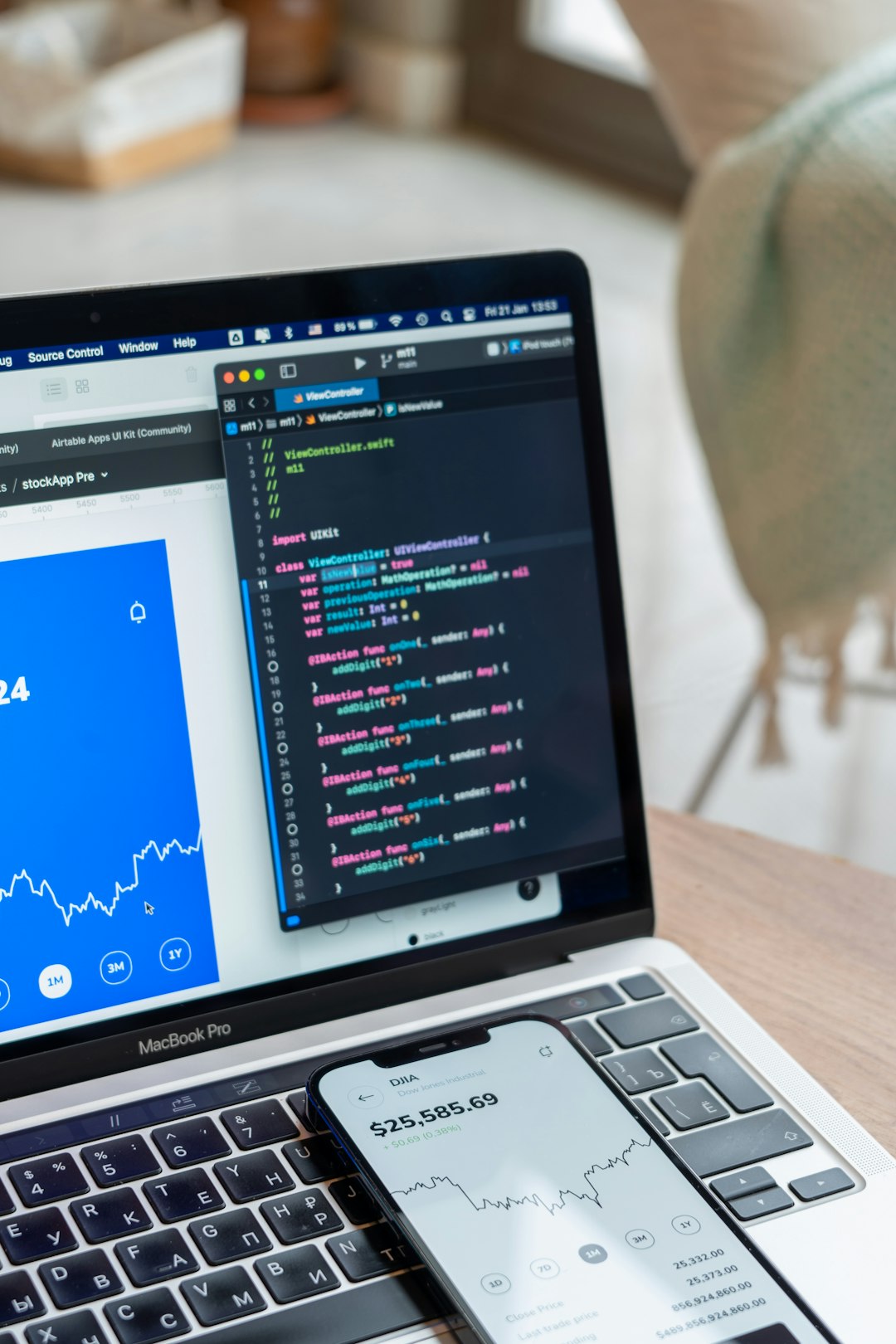
Figma is still the best place to decide what the system is
Figma shines when teams need to make decisions together. Designers can review variants, naming, spacing, color roles, type scales, and component states in one visible place. Non-technical stakeholders can comment without opening a code editor. That matters more than people admit.
With AI prompts inside or around Figma, teams can speed up common tasks:
- Generate component ideas for cards, forms, dashboards, and empty states.
- Create documentation drafts for usage, anatomy, and behavior.
- Check consistency across spacing, colors, and text styles.
- Rename layers and clean up messy files faster.
- Explore themes such as light mode, dark mode, and high contrast.
It drives me crazy that teams still treat Figma files like mood boards and then wonder why engineering builds something different. A serious design system needs rules. Figma gives those rules a visual home. It also gives people a place to argue before code exists, which is cheaper than arguing after release.
Vibe coding is better once the rules are known
Vibe coding tools are strongest when the prompt includes clear constraints. “Make this dashboard prettier” is weak. “Create a React card component using our spacing scale, border radius tokens, primary and secondary button variants, loading state, keyboard focus, and ARIA labels” is much stronger.
That is where vibe coding becomes useful for design systems. It can help produce:
- React, Vue, or Svelte components based on approved design patterns.
- Token files in JSON, CSS variables, or platform formats.
- Storybook stories with states, props, and examples.
- Unit tests for basic rendering and behavior.
- Accessibility improvements such as labels, roles, and focus styles.
The best use case is not replacing designers. It is reducing the dull gap between approved design and working UI. Nobody wants to spend half a day wiring up yet another disabled button state. Let AI do the boring first pass, then let humans review the details.
Where Figma wins
Figma wins when clarity is the goal. It helps teams see the system as a whole, not as scattered snippets of code. You can compare variants side by side. You can spot weird spacing. You can review tone, hierarchy, and brand fit quickly.
Figma is also better for early disagreement. A product manager can say the compact table feels too dense. A designer can show why 12-pixel spacing breaks scanability. An engineer can point out that a dropdown pattern will be painful on mobile. That conversation belongs before implementation.
Use Figma for:
- Visual foundations: color, type, spacing, radius, elevation, and grids.
- Component anatomy: slots, labels, icons, helper text, and error states.
- Design review: approvals, comments, and shared decisions.
- Brand control: tone, polish, and visual quality.
- Cross-functional discussion: design, product, research, and engineering input.
Where vibe coding wins
Vibe coding wins when speed and working output matter. A designer can describe a page pattern and get a coded draft. An engineer can ask for a component API. A design systems lead can request 12 Storybook examples in one prompt.
The catch is that AI-generated code can look confident while hiding sloppy choices. It may invent prop names, ignore your token structure, or create accessibility gaps. A generated modal might look fine, then fail focus trapping. That mistake can take 40 minutes to find and another 30 to fix. So yes, it is fast. No, it is not magic.
Use vibe coding for:
- Fast component scaffolds after the Figma pattern is approved.
- Prototype screens using real code instead of static mockups.
- Token conversion from design values into usable formats.
- Documentation examples for developers and QA teams.
- Regression checks through generated tests and stories.
The smartest workflow: prompt, review, connect
The strongest teams do not frame this as Figma versus vibe coding. They connect both. The design system starts in Figma, where the team defines the source of truth. Then AI-assisted coding turns that source into components, examples, and documentation.
A practical workflow looks like this:
- Define tokens in Figma: colors, typography, spacing, radius, shadows, and motion rules.
- Create core components: buttons, inputs, selects, cards, tabs, alerts, and modals.
- Write usage rules: when to use each pattern, when not to, and common mistakes.
- Prompt AI for code: include token names, component anatomy, states, and accessibility needs.
- Review output: check visual match, code quality, keyboard support, and responsive behavior.
- Publish examples: push approved components into Storybook or a similar library.

Prompt quality decides the result
Bad prompts create random systems. Good prompts create reusable systems. The difference is structure.
Instead of this:
“Make me a design system for a SaaS app.”
Use this:
“Create a React button component for a B2B analytics app. Use design tokens for color, spacing, radius, and typography. Include primary, secondary, ghost, danger, loading, disabled, hover, focus, and active states. Add keyboard accessible focus styles. Return TypeScript code and Storybook examples.”
That prompt gives AI boundaries. It tells the tool what to respect. It also makes review easier because the expected output is specific.
Common mistakes to avoid
- Starting with code before design rules exist. This creates fast chaos.
- Accepting AI output without review. Pretty UI can still be broken UI.
- Using vague token names. Names like “blue 1” age badly. Use roles like “background brand” or “text danger.”
- Forgetting accessibility. Add it to every prompt, not as a final cleanup task.
- Skipping documentation. A component without usage guidance becomes tribal knowledge.
So, which should you choose?
Choose Figma when the system needs agreement, polish, and governance. Choose vibe coding when the system needs speed, implementation, and working examples. Choose both if you want fewer meetings, fewer rebuilds, and fewer “that is not what I meant” moments.
The real win is not AI replacing the design system process. The win is removing slow, repetitive work from the process. Let humans decide the rules. Let AI draft the pieces. Then review everything like the product depends on it, because it does.