
Building a website used to feel scary. Code. Servers. Weird errors at 2 a.m. Today, it feels more like building with digital Lego. Website builders promise speed, beauty, and less stress. But which one is actually best for you?
TLDR: Wix is great for beginners who want freedom fast. Squarespace shines with design and style. WordPress.com offers power and growth. Shopify wins for online stores. Webflow is amazing but best for advanced users who love control.
Let’s break it all down. Simply. With fun. And without boring jargon.
What Is a Website Builder, Anyway?
A website builder is a tool. It lets you create a website without coding. You drag. You drop. You type. Boom. A website.
Builders handle hosting, layouts, and updates. Many also handle security and backups. You focus on content. They handle the tech.
But builders are not equal. Each has strengths. Each has quirks.
The Main Contenders
We will look at five popular platforms:
- Wix
- Squarespace
- WordPress.com
- Shopify
- Webflow
Each one fits a different type of person.
Wix: The Beginner’s Playground
Wix is fun. It feels friendly. It waves at you when you arrive.
You get full drag and drop control. Move anything. Anywhere. Want text over an image? Do it. Want five buttons in a row? Sure.
Pros:
- Very easy to use
- Huge template library
- Great app marketplace
- Good for small businesses and portfolios
Cons:
- Can get messy if overdesigned
- Harder to switch templates later
- Not the fastest sites
Wix is perfect if you want quick results. It is also great if you like to experiment. No fear. Just clicks.
Squarespace: The Design Lover’s Choice
Squarespace is beautiful. Clean. Calm. Like a design magazine.
Templates here look polished. Fonts match. Spacing feels right. It is hard to make an ugly Squarespace site.
Pros:
- Stunning templates
- Consistent design system
- Great for creatives and bloggers
- Built in tools for podcasts and galleries
Cons:
- Less freedom than Wix
- Smaller app ecosystem
- Can feel restrictive
If design matters most, Squarespace wins hearts. You trade freedom for polish. Many are happy with that deal.

WordPress.com: Power With Training Wheels
WordPress powers a huge part of the web. WordPress.com is its hosted cousin. No servers. No headaches.
This platform grows with you. Start small. Go big later.
Pros:
- Very flexible
- Thousands of themes
- Strong blogging tools
- Excellent SEO options
Cons:
- Not as simple as Wix
- Some features need paid plans
- Can feel complex for beginners
WordPress.com is great for writers. It is also great for businesses planning to grow. There is a learning curve. But also a big reward.
Shopify: The King of Online Stores
Shopify has one mission. Sell things.
If you want an online store, this is your tool. Products. Payments. Shipping. Taxes. It handles all of it.
Pros:
- Best ecommerce features
- Secure and reliable
- Huge app store
- Scales very well
Cons:
- Monthly fees add up
- Transaction fees on some plans
- Less flexible for non store sites
Shopify is not for blogs. It is not for portfolios. It is for selling. And it does that job extremely well.

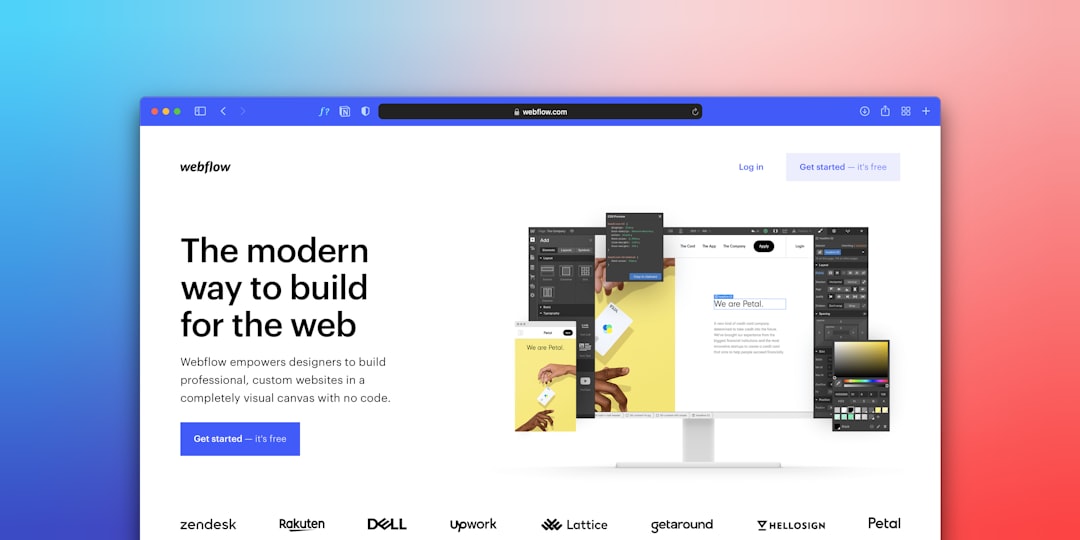
Webflow: The Designer’s Power Tool
Webflow is different. It feels like design software. With rules.
You control layouts with precision. You learn how the web works. Flexbox. Grids. Breakpoints.
Pros:
- Massive design freedom
- Clean, fast code
- Excellent animations
- Great for professionals
Cons:
- Steep learning curve
- Overkill for simple sites
- Can feel intimidating
Webflow shines for designers and agencies. Beginners can learn it. But expect effort. And a few headaches.
Ease of Use: Which Feels Best?
Ease matters. A lot.
If you want the smoothest start, choose Wix. It guides you. It forgives mistakes.
If you want structure, choose Squarespace. It tells you where things belong.
If you enjoy learning, choose WordPress.com or Webflow.
If you want to sell today, choose Shopify.
Pricing: What Do You Really Pay?
Builders use subscriptions. Monthly or yearly.
- Wix and Squarespace start low
- WordPress.com unlocks power on higher plans
- Shopify costs more but includes commerce tools
- Webflow pricing depends on site type
Free plans exist. But they come with limits. Ads. No custom domains. Use them to test. Not to launch.
So, Which Platform Is Best?
The honest answer? It depends.
Choose Wix if you want fun, freedom, and speed.
Choose Squarespace if you want style and simplicity.
Choose WordPress.com if you want flexibility and growth.
Choose Shopify if you want to sell online.
Choose Webflow if you want control and performance.
Final Thoughts
Website builders are tools. Not magic. But close.
The best one is the one you will actually use. The one that fits your brain. Your goal. Your time.
Start small. Test things. Change later. The web is flexible.
And remember. A finished website beats a perfect one.