
An IP address is the number that identifies a device or network on the internet, so data knows where to go and where to return. Think of it as a delivery address for websites, phones, laptops, servers, game consoles, and routers. Without it, your browser could ask for a web page, but the answer would have nowhere to land.
TLDR: An IP address is a digital address used to send data between devices. IPv4 uses shorter addresses like 192.168.1.25, while IPv6 uses much longer ones like 2001:db8:85a3::8a2e:370:7334. A small office with 40 connected devices may share one public IPv4 address through a router, while IPv6 can give each device its own unique public address. Global IPv6 use has passed roughly 45% in many major traffic reports, mainly because the world ran short of fresh IPv4 addresses.
What an IP Address Actually Does
Every time you open a website, stream a video, join a call, or check email, your device sends packets of data. Each packet needs source and destination information. The IP address handles that job.
If your laptop asks for example.com, the internet needs to know two things:
- Where the request came from, so the reply can return.
- Where the request should go, so it reaches the right server.
That sounds simple. It is not always simple in practice. The annoying part is that many connection errors do not clearly say, “Your IP settings are wrong.” Instead, you get vague messages like network unavailable, connection timed out, or server not found.
Image not found in postmeta
Public IP vs Private IP
Most people do not have just one IP address in daily use. You usually deal with both a public IP address and a private IP address.
A public IP is visible on the internet. Your internet service provider assigns it to your home or business connection. Websites see this address when you visit them, unless you use a VPN or similar service.
A private IP is used inside your local network. Your router gives one to your laptop, phone, smart TV, printer, and other devices. Common private IPv4 addresses start with:
- 192.168.x.x, common in homes.
- 10.x.x.x, common in offices and larger networks.
- 172.16.x.x to 172.31.x.x, also used in private networks.
Your router acts like a traffic clerk. It sends requests out using the public address, then remembers which internal device asked for what. This process is called NAT, or Network Address Translation.
What Is IPv4?
IPv4 stands for Internet Protocol version 4. It is the older and still widely used format. An IPv4 address has four number groups separated by dots.
Example:
203.0.113.42
Each group can range from 0 to 255. Because of that structure, IPv4 supports about 4.3 billion unique addresses. That once sounded huge. Then smartphones, cloud servers, connected cars, cameras, sensors, and smart speakers showed up. Suddenly, 4.3 billion was not enough.
IPv4 survived because of workarounds. NAT is the big one. It lets many devices share a single public IPv4 address. This helped keep the internet running, but it also added extra layers to networking.
For gaming, video calls, remote access, and self hosted servers, those extra layers can be irritating. Port forwarding, double NAT, and carrier grade NAT can add minutes or hours to what should be a simple setup.
What Is IPv6?
IPv6 stands for Internet Protocol version 6. It was created to solve the address shortage and improve how devices connect. IPv6 addresses are much longer than IPv4 addresses. They use hexadecimal characters and colons.
Example:
2001:0db8:85a3:0000:0000:8a2e:0370:7334
The same address can often be shortened:
2001:db8:85a3::8a2e:370:7334
IPv6 supports an almost absurd number of addresses: about 340 undecillion. That is 340 followed by 36 zeros. In plain terms, it is enough to give unique addresses to phones, servers, watches, appliances, factory sensors, and many future devices without relying so heavily on sharing tricks.
Image not found in postmeta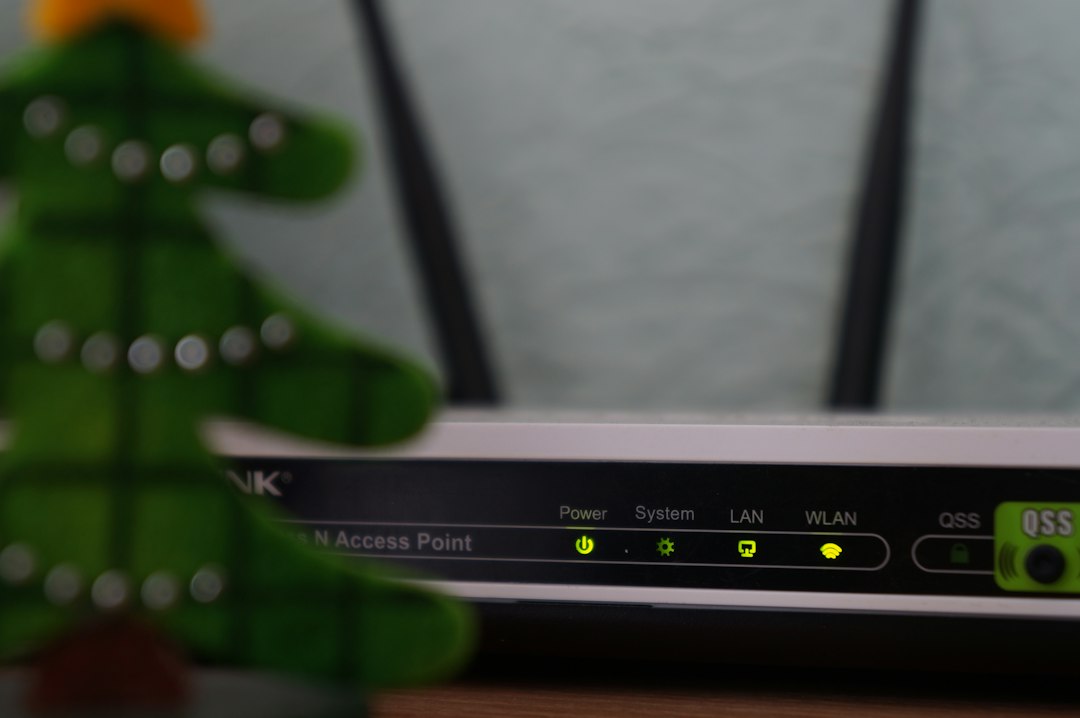
IPv4 vs IPv6: The Key Differences
IPv4 and IPv6 perform the same basic job, but they do it in different ways.
- Address length: IPv4 uses 32 bits. IPv6 uses 128 bits.
- Format: IPv4 looks like 198.51.100.7. IPv6 looks like 2001:db8::7.
- Address supply: IPv4 has about 4.3 billion addresses. IPv6 has vastly more.
- NAT dependence: IPv4 often needs NAT. IPv6 was designed so devices can have unique addresses.
- Configuration: IPv6 supports automatic address setup in many cases.
- Security support: IPv6 was built with modern networking needs in mind, though security still depends on proper setup.
IPv6 is not simply “faster IPv4.” Speed depends on your provider, router, routing path, server, and settings. In some cases IPv6 is faster. In others, IPv4 wins by a bit. The protocol alone does not guarantee better performance.
Why We Still Use Both
If IPv6 has so many addresses, why has IPv4 not vanished? Compatibility.
Millions of older devices, systems, and networks still rely on IPv4. Many websites support both. Many home routers support both. Some networks still use IPv4 only. Others use dual stack, which means IPv4 and IPv6 run side by side.
This mixed state will last for years. Expect to waste time on edge cases if you manage networks. One app may prefer IPv6. Another may fail unless IPv4 works. A printer may behave fine on a local IPv4 network but ignore IPv6 completely. It can be messy.
How Domain Names Fit In
Most people do not type IP addresses into browsers. They type domain names like google.com or wikipedia.org. The Domain Name System, usually called DNS, translates those names into IP addresses.
For IPv4, DNS uses an A record. For IPv6, DNS uses an AAAA record. When your browser asks for a site, DNS may return one or both types. Your device then chooses how to connect.
Image not found in postmeta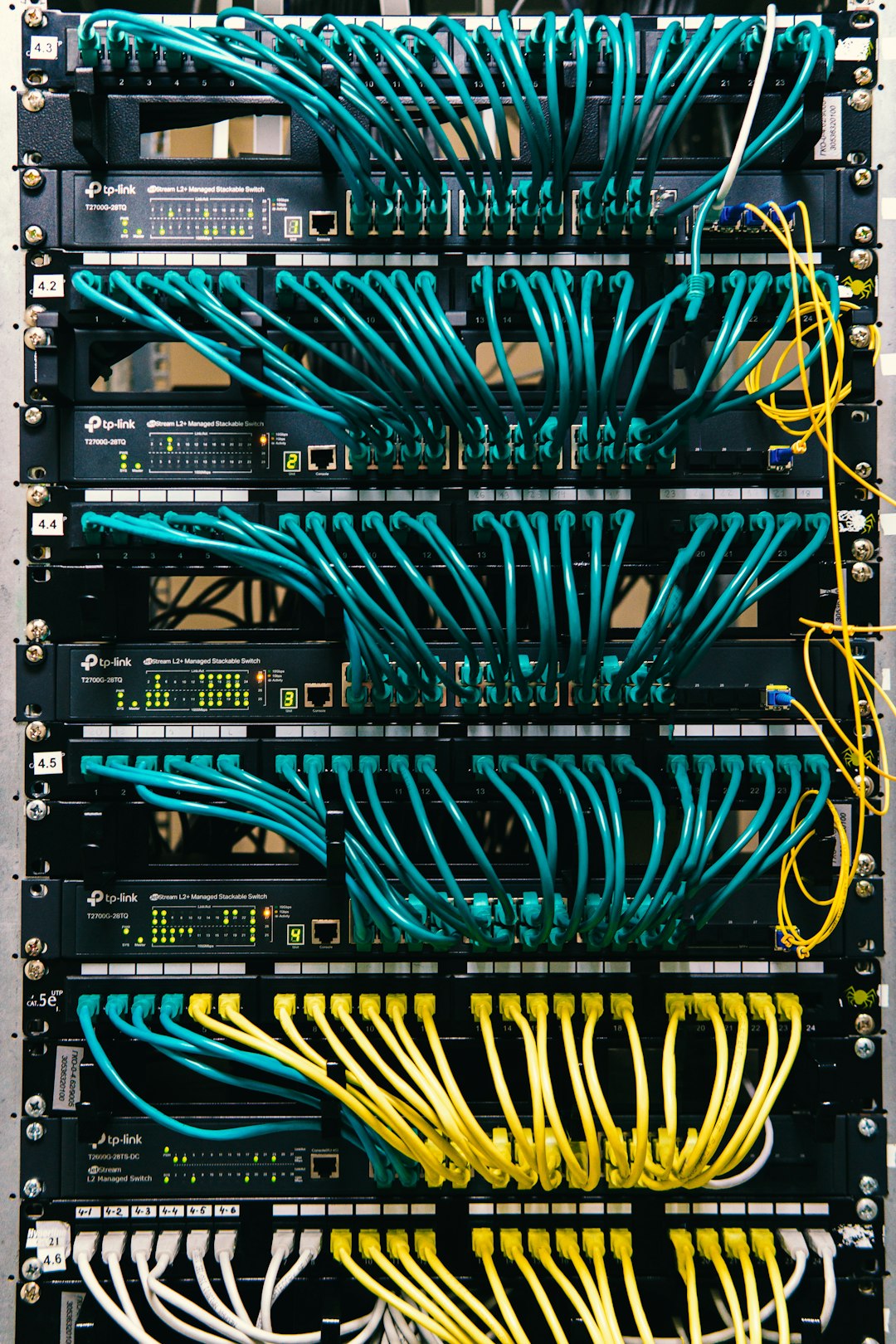
Can Your IP Address Identify You?
An IP address can reveal some information, but it is not a perfect personal ID. It may show your internet provider, rough city or region, and connection type. It usually does not reveal your exact home address to a random website.
Still, IP addresses matter for privacy. Websites use them for fraud checks, traffic logs, security blocks, ads, and regional content rules. A business may block repeated failed login attempts from one IP. A streaming service may use IP location to decide which shows appear.
Your public IP can also change. Many home connections use dynamic assignment, where the provider changes the address from time to time. Businesses often pay for a static IP, which stays the same and is useful for servers, VPNs, and remote access.
Which One Should You Care About?
For everyday browsing, you do not need to memorize IP formats. Your devices handle most of it. But knowing the basics helps when fixing Wi Fi problems, setting up cameras, hosting a game server, choosing a VPN, or reading router settings.
If you see an address like 192.168.0.14, you are probably looking at a private IPv4 address inside your home. If you see a long address with colons, it is IPv6. If a support agent asks for your public IP, they usually mean the address assigned by your internet provider, not the private one shown inside your router app.
IPv4 is the older workhorse. IPv6 is the larger, newer system built for a crowded internet. Both help your data reach the right place. The better you understand them, the less mysterious network problems become.