
Wireless networks are like invisible roads. Phones, laptops, cameras, sensors, and smart fridges all drive on them. Most days, traffic moves fine. Some days, everything slows down, drops out, or acts weird. Wireless monitoring helps you see what is happening on those invisible roads.
TLDR: Wireless monitoring means watching Wi Fi and wireless devices so you can spot problems early. It helps you find weak signals, slow speeds, strange devices, and possible attacks. Common tools include network scanners, Wi Fi analyzers, access point dashboards, and security monitors. The best approach is simple: measure often, set alerts, keep records, and fix small issues before they become giant fire breathing dragons.
What Is Wireless Monitoring?
Wireless monitoring is the process of tracking wireless networks and devices. It shows how your network is performing. It also shows who is connected, how strong the signal is, and whether something looks suspicious.
Think of it like a fitness tracker for your Wi Fi. It checks the pulse. It watches the speed. It notices when the network gets tired. It may even shout, “Hey, something is wrong over here!”
Wireless monitoring can track many things, including:
- Signal strength, so you know where coverage is weak.
- Bandwidth use, so you know what is eating the network.
- Device connections, so you know who is joining.
- Access point health, so you know if hardware is failing.
- Security events, so you can spot risky activity.

Why Wireless Monitoring Matters
People expect wireless to just work. At home, at work, in stores, in schools, and in hotels. When it fails, everyone notices fast.
A weak signal can ruin a video call. A crowded channel can make apps crawl. A rogue device can create a security risk. A dead access point can leave a meeting room in digital darkness.
Wireless monitoring helps teams move from guessing to knowing. Instead of saying, “Maybe the router is haunted,” you can see real data. That is much better than blaming ghosts.
Common Use Cases
1. Finding Wi Fi Dead Zones
Dead zones are areas with poor or no signal. They hide in corners, stairwells, warehouses, and meeting rooms with thick walls. Wireless monitoring helps you find them.
With signal maps and device data, you can see where coverage drops. Then you can move an access point, add another one, or change antenna placement.
2. Fixing Slow Internet Complaints
“The Wi Fi is slow” is a classic complaint. It can mean many things. The internet link may be full. Too many devices may be connected. A microwave may be causing interference. Yes, the office lunch reheater can be a villain.
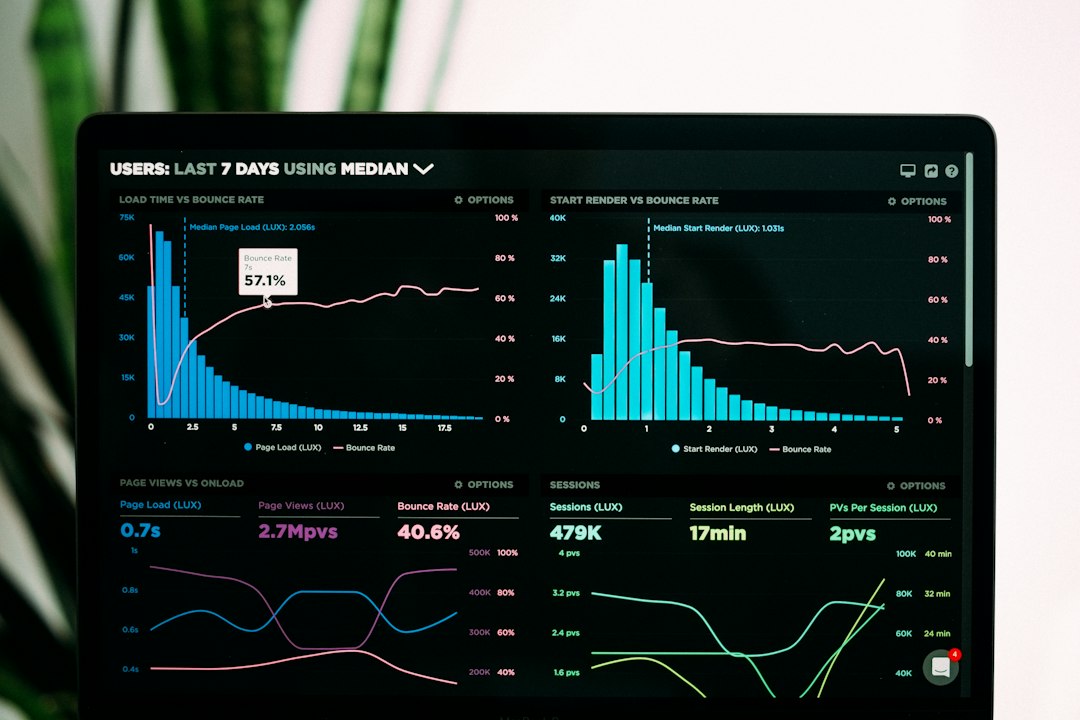
Monitoring tools show bandwidth use, channel congestion, and connection quality. This helps you find the real cause.
3. Watching Access Points
Access points are the small boxes that send and receive wireless signals. They work hard. Sometimes they fail. Sometimes they get overloaded.
Monitoring can show if an access point is offline, too hot, too busy, or using a bad channel. This makes repairs faster.
4. Tracking Devices
Wireless monitoring can show which devices are connected. This is useful in offices, schools, hospitals, factories, and smart buildings.
You can see laptops, phones, tablets, printers, scanners, cameras, and sensors. You can also spot unknown devices. That matters for security.
5. Improving Security
Wireless networks can attract trouble. Attackers may try to guess passwords. They may set up fake access points. They may scan for weak devices.
Monitoring tools can alert you to strange behavior. For example, too many login failures. Or a new access point using a similar network name. Or a device sending unusual traffic.
6. Supporting Internet of Things Devices
Smart lights, thermostats, cameras, locks, sensors, and machines all need stable wireless. These devices are often small and quiet. They may not complain when they fail.
Wireless monitoring helps you know if they are online. It also helps you confirm that they are sending data as expected.
Common Wireless Monitoring Tools
There are many tools for wireless monitoring. Some are simple. Some are powerful. Some are made for home users. Others are built for large networks with hundreds of access points.
Wi Fi Analyzer Apps
These apps run on a phone or laptop. They show nearby networks, signal strength, and channels. They are great for quick checks.
Use them when you want to know why one room has bad Wi Fi. They are also handy when choosing a better channel.
Network Scanners
Network scanners find devices on your network. They can show names, addresses, vendors, and open services. This helps you know what is connected.
They are useful for audits. They are also useful when a mystery device appears and nobody claims it. Every network has at least one mystery gremlin.
Access Point Dashboards
Many modern access points come with cloud or local dashboards. These dashboards show connected users, device health, signal quality, and traffic.
They are great for daily monitoring. They also make it easier to manage many access points at once.
Wireless Intrusion Detection Tools
These tools focus on security. They look for rogue access points, suspicious devices, spoofed network names, and attack patterns.
They are common in businesses, schools, healthcare, and finance. Anywhere wireless security matters, these tools can help.
Performance Monitoring Platforms
These platforms watch the full network. They may track routers, switches, access points, servers, and internet links. They often include alerts and reports.
They help teams see the big picture. That is useful when the problem is not just Wi Fi, but the whole network path.
Key Metrics to Watch
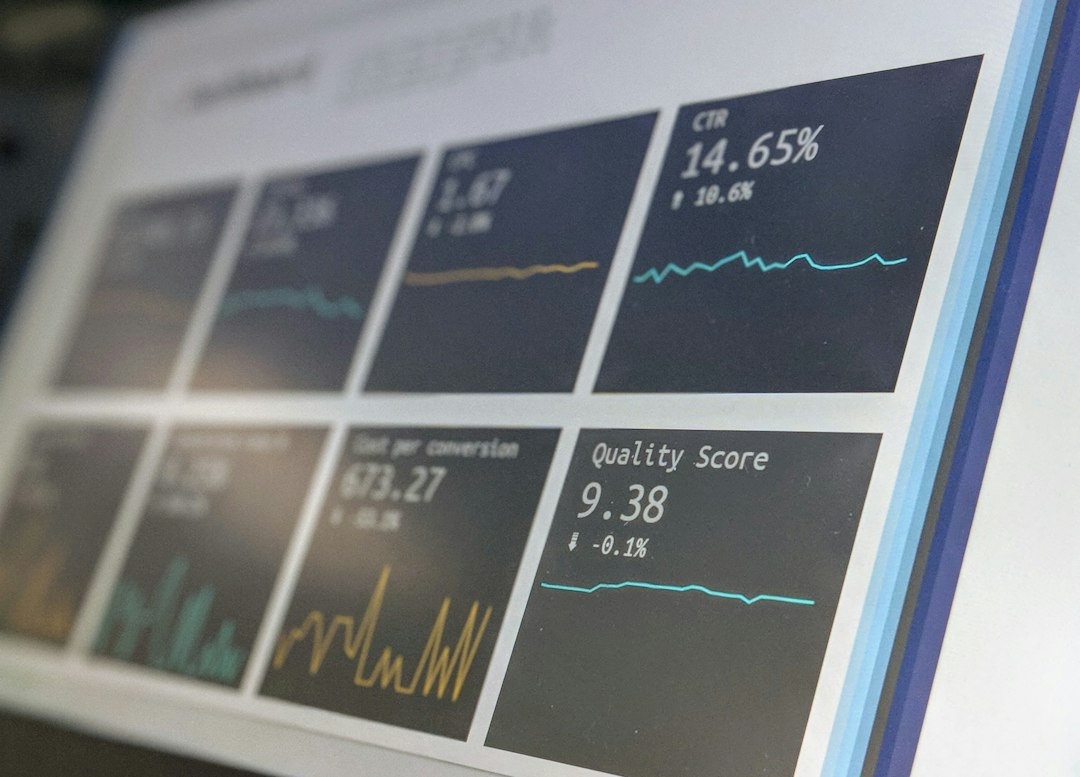
You do not need to watch everything at once. Start with the basics. These metrics tell a strong story:
- Signal strength: Shows how strong the connection is.
- Noise level: Shows interference in the area.
- Signal to noise ratio: Shows how clear the signal is.
- Channel use: Shows how crowded a wireless channel is.
- Client count: Shows how many devices use each access point.
- Throughput: Shows actual data speed.
- Packet loss: Shows dropped data.
- Latency: Shows delay.
- Authentication failures: Shows login problems or attacks.
These numbers help you avoid guesswork. They also help you prove what changed after a fix.
Best Practices for Wireless Monitoring
Start With a Baseline
A baseline is a normal reading. It shows what your network looks like on a regular day. Without it, alerts are harder to understand.
Record normal signal levels, speeds, device counts, and traffic patterns. Then you can spot changes fast.
Set Smart Alerts
Alerts are helpful. Too many alerts are annoying. Nobody wants a phone buzzing all day like an angry bee.
Set alerts for important events. For example, an access point going offline, a rogue device appearing, or bandwidth hitting a high limit.
Map Your Coverage
Create a wireless coverage map. This helps you see strong and weak areas. Update it when you move walls, desks, shelves, machines, or access points.
Buildings change. Networks should change with them.
Watch for Interference
Wireless signals share space with other devices. Microwaves, cordless phones, Bluetooth devices, thick walls, metal shelves, and neighboring networks can interfere.
When performance drops, check for interference. The cause may be simple.
Separate Guest Traffic
Guests should not be on the same network as private systems. Use a guest network. Keep it separate. Add a password or portal if needed.
This protects business devices. It also keeps visitors from accidentally wandering into places they should not be.
Keep Firmware Updated
Access points and routers need updates. Updates fix bugs. They also close security holes.
Plan updates carefully. Test when possible. Avoid updating at the busiest time of day unless you enjoy chaos.
Document Changes
Write down what you change. Include dates, settings, locations, and reasons. This sounds boring. It is also extremely useful.
When something breaks later, good notes can save hours.
Final Thoughts
Wireless monitoring does not need to be scary. It is just a way to see what your wireless network is doing. It turns invisible signals into clear information.
Start small. Watch the key metrics. Use simple tools. Set useful alerts. Keep notes. Over time, your network will become faster, safer, and less mysterious.
And when someone says, “The Wi Fi is broken,” you can smile. You have data. You have tools. You are ready to catch the invisible gremlin.