
AI photo editing is no longer a “pro only” playground. You can now erase a photobomber, fix dull lighting, sharpen a fuzzy selfie, or create a dreamy product shot in minutes. ChatGPT can help with ideas and prompts, but many image tasks are easier in tools built just for editing pictures.
TLDR: If you want fast AI image editing, try tools like Adobe Firefly, Canva Magic Studio, Fotor, Pixlr, Luminar Neo, and Cleanup.pictures. For example, a small shop owner can remove backgrounds from 50 product photos in one afternoon instead of spending two full days doing it by hand. If each edit saves 5 minutes, that is over 4 hours saved on just 50 images. Pick the tool based on your goal: object removal, photo glow up, social posts, or pro level retouching.
1. Adobe Firefly: Best for Creative Edits
Adobe Firefly is like a digital paintbrush with a magic button. It is great for adding, removing, or changing parts of an image. You can type what you want, and Firefly tries to make it happen.
Want to remove a trash can from a beach photo? Done. Want to add flowers to a plain table? Easy. Want to change a boring background into a sunset scene? Go for it.
Firefly is especially useful if you already use Adobe tools. It works well with apps like Photoshop. That makes it strong for people who want both simple AI help and serious editing power.
- Best for: Creative image changes and generative fill.
- Great feature: Add or remove objects with text prompts.
- Good for beginners? Yes, but it gets better if you learn the tools.
2. Canva Magic Studio: Best for Social Media
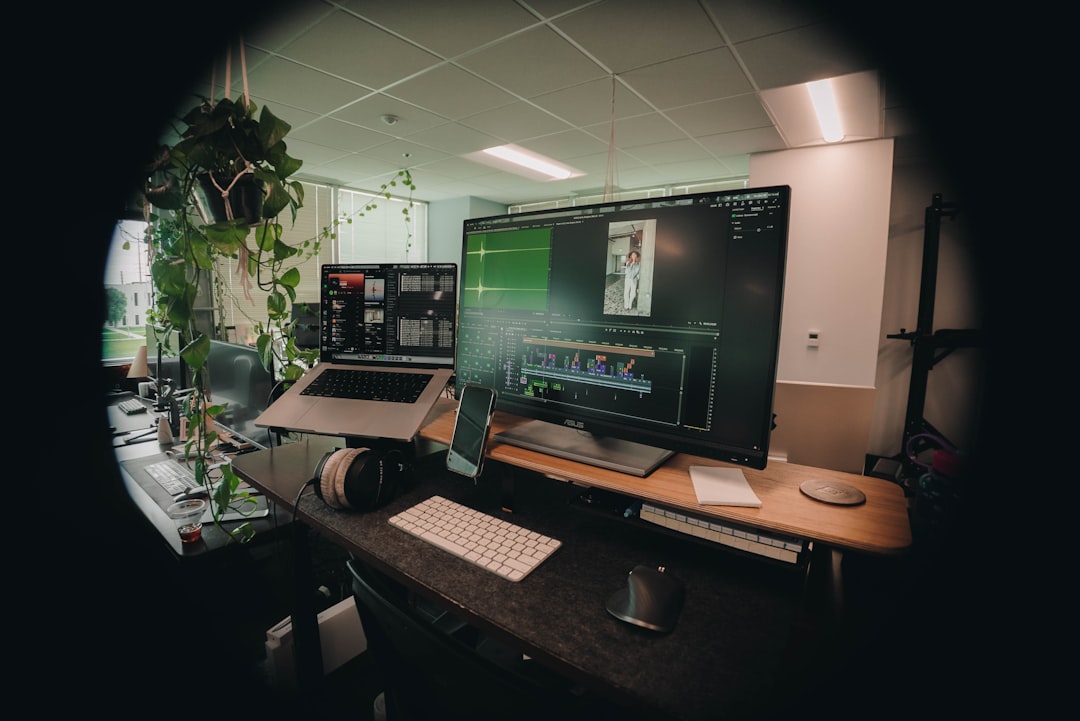
Canva Magic Studio is the friendly one at the party. It does not make you feel lost. It is simple, bright, and made for people who want fast results.
You can remove backgrounds, erase unwanted items, resize images, and create designs for Instagram, TikTok, flyers, and ads. It is not just an editor. It is a full content playground.
Let’s say you run a bakery. You take a photo of a cupcake. The table is messy. A spoon is in the way. The lighting is sad. Canva can help clean it up, brighten it, and turn it into a cute post with text and stickers.
- Best for: Social posts, ads, posters, and quick designs.
- Great feature: Magic Eraser and background remover.
- Good for beginners? Very much yes.
3. Fotor: Best All In One Photo Fixer
Fotor is a strong choice if your photos need a quick makeover. Think of it as a mini beauty salon for images. It can enhance photos, remove objects, improve lighting, smooth skin, and sharpen details.
Fotor is useful for portraits, product photos, travel shots, and old family pictures. It does many things without making you dig through too many menus.
One handy feature is the AI photo enhancer. Upload a dull photo, click a button, and watch it get brighter and clearer. It feels a little like wiping fog off a window.
- Best for: Fast photo enhancement and retouching.
- Great feature: One click photo improvement.
- Good for beginners? Yes. It is simple and direct.
4. Pixlr: Best for Browser Based Editing
Pixlr is great when you want to edit without installing huge software. It runs in your browser. That means you can open it, fix a photo, and move on with your life.
Pixlr has AI tools for background removal, object removal, image generation, and smart retouching. It also has classic editing tools. So you can crop, adjust color, add layers, and play with effects.
This tool is nice for students, creators, small shops, and anyone using a shared computer. No heavy setup. No drama. Just edit and export.
- Best for: Quick edits in a web browser.
- Great feature: AI background and object removal.
- Good for beginners? Yes, though some advanced tools need practice.
5. Luminar Neo: Best for Photo Enhancement
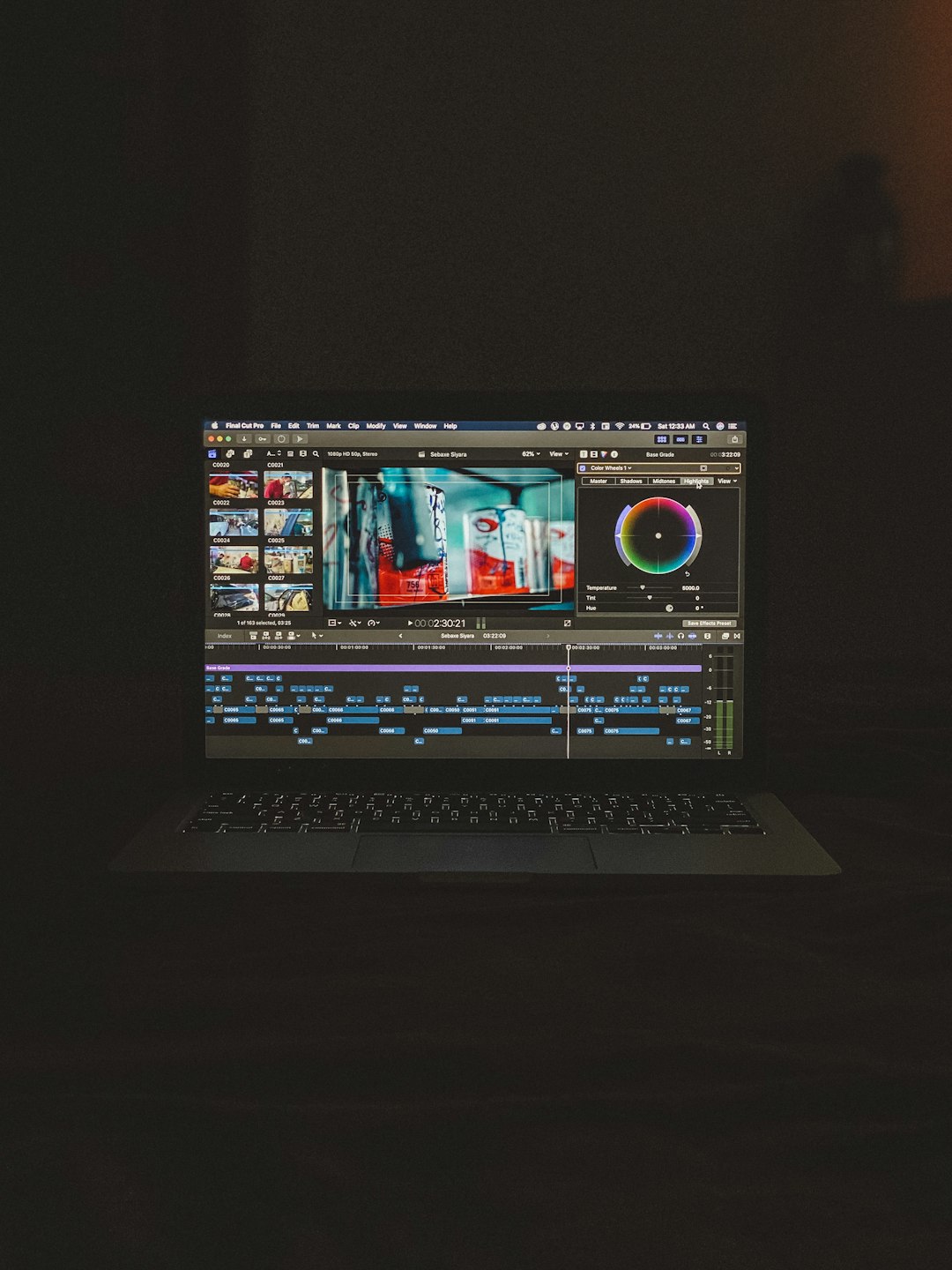
Luminar Neo is for people who want photos to look polished. Not fake. Not plastic. Just better. It is popular with photographers because it can fix light, color, sky, skin, and sharpness in a smart way.
It has tools like AI Enhance, sky replacement, portrait retouching, noise reduction, and relighting. The relight tool is especially cool. It can brighten the front of a photo while keeping the background natural.
Imagine you took a great family photo, but everyone’s faces look too dark. Luminar Neo can help save it. It is also great for landscapes. A gray sky can become a golden sunset. Very dramatic. Very “vacation brochure.”
- Best for: Photo quality, portraits, and landscape edits.
- Great feature: Smart lighting and sky tools.
- Good for beginners? Mostly yes. It is powerful but clear.
6. Cleanup.pictures: Best for Simple Object Removal
Cleanup.pictures has one main job. It removes things from photos. That is it. And that is why people like it.
You upload an image. You brush over the thing you do not want. The tool fills the space. It is quick, simple, and oddly satisfying. Like digital tidying.
Use it for removing power lines, strangers, logos, stains, clutter, or that one chair that ruins the room photo. It is not as full featured as some other tools, but it is very easy to use.
- Best for: Fast object removal.
- Great feature: Simple brush based cleanup.
- Good for beginners? Yes. Super yes.
How to Pick the Right Tool
Do not pick the “best” tool. Pick the best tool for your job. That is the secret.
- Need social posts? Choose Canva Magic Studio.
- Need creative AI edits? Try Adobe Firefly.
- Need one click better photos? Use Fotor.
- Need browser editing? Pick Pixlr.
- Need high quality photo enhancement? Go with Luminar Neo.
- Need to erase one annoying thing? Open Cleanup.pictures.
Quick Tips for Better AI Photo Edits
AI is smart, but it is not a wizard with perfect glasses. You still need to guide it.
- Start with a clear photo. Better input means better output.
- Zoom in before removing objects. This helps with clean edges.
- Use small edits first. Big changes can look weird.
- Check hands, faces, and text. AI often gets these wrong.
- Save a copy. Always keep the original image safe.
Final Thoughts
AI image editing is now fast, fun, and friendly. You do not need a design degree. You do not need to watch 47 tutorials. You just need the right tool for the job.
Adobe Firefly is great for creative changes. Canva Magic Studio is perfect for content. Fotor gives quick glow ups. Pixlr works right in your browser. Luminar Neo makes photos look rich and polished. Cleanup.pictures removes unwanted stuff with almost no learning curve.
So go ahead. Remove that photobomber. Brighten that selfie. Rescue that product shot. Your photos are ready for their main character moment.