
Many consumers discover Epoch Payment Solutions on their bank or card statements when they sign up for online entertainment, subscription platforms, or digital services. While the company serves as a legitimate third-party payment processor, canceling a subscription tied to Epoch can sometimes feel confusing if users are unsure where to begin. Understanding the correct steps can save time, prevent extra charges, and protect personal financial information.
TLDR: Cancelling an Epoch Payment Solutions subscription requires identifying the merchant linked to the charge, accessing the appropriate cancellation portal, and confirming the request in writing or via email. Acting quickly before the next billing cycle helps avoid additional fees. If standard cancellation methods fail, contacting customer support or disputing the charge through your bank may be necessary. Always keep confirmation records for future reference.
What Is Epoch Payment Solutions?
Epoch Payment Solutions is a global payment processing company that handles subscription billing for numerous online merchants. Rather than charging customers directly under a recognizable brand name, many online services use Epoch as their billing intermediary. As a result, customers often see “Epoch” or something similar on their bank statements instead of the actual service name.
This arrangement is common in industries such as:
- Online streaming services
- Digital memberships
- Cloud-based platforms
- Gaming subscriptions
- Adult content websites
Because Epoch operates as the payment processor and not the service provider, customers must follow specific procedures to cancel recurring charges.
Step 1: Identify the Source of the Charge
The first and most important step is identifying which service is linked to the Epoch charge. Review your bank statement carefully and note:
- The exact billing descriptor
- Date of transaction
- Amount charged
Often, the statement includes a short code or partial website name. This information will help locate the correct merchant account.
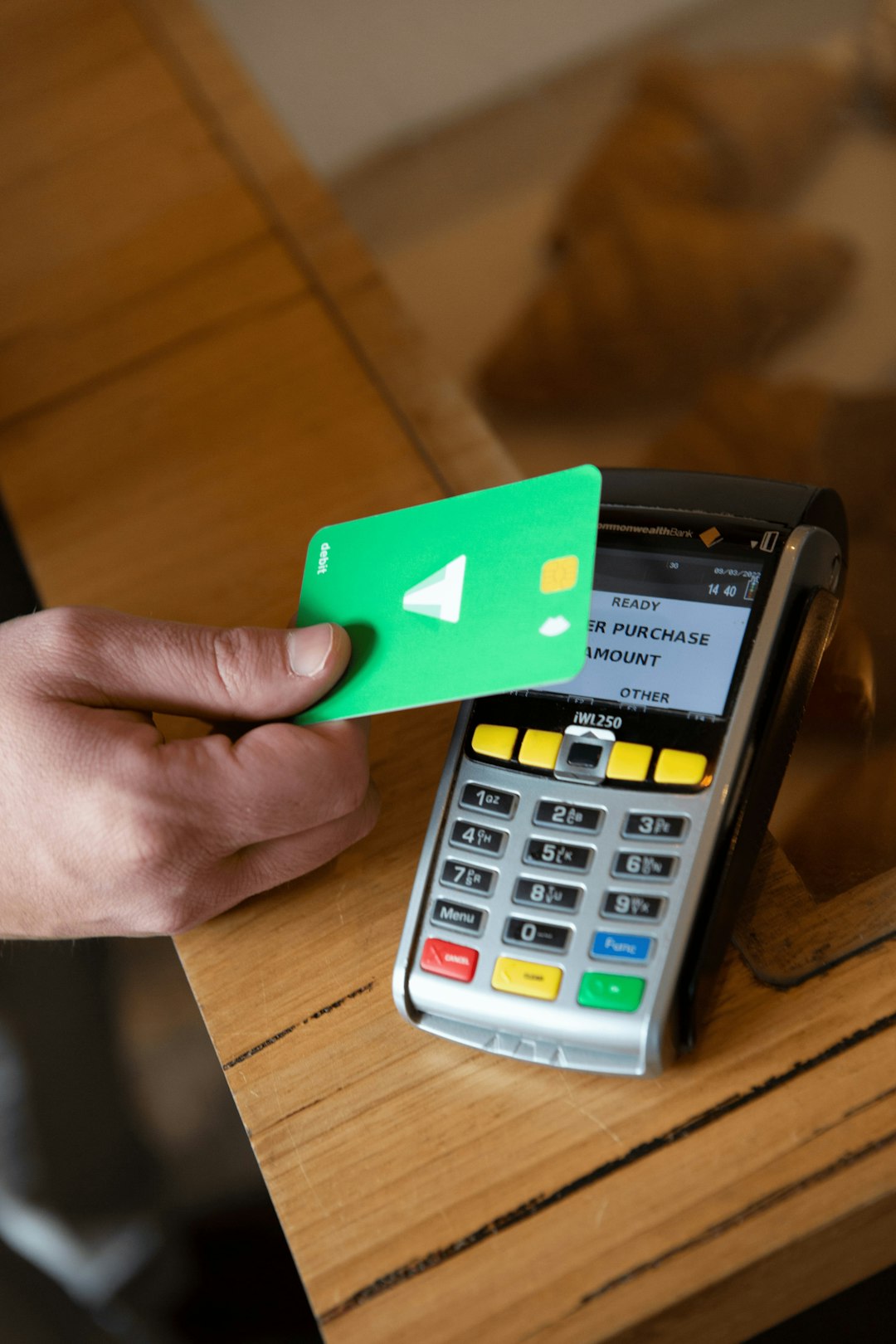
If the descriptor is unclear, customers can use Epoch’s official online lookup tools to search for subscriptions using:
- Email address
- Credit card number (secure portal)
- Transaction ID
Tip: Always ensure you are using the legitimate Epoch website to avoid phishing scams.
Step 2: Access the Epoch Customer Support Portal
Epoch provides a self-service customer support portal designed specifically for managing subscriptions. After locating your subscription, you can:
- View active subscriptions
- Cancel recurring billing
- Update payment information
- Contact support
To cancel your subscription safely and quickly:
- Log in to the appropriate support portal.
- Locate the active subscription.
- Select the cancellation option.
- Follow on-screen prompts until confirmation is displayed.
Most cancellations are processed immediately, but access to the service typically continues until the end of the billing period.
Step 3: Request Cancellation Confirmation
Never assume a cancellation is finalized without confirmation. After completing the process:
- Check for an on-screen confirmation message.
- Look for a confirmation email.
- Save or screenshot the confirmation page.

Keeping documentation is essential in case future disputes arise. If you do not receive confirmation within a few minutes, contact customer support immediately.
Step 4: Contact Customer Support if Needed
If the online cancellation process fails or you cannot locate your subscription, reaching out to Epoch customer support is the next step. Support is generally available via:
- Live chat
- Telephone support
When contacting support, provide:
- Full name
- Email used for registration
- Last four digits of your card
- Date and amount of the charge
Remain clear and direct in your request. State that you are requesting immediate cancellation of recurring billing and ask for written confirmation.
Step 5: Monitor Your Bank Statements
After cancellation, continue monitoring your financial statements for at least one billing cycle. Verify that no additional charges appear. If you notice further charges:
- Contact Epoch again with your cancellation proof.
- Request a refund if applicable.
- Escalate the issue if unresolved.

Most reputable payment processors resolve billing disputes promptly, especially when documentation is available.
What If You Cannot Access the Account?
In some cases, users may no longer have access to the email or login credentials used for the original subscription. When this happens:
- Use the transaction lookup tool with payment details.
- Contact customer service directly with proof of billing.
- Request account verification through alternative identification methods.
If all attempts fail, contacting your bank or credit card issuer to block future payments may be necessary.
How to Dispute Charges Through Your Bank
If a cancellation attempt is ignored or unauthorized charges occur, you can dispute the transaction with your bank. Be aware that financial institutions typically require:
- Evidence of cancellation request
- Dates of communication
- Copies of confirmation emails
Initiating a chargeback should be considered a last resort, as it may result in permanent account closure with the merchant.
Best Practices for Safe and Quick Cancellation
To make the process efficient while protecting personal data, consider the following best practices:
- Act before the next billing date. Most subscriptions renew automatically.
- Use official websites only. Avoid third-party cancellation services.
- Do not share full card details over unsecured channels.
- Keep screenshots and email records.
- Review trial periods carefully. Many services convert trials into paid plans automatically.
Being proactive significantly reduces the risk of billing complications.
Understanding Refund Policies
Refund eligibility depends largely on the merchant’s terms rather than Epoch itself. Some platforms offer prorated refunds, while others maintain strict no-refund policies after access is granted.
Before requesting a refund, review:
- Service terms and conditions
- Billing cycle rules
- Trial conversion policies
If the charge was accidental or fraudulent, clearly explain your situation when contacting support.
Common Mistakes to Avoid
Many subscribers delay cancellation or make assumptions that lead to extra charges. Common mistakes include:
- Assuming deleting an account cancels billing
- Canceling after the renewal date
- Ignoring confirmation emails
- Blocking the card without formal cancellation
Deleting your profile alone does not always terminate recurring payments. Always complete the official cancellation process.
How Long Does Cancellation Take?
In most cases, cancellation through the self-service portal is immediate. Access typically remains until the end of the paid billing cycle. Refund processing, if approved, may take:
- 3–5 business days for card refunds
- Up to 10 business days depending on the bank
International transactions may require additional processing time.
When to Consider Card Replacement
If multiple unauthorized charges appear or you suspect fraud, it may be safer to:
- Cancel the affected card
- Request a replacement
- Set up transaction alerts for future protection
However, replacing your card does not replace the need to formally cancel subscriptions.
Final Thoughts
Cancelling an Epoch Payment Solutions subscription is typically straightforward once the correct steps are followed. Identifying the linked merchant, using the official support portal, and securing written confirmation are the most important actions. By staying organized and proactive, consumers can prevent unnecessary charges and maintain control of their recurring payments. Keeping accurate records ensures that, if a dispute arises, resolution is swift and stress-free.
Frequently Asked Questions (FAQ)
- 1. Why does Epoch appear on my bank statement?
Epoch functions as a payment processor for online merchants, so its name appears instead of the service provider’s name. - 2. Can I cancel directly through my bank?
While you can block payments or dispute charges through your bank, it is best to cancel directly through Epoch or the merchant first. - 3. Will I receive a refund after cancellation?
Refunds depend on the merchant’s policy. Some offer refunds within a certain timeframe, while others do not. - 4. Is cancellation immediate?
Billing is typically stopped right away, but service access may continue until the end of the billing cycle. - 5. What if I forgot which email I used?
You can search for the subscription using transaction details or contact support with billing information. - 6. Is it safe to enter my card details into the Epoch lookup tool?
Yes, if using the official secure Epoch website. Always verify the URL before entering financial information. - 7. Can I reopen a subscription after canceling?
In most cases, you need to sign up again through the original merchant website.