
Finding a Litecoin wallet address is one of the first and most important steps in sending or receiving Litecoin (LTC). For beginners, the process might seem technical at first, but it becomes simple once the basics are understood. A wallet address is essentially the destination where Litecoin can be sent, similar to an account number in traditional banking—except it is part of a decentralized blockchain network.
TLDR: To find your Litecoin wallet address, you need a Litecoin wallet—software, hardware, or exchange-based. After setting up or logging in, navigate to the “Receive” section to generate or view your wallet address. Always double-check the address before sharing it and consider copying it directly or using its QR code to avoid errors. Your wallet address can be reused, but generating a new one for each transaction improves privacy.
Understanding What a Litecoin Wallet Address Is
A Litecoin wallet address is a unique string of letters and numbers used to receive Litecoin. It typically begins with L, M, or ltc1, depending on the address type. This address is derived from your wallet’s public key and is safe to share with others when you want to receive funds.
It is important to understand the difference between:
- Public address: Used to receive Litecoin.
- Private key: Used to access and manage your funds. This should never be shared.
- Seed phrase: A recovery phrase that restores your wallet if needed.
Only the public address should be shared. Protecting the private key and seed phrase is essential for keeping funds secure.
Step 1: Choose a Litecoin Wallet
Before finding a wallet address, a user must first have a Litecoin wallet. There are several types available, and each has its advantages and disadvantages.
Main Types of Litecoin Wallets
| Wallet Type | Best For | Security Level | Ease of Use |
|---|---|---|---|
| Mobile Wallet | Everyday use | Medium | High |
| Desktop Wallet | Regular transactions | Medium to High | Medium |
| Hardware Wallet | Long-term storage | Very High | Medium |
| Exchange Wallet | Trading | Low to Medium | Very High |
Mobile and desktop wallets are software applications installed on phones or computers. Hardware wallets are physical devices that store private keys offline. Exchange wallets are hosted by cryptocurrency exchanges and are convenient but less secure because the user does not fully control the private keys.
Step 2: Set Up or Log in to Your Wallet
After choosing a wallet type, the next step is setup. For new users, this involves:
- Downloading the wallet from its official source.
- Installing the application or initializing the hardware device.
- Creating a new wallet.
- Backing up the provided seed phrase securely.
Most wallets guide users through this process step by step. The seed phrase typically contains 12 or 24 words and must be written down and stored safely offline.
Users who already have a wallet simply need to log in using their password, PIN, or hardware device authentication.
Step 3: Navigate to the “Receive” Section
Once logged in, locating the Litecoin wallet address is straightforward. In most wallets, there is a navigation menu with options such as:
- Send
- Receive
- Transactions
- Settings
To find the wallet address, the user should click or tap on “Receive.”
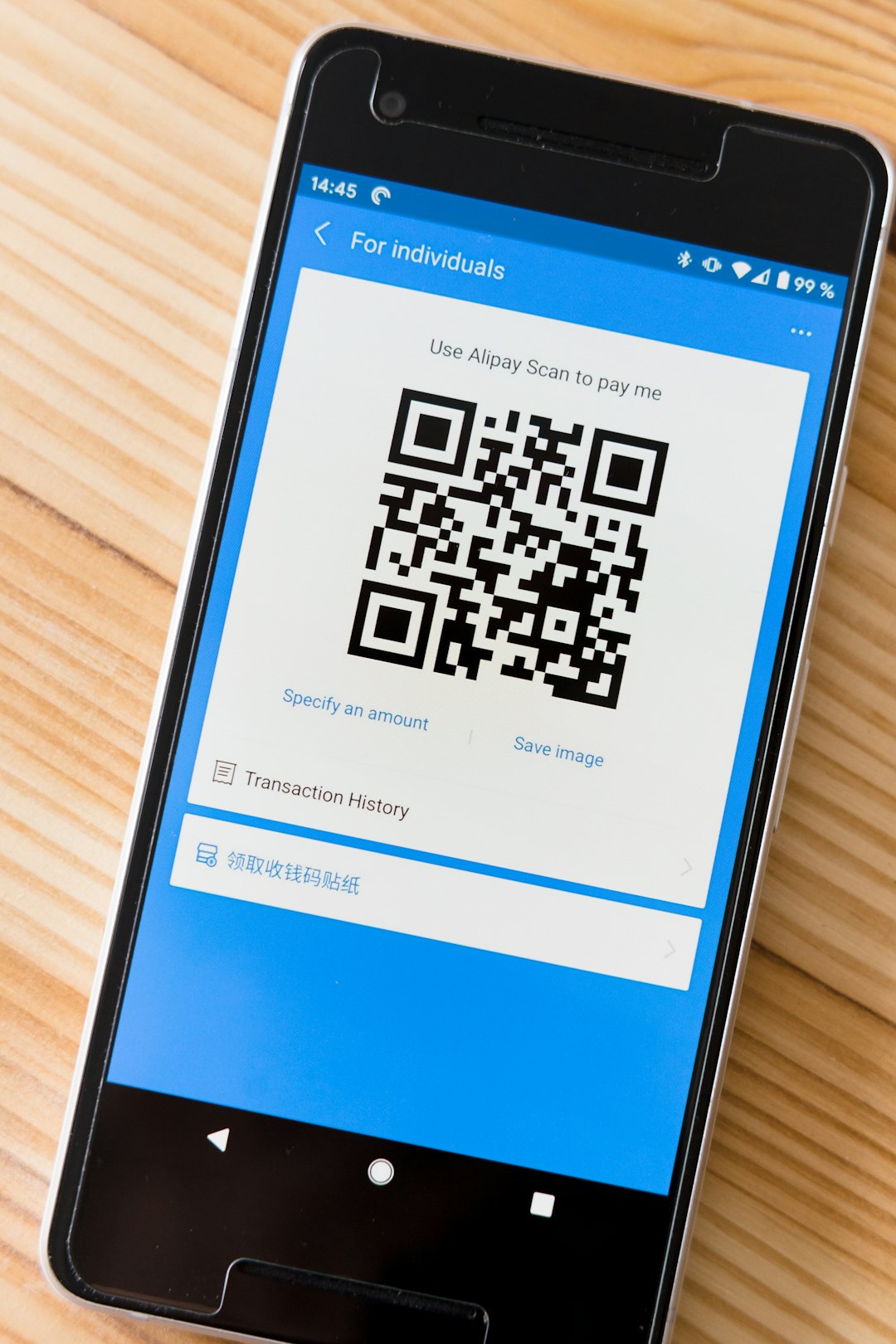
In this section, the wallet will:
- Display a long alphanumeric Litecoin address.
- Provide a QR code version of the address.
- Sometimes offer an option to generate a new address.
The displayed string is the user’s Litecoin wallet address. It can be copied and shared with the sender.
Step 4: Copy or Share the Wallet Address
Typing a Litecoin address manually is not recommended due to its length and complexity. Instead, users should:
- Use the copy button provided in the wallet.
- Paste the address directly into messages or exchange withdrawal forms.
- Share the QR code when receiving funds in person.
Before confirming any transaction, it is wise to double-check the first and last few characters of the address to ensure it has been copied correctly. Malware can sometimes alter copied wallet addresses, so verification reduces risk.
Types of Litecoin Addresses
Litecoin supports multiple address formats. Understanding them can prevent confusion.
- Legacy Addresses (start with L): Older format, widely supported.
- Script Addresses (start with M): Often used for multisignature transactions.
- Bech32 Addresses (start with ltc1): Newer format with lower fees and improved efficiency.
Most modern wallets default to Bech32 addresses because they reduce transaction size and fees. However, all standard types are generally compatible within the Litecoin network.
Can a Litecoin Wallet Address Be Reused?
Technically, yes. A Litecoin wallet address can be reused multiple times. However, for privacy reasons, many wallets automatically generate a new address for each transaction.
Using a new address makes it harder for others to track total balances or transaction history on the public blockchain. Even when a new address is generated, previous addresses remain valid and continue to be linked to the same wallet.
Finding a Litecoin Address on an Exchange
If Litecoin is stored on a cryptocurrency exchange, the steps are slightly different:
- Log in to the exchange account.
- Navigate to Wallet or Assets.
- Find Litecoin (LTC) in the asset list.
- Click Deposit or Receive.
- Copy the provided wallet address.
Exchanges may require two-factor authentication before displaying deposit addresses. It is essential to select the correct network—Litecoin (LTC)—to avoid sending funds to the wrong blockchain.
Security Tips When Using a Litecoin Wallet Address
Security should always be a priority when handling cryptocurrency. Beginners should follow these guidelines:
- Never share private keys or seed phrases.
- Verify URLs when using web wallets or exchanges.
- Enable two-factor authentication whenever possible.
- Keep software updated to protect against vulnerabilities.
- Consider a hardware wallet for storing large amounts of LTC.
Even though sharing a public wallet address is safe, overall wallet security depends on how well private credentials are protected.
Troubleshooting Common Issues
Wallet Not Displaying an Address
This usually happens if Litecoin is not enabled within a multi-coin wallet. The solution is to activate Litecoin support in the wallet settings.
Wrong Network Selected
When receiving Litecoin from an exchange or another wallet, always confirm that the sender is using the Litecoin network, not a similarly named token on a different chain.
Address Format Not Recognized
Some older services may not support newer Bech32 (ltc1) addresses. In such cases, generating a legacy address may solve the problem.
Why Knowing Your Wallet Address Matters
A Litecoin wallet address is essential for:
- Receiving payments.
- Transferring funds between personal wallets.
- Accepting Litecoin for goods or services.
- Moving LTC from exchanges to private storage.
Without correctly identifying and using the wallet address, transactions cannot occur. Understanding how to find and use it confidently is a foundational skill for anyone entering the world of cryptocurrency.
Frequently Asked Questions (FAQ)
1. Is it safe to share my Litecoin wallet address?
Yes. A wallet address is public information and is designed to be shared so others can send you Litecoin. However, private keys and seed phrases must always remain secret.
2. How long is a Litecoin wallet address?
Most Litecoin addresses range between 26 and 62 characters, depending on the format used.
3. Can I have multiple Litecoin wallet addresses?
Yes. Most wallets automatically generate new addresses for privacy. All generated addresses are linked to the same wallet.
4. What happens if I send Litecoin to the wrong address?
Cryptocurrency transactions are irreversible. If sent to an incorrect or nonexistent address, the funds are usually lost permanently. Always double-check before sending.
5. Do I need internet access to find my wallet address?
For software and exchange wallets, internet access is required. Hardware wallets can display addresses offline, though broadcasting transactions requires connectivity.
6. Can I change my Litecoin wallet address?
You cannot modify an existing address, but you can generate a new one within your wallet at any time.
7. Are Litecoin wallet addresses case-sensitive?
Yes, most Litecoin addresses are case-sensitive. This is another reason why copying and pasting is recommended instead of typing manually.
By following these steps and understanding the basics, beginners can confidently find and use their Litecoin wallet address. With careful handling and proper security practices, managing Litecoin becomes a smooth and secure experience.