
Managing subscription services has become a regular part of modern financial life. While apps like Albert offer convenient features such as budgeting tools, cash advances, and financial advice through their Genius membership, there may come a time when you decide the service no longer fits your needs. Whether you’re cutting expenses, switching platforms, or simply taking a break, understanding how to cancel Albert Genius membership without extra charges is essential to avoid unnecessary fees and frustration.
TLDR: To cancel Albert Genius without extra charges, make sure you cancel before your next billing date, confirm cancellation inside the app, and monitor your bank statements. Remove any optional tips or recurring transfers first, and ensure no pending advance repayments are tied to your account. Always request confirmation via email or screenshot for proof. Acting a few days before renewal is the best way to avoid surprise charges.
Understanding What Albert Genius Membership Includes
Before canceling, it helps to understand what you’re opting out of. Albert offers basic financial tools for free, but the Genius membership unlocks premium features such as:
- One-on-one financial advice from human experts
- Priority cash advances
- Smarter savings automation
- Identity protection features
- Investment guidance
Unlike many subscription services with a fixed monthly rate, Albert Genius works on a somewhat flexible payment model. Users often choose how much they want to pay monthly (within a minimum range). While this flexibility is appealing, it can also create confusion when canceling.
Why Extra Charges Happen
Extra charges usually happen for one of three reasons:
- Canceling after the billing date
- Outstanding cash advances or fees
- Not fully completing the cancellation process
Subscriptions typically renew automatically. If you cancel even one day after your billing cycle renews, you may still be charged for that period. Additionally, if you have an unpaid cash advance or pending transfer, your account may remain active until balances are settled.
Step-by-Step: How to Cancel Albert Genius Membership
Follow these steps carefully to ensure you avoid unnecessary fees.
1. Check Your Billing Date
Open the Albert app and navigate to your profile or subscription section. Look for:
- Your next billing date
- Your current payment amount
- Any pending withdrawals
Tip: Cancel at least 2–3 days before the renewal date to account for processing time.
2. Settle Any Outstanding Balances
If you’ve taken a cash advance or have a pending Genius payment, ensure it’s fully repaid. Cancellation may not be finalized if your account reflects unpaid activity.
Review:
- Instant advance balances
- Automatic savings transfers
- Investment contributions in progress
3. Cancel Inside the App
Albert does not typically allow cancellation through external app stores (unless subscribed through Apple or Google directly). To cancel:
- Open the Albert app
- Go to Profile
- Tap Membership or Genius
- Select Cancel Membership
- Follow the prompts and confirm
Be sure to read each screen carefully. Some services offer pauses or plan downgrades instead of full cancellations. Ensure you explicitly choose cancellation.
4. Confirm Cancellation via Email
After canceling, you should receive an email confirmation. If not:
- Check spam or junk folders
- Contact customer support through in-app chat
- Request written confirmation
Take a screenshot of the confirmation screen for your records. This proof can be valuable if a billing dispute arises.

What If You Subscribed Through Apple or Google?
If you signed up via the Apple App Store or Google Play Store, your subscription may be managed externally.
For iPhone Users:
- Go to Settings
- Tap your Apple ID at the top
- Select Subscriptions
- Find Albert
- Tap Cancel Subscription
For Android Users:
- Open Google Play Store
- Tap your profile icon
- Select Payments & Subscriptions
- Choose Subscriptions
- Locate Albert and cancel
Again, always cancel at least 48 hours before renewal to prevent automatic charges.
Avoiding Hidden or Surprise Fees
While Albert generally aims to be transparent, here are practical ways to ensure no surprise costs:
- Turn off instant advance tips if applicable
- Cancel recurring savings transfers before closing
- Disconnect linked bank accounts after cancellation
- Monitor your bank statements for 30 days after
If you see a charge after cancellation, contact Albert support immediately with your confirmation documentation. Many subscription billing issues are resolved quickly when reported promptly.
Timing Matters More Than Anything
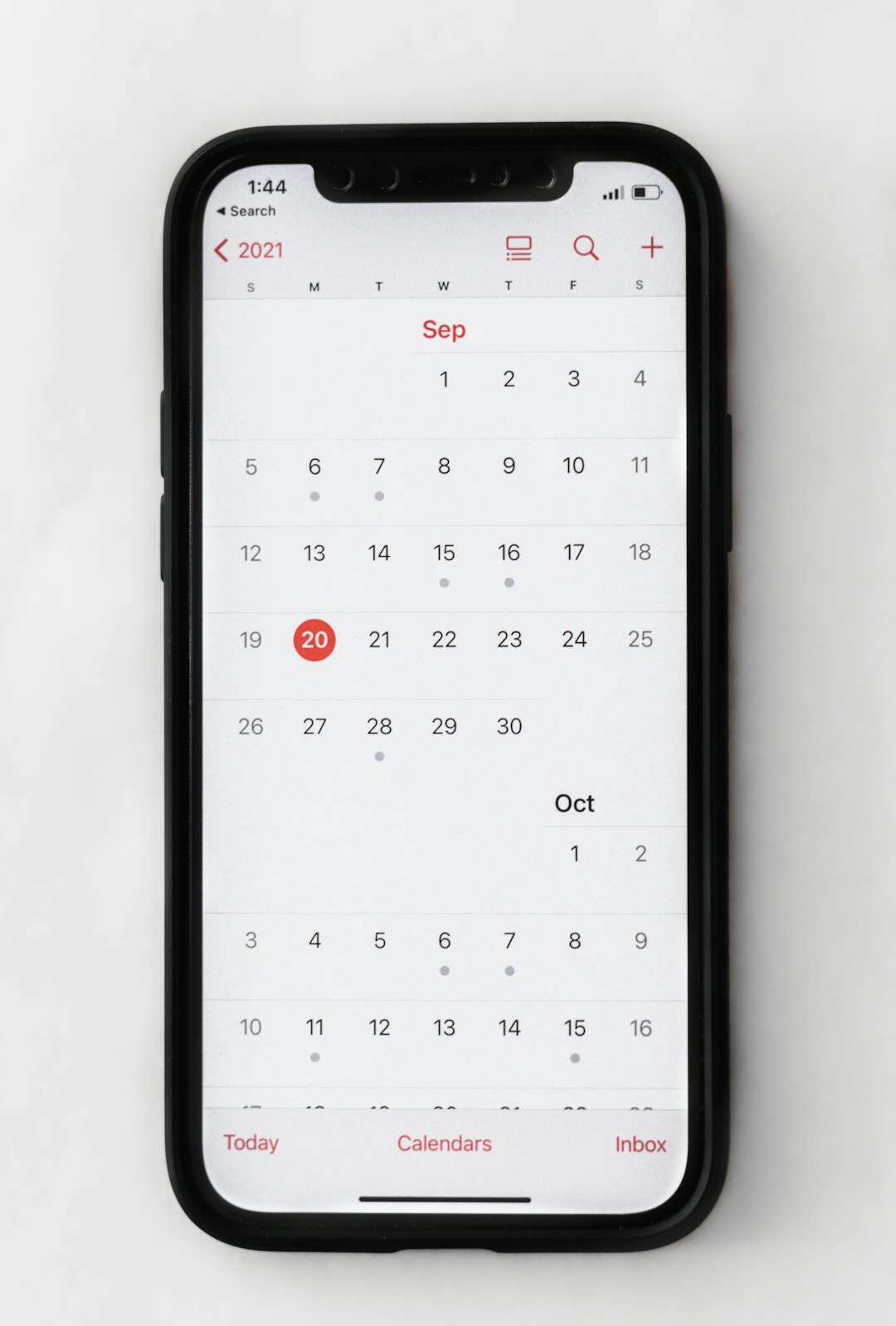
One of the most overlooked factors in avoiding extra charges is timing.Subscriptions renew automatically based on the original sign-up date, not the calendar month. This means if you signed up on the 17th, your renewal may occur on the 17th of each month—not the 1st.
Best practice:
- Set a reminder one week before your renewal
- Cancel three days before the billing date
- Verify cancellation immediately
Can You Get a Refund After Being Charged?
Refund policies vary based on your payment method and account history. Generally:
- If you were charged within hours of cancellation, support may issue a courtesy refund.
- If a full billing cycle has already begun, refunds are less likely.
- If charged through Apple or Google, refund requests must go through those platforms.
When requesting a refund:
- Be polite and concise.
- Include cancellation confirmation proof.
- State clearly why you believe the charge was incorrect.
Success often depends on timing and account standing.
Alternatives to Full Cancellation
If your goal is saving money rather than fully leaving Albert, consider:
- Lowering your Genius payment amount
- Pausing certain features
- Using the free tier only
Sometimes adjusting your plan can preserve useful features while reducing costs.
Common Mistakes to Avoid
Here are frequent errors users make when canceling:
- Deleting the app without canceling the subscription
- Assuming uninstalling stops charges
- Ignoring confirmation messages
- Canceling on the billing date itself
Deleting an app does not cancel a subscription. The payment agreement remains active until formally closed.
After You Cancel: What to Expect
Once cancellation is confirmed:
- Premium features stop at the end of your billing cycle
- You may still access basic free features
- Your financial data typically remains accessible
If you decide to return later, you can usually reactivate membership without creating a new account.
Final Thoughts
Canceling your Albert Genius membership without extra charges is ultimately about preparation and attention to detail. Review your billing cycle, settle outstanding balances, complete the full in-app cancellation process, and retain proof of confirmation. Acting a few days ahead of renewal dramatically reduces the risk of unwanted fees.
Subscription management is a key part of financial wellness. By staying proactive and organized, you can make transitions between financial tools smooth and stress-free. Whether you’re streamlining your budget or exploring other options, knowing how to cancel correctly ensures you stay in control of your money—without paying more than you intend.