
Asset management can sound like a dusty job. Like counting chairs in a basement. But in Syncro RMM, it is much more alive. It helps you see devices, watch them, fix issues, and explain the story with reports.
TLDR: Syncro RMM helps you track computers, servers, and other assets in one place. It shows useful details like hardware, software, status, alerts, and activity. You can monitor devices, run actions, and create reports for clients or your own team. It makes asset management simpler, faster, and much less boring.
What Is Syncro RMM Asset Management?
Syncro RMM asset management is the part of Syncro that helps IT teams know what they are managing. It gives you a central view of client devices. These may include desktops, laptops, servers, and other endpoints.
Think of it like a smart map. Each device is a little dot on the map. But this dot is useful. It tells you what the device is, who owns it, what is installed, how it feels today, and whether it needs help.
That last part matters. Devices do not speak human. They do not say, “Hello, my hard drive is almost full.” They just slow down, crash, or cause trouble. Syncro helps translate those signals into useful alerts and data.
For managed service providers, this is gold. For internal IT teams, it is also gold. Maybe even a whole treasure chest.
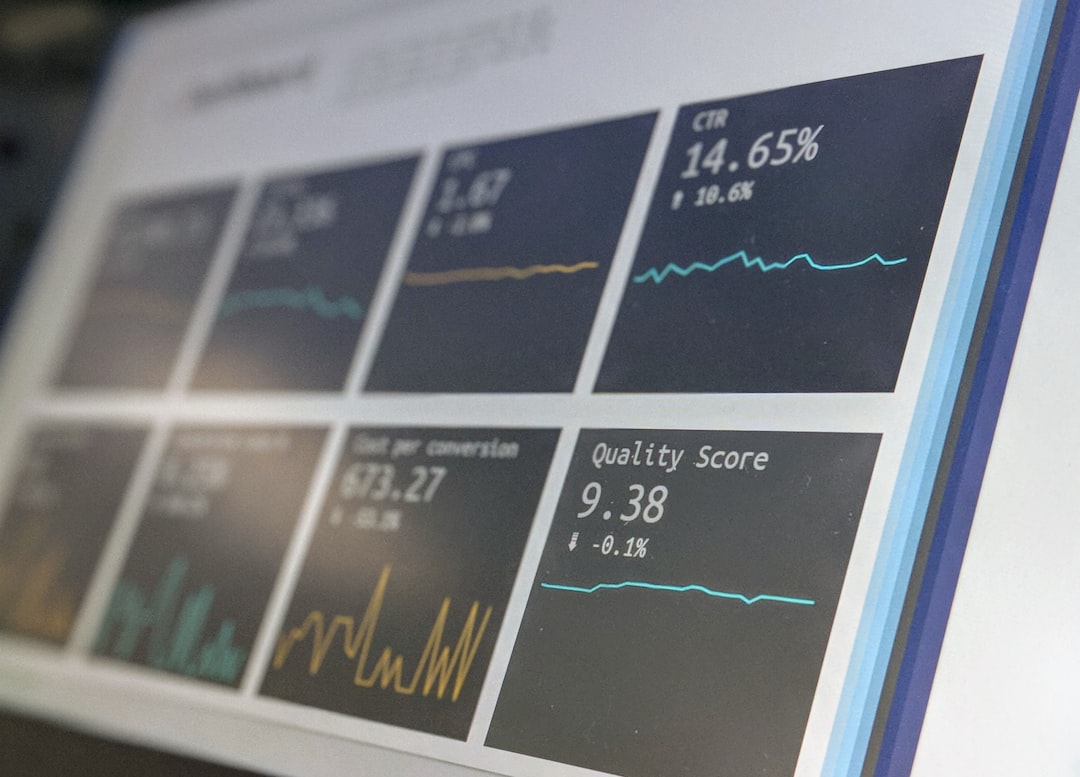
Why Asset Tracking Matters
You cannot protect what you cannot see. You also cannot patch it. Or bill for it. Or explain it to a client.
Asset tracking gives you a clear list of devices. It helps answer simple but important questions:
- What devices are we managing?
- Who is using them?
- What software is installed?
- Which devices need updates?
- Which machines are old, risky, or slow?
- Are we charging correctly for support?
Without asset tracking, IT becomes a guessing game. And guessing in IT is like fixing a sink with a spoon. It may work for five seconds. Then it gets messy.
Centralized Asset Inventory
Syncro gives you a centralized inventory of assets. This means you do not need five spreadsheets, three sticky notes, and one mysterious notebook from 2017.
Each asset can show key information. This may include:
- Device name
- Customer or client
- Operating system
- CPU and memory details
- Disk usage
- Installed software
- Last check in time
- Agent status
- Serial numbers or identifiers
This makes it easier to know what is out there. It also makes onboarding clients much smoother. Once agents are installed, devices begin reporting back. The mystery starts to fade.
Suddenly, that “small office with a few computers” has 42 endpoints. Three are ancient. One has almost no disk space. Two have weird software. And one has not checked in since last Tuesday.
Now you know. And knowing is the start of control.
Tracking Hardware Details
Hardware data is very useful. It can help with planning, upgrades, and support. Syncro can show hardware information so you can make better decisions.
For example, you may see that a laptop has only 4 GB of RAM. That explains why it feels slower than a sleepy turtle. You may also see that a server drive is close to full. That is not a “later” problem. That is a “please look now” problem.
Hardware tracking helps with:
- Upgrade planning: Find devices that need more memory or storage.
- Lifecycle management: Spot old machines before they become disasters.
- Warranty checks: Keep useful device details in one place.
- Replacement planning: Prepare clients before hardware fails.
Clients like this too. It turns random upgrade requests into clear advice. Instead of saying, “This computer feels bad,” you can say, “This machine is eight years old and low on memory.” That sounds much better.
Tracking Software Details
Software tracking is just as important. Sometimes more important. Bad software can create security risks. Missing software can stop people from working. Old software can cause strange bugs that eat your afternoon.
Syncro can help you see what software is installed on managed devices. This gives your team a quick way to review applications across a client environment.
This is useful for many reasons:
- Find unwanted applications.
- Spot old software versions.
- Check if required tools are installed.
- Look for license issues.
- Support audits and reviews.
Software tracking also helps with security. If a risky app appears, you can investigate. If a required security tool is missing, you can act fast.
It is like having a flashlight in a cluttered room. You may not like everything you see. But at least you can see it.

Live Monitoring and Alerts
Tracking tells you what exists. Monitoring tells you what is happening.
Syncro RMM can monitor devices and create alerts when something needs attention. This can include problems like low disk space, offline devices, failed checks, or other conditions set by your policies.
Alerts are the little alarm bells of IT. Some are urgent. Some are not. Some are like a toaster yelling about crumbs. But they all help you notice issues before users start sending dramatic emails.
Monitoring helps you move from reactive work to proactive work. That is a big deal.
Reactive IT means waiting for someone to say something is broken. Proactive IT means seeing trouble early and fixing it before it grows teeth.
With Syncro, teams can create monitoring policies for assets. These policies can define what to watch and when to alert. This helps keep monitoring consistent across devices and clients.
Remote Actions From Asset Views
Asset management is not only about looking. It is also about doing.
Syncro RMM supports remote management actions. Depending on setup and permissions, technicians can take action on devices from the platform. This may include running scripts, starting remote sessions, checking status, or performing maintenance tasks.
This saves time. A lot of time.
Imagine a user says, “My computer is acting weird.” A technician can open the asset record. They can check system details. They can review alerts. They can run a script. They can connect remotely if needed.
No treasure hunt. No long phone ritual. No asking the user to find the tiny sticker under the desk.
That is a win for everyone.
Using Custom Fields and Notes
Every business has special details it wants to track. Syncro can support asset notes and custom information, depending on how your account is configured.
This can be helpful for things like:
- Purchase dates
- Warranty notes
- Location details
- Assigned user names
- Internal tags
- Special support instructions
These details make asset records more human. A device is not just “DESKTOP-48392.” It is Mary’s front desk computer. It runs the label printer. It must not be restarted during lunch rush. These little notes can save big headaches.
Client Friendly Organization
Syncro is built for MSP work. So client organization matters.
Assets can be tied to customers. This helps technicians move between client environments without mixing things up. That is important. Very important. You do not want to run a task on the wrong client’s devices. That is how coffee gets spilled.
Clear organization helps with:
- Faster support
- Cleaner billing
- Better reporting
- Client reviews
- Planning projects
It also helps new technicians. They can open a client record and see what is managed. This shortens the learning curve. It also reduces the “where is everything?” panic.
Reporting Features That Tell the Story
Reports turn asset data into useful stories.
Clients may not want to read every alert. They may not care about every background check. But they do care about results. Reports help show what was monitored, what was fixed, and what still needs attention.
Syncro reporting can help teams summarize asset data, ticket activity, monitoring events, and work performed. Available reports may vary by plan and configuration, but the goal is the same. Make IT work visible.
Good reports can answer questions like:
- How many assets are under management?
- Which devices are having repeated issues?
- What work did the team complete?
- Which systems need attention soon?
- Are there trends across a client environment?
This is very useful for monthly or quarterly reviews. It helps clients understand value. It also helps your team recommend next steps.
Without reports, great IT work can feel invisible. With reports, it becomes clear. You can point to the work and say, “Here is what happened. Here is what we fixed. Here is what we should do next.”

Asset Reports for Better Decisions
Asset reports are not just pretty charts. They help people make decisions.
For example, a report may show many old computers at one client site. That can support a replacement plan. Another report may show recurring disk space alerts. That may point to a storage upgrade or cleanup policy.
Reports can also help with budgeting. Clients often delay spending because the problem feels unclear. But when they see data, the conversation changes.
Instead of saying, “You should replace some computers,” you can say, “Seven devices are past their useful life. Three are causing repeated tickets. Here is the cost of waiting.”
That is stronger. It is calmer. It is easier to approve.
Automation Makes It Even Better
Asset management gets stronger when automation joins the party.
Syncro includes automation tools such as scripting and policies. These can help standardize work across assets. For example, you might use scripts for cleanup, software tasks, health checks, or other routine jobs.
Automation helps remove boring repeat work. Computers are great at repeat work. Humans are better at solving weird puzzles and explaining why the printer is haunted.
With good automation, your team can:
- Apply consistent settings.
- Run checks on many devices.
- Reduce manual effort.
- Respond faster to common issues.
- Keep clients more stable.
Automation should still be planned with care. Test scripts. Use groups wisely. Review results. A fast mistake is still a mistake. It just wears running shoes.
How Technicians Benefit
Technicians need fast answers. They do not want to click through twelve tools just to find one device. Syncro’s asset management features help keep important data close.
A technician can review the asset, check history, look at alerts, and decide what to do next. This shortens support time. It also reduces frustration.
That matters. Happy technicians fix things better. They also sigh less. Which is good for office morale.
Technicians benefit from:
- Central device records
- Useful monitoring data
- Remote management options
- Client linked assets
- Better context during support
How Clients Benefit
Clients may not care about every technical detail. That is fine. They care about uptime, security, cost, and fewer surprises.
Asset management supports all of that.
Clients benefit when their IT provider can say:
- “We know what devices you have.”
- “We are watching for common problems.”
- “We can show you reports.”
- “We can plan upgrades before things fail.”
- “We can respond faster when something breaks.”
This builds trust. It also makes IT feel less random. Nobody likes surprise IT bills. Nobody likes surprise server failures either. Asset management helps reduce both.
Best Practices for Syncro Asset Management
To get the most from Syncro RMM asset management, keep your process clean. A tool is only as good as the habits around it.
Here are simple best practices:
- Name assets clearly. Use a naming style your team understands.
- Keep client records tidy. Make sure devices are linked correctly.
- Use monitoring policies. Standard rules make support easier.
- Review alerts often. Do not let alert noise become wallpaper.
- Track lifecycle details. Note age, warranty, and replacement needs.
- Use reports in client meetings. Show value with real data.
- Test automation carefully. Start small, then expand.
These steps help turn asset management into a smooth system. Not a junk drawer.
Common Mistakes to Avoid
Even good tools can get messy. Watch out for these common mistakes.
- Ignoring stale assets: Remove or review devices that no longer check in.
- Using unclear names: Random names make support slower.
- Creating too many alerts: Too much noise hides real problems.
- Not using reports: If you do good work, show it.
- Skipping client reviews: Asset data is perfect for planning talks.
Keep things simple. Keep things current. Keep things useful.
Final Thoughts
Syncro RMM asset management helps make IT easier to see and easier to manage. It brings tracking, monitoring, and reporting together in one place. That combination is powerful.
You can track what devices exist. You can monitor them for trouble. You can take action when needed. Then you can report on what happened and what should happen next.
That is the whole loop. See it. Watch it. Fix it. Explain it.
And that is why asset management is not boring at all. It is the control room for your IT world. With Syncro RMM, that control room can be cleaner, smarter, and a lot less chaotic.