
Hiring a designer for a logo can be smart. It can also be pricey. A full starter branding package may cost $500 to $2,500. That is tough when your business is still tiny, scrappy, and powered by coffee. Good news: logo design tools like Canva can help you create a clean brand look for much less.
TLDR: You can cut branding costs by up to 80% by using DIY logo tools instead of a full custom branding package. For example, a bakery that might pay $1,000 for a logo and basic brand kit could spend $100 to $200 using the tools below. These platforms offer templates, icons, fonts, colors, and mockups. You still need good taste, but you do not need a giant budget.
Why Use Logo Tools Like Canva?
Logo tools are fast. They are simple. They are built for normal humans, not only expert designers.
You pick a template. You change the name. You tweak the colors. You export the files. Boom. Your brand now has a face.
Are DIY logos always better than hiring a pro? No. A great designer brings strategy, originality, and polish. But if you are launching a side hustle, podcast, online shop, food truck, or local service, these tools can be a great first step.
Think of them as training wheels for your brand. Cheap, helpful, and much better than using plain black text in Arial.

1. Adobe Express
Best for: polished logos and social media branding.
Adobe Express is like Canva’s stylish cousin. It is easy to use, but it still has that Adobe shine. You can start with logo templates and adjust fonts, colors, icons, and layouts.
The big win is that it connects well with other Adobe tools. If you later move into Photoshop or Illustrator, your brand can grow with you.
- Pros: Clean templates, strong font choices, easy editing.
- Cons: Some best assets need a paid plan.
- Cost-saving angle: Great for creating a logo, flyers, banners, and posts in one place.
If a starter brand kit from a designer costs $800, using Adobe Express for a few months may cost under $50. That is a big win for a new business.
2. Looka
Best for: AI-powered logo ideas.
Looka asks you simple questions. What is your business name? What style do you like? What colors feel right? Then it makes logo options with AI.
This is fun because you get many ideas quickly. It feels a bit like ordering from a logo buffet. Pick what looks tasty. Skip the weird stuff.
- Pros: Fast results, nice previews, brand kit options.
- Cons: Some logos may feel less unique.
- Cost-saving angle: Useful if you want a logo and matching brand assets without a full agency bill.
It is especially handy for founders who do not know what they want yet. Seeing many options can spark better decisions.
3. Wix Logo Maker
Best for: websites and logos together.
Wix Logo Maker is a smart pick if you also plan to build a website. It asks questions about your brand style. Then it creates logo concepts you can edit.
You can change the icon. You can adjust the font. You can test the logo on business cards, shirts, and websites. That helps you avoid the classic mistake: a logo that looks good only in one place.
- Pros: Simple process, website-friendly, good mockups.
- Cons: Best value comes if you are also using Wix.
- Cost-saving angle: Saves time by connecting logo and site creation.
If you need a logo on Monday and a website by Friday, this tool can keep your hair attached to your head.
4. Tailor Brands
Best for: business owners who want more than a logo.
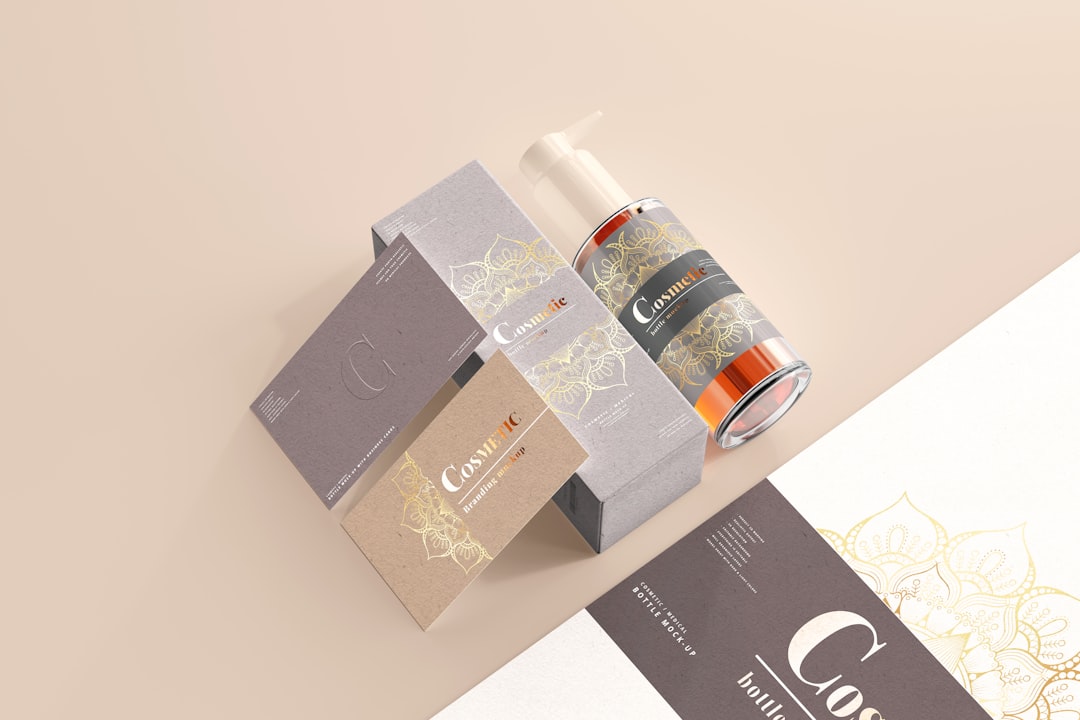
Tailor Brands is built for small businesses. It helps with logos, brand kits, business cards, and other startup basics. The interface is friendly. The process feels guided.
It is not just “make a pretty logo and goodbye.” It tries to help you build a full business presence.
- Pros: Good for beginners, broad branding features, quick setup.
- Cons: Subscription pricing may add up over time.
- Cost-saving angle: Good if you need several business assets under one roof.
This is a strong choice for service businesses. Think dog groomers, coaches, cleaners, tutors, and repair pros.
5. Hatchful by Shopify
Best for: free logo creation.
Hatchful is made by Shopify. It is simple, fast, and friendly. Better yet, it is free to use.
You choose your industry. You pick a visual style. Then the tool gives you logo options. You can edit colors, fonts, and layout.
- Pros: Free, very easy, great for ecommerce starters.
- Cons: Limited customization compared with paid tools.
- Cost-saving angle: Hard to beat free when your budget is tiny.
For a first store, this can be enough. You can launch now. Then you can upgrade later when sales are rolling in.
Remember: a simple logo on a live store beats a perfect logo stuck in your drafts folder.
6. VistaCreate
Best for: social posts, ads, and brand visuals.
VistaCreate feels a lot like Canva. It has templates for logos, social media, ads, posters, and more. If your brand needs to show up online often, this is useful.
You can create a logo, then build matching Instagram posts, banners, flyers, and promo graphics. That makes your brand look more consistent.
- Pros: Many templates, easy drag-and-drop editor, good for marketing content.
- Cons: Logo design is not as deep as some dedicated logo makers.
- Cost-saving angle: Helps you avoid paying for every small graphic.
Let’s say a freelancer charges $40 per social graphic. If you need 10 posts, that is $400. A design tool can shrink that cost fast.
7. Figma
Best for: people who want more control.
Figma is not a classic logo generator. It is a design tool. But do not run away. It can still be simple once you learn the basics.
Figma gives you more freedom than template tools. You can draw shapes, adjust spacing, test layouts, and build a small brand system. It is great if you want to create something cleaner and more custom.
- Pros: Flexible, powerful, great for teams, strong free plan.
- Cons: More learning required.
- Cost-saving angle: Ideal if you want to design logos, web layouts, and brand guides yourself.
Figma is best for patient people. If you enjoy tiny details, you may fall in love. If you hate clicking pixels into place, choose a simpler tool.
How These Tools Can Save 80%
Let’s do quick math. A designer may charge $1,200 for a logo, color palette, font guide, and a few mockups. A DIY setup might cost this:
- Logo tool subscription or download: $20 to $100
- Premium icons or fonts: $0 to $50
- Extra templates for social media: $0 to $50
Total: around $100 to $200. That is an 80% to 90% savings in many cases.
Of course, your time matters too. If it takes you 12 hours to make a logo, that is not free. But for many small brands, the tradeoff is worth it.
Tips to Make Your DIY Logo Look Less DIY
- Use fewer colors. Two or three is enough.
- Pick readable fonts. Fancy is fun. Clear is better.
- Avoid clutter. Your logo should work when tiny.
- Check black and white. A strong logo works without color.
- Get feedback. Ask five people, not fifty. Too many opinions cause chaos.
Also, do not copy another brand. Inspiration is fine. Cloning is not. Your logo should feel like you, not like a discount version of a famous company.
Which Tool Should You Pick?
If you want the easiest start, try Hatchful or Wix Logo Maker. If you want polished templates, try Adobe Express or VistaCreate. If you want AI ideas, try Looka. If you want a broader business kit, try Tailor Brands. If you want more control, try Figma.
The best tool is the one you will actually use. Not the fanciest one. Not the one with 900 buttons. The one that helps you launch.
Final Thoughts
A logo does not need to eat your whole budget. You can start lean, look professional, and save serious money. These seven tools can help you build a brand for a fraction of traditional design costs.
Later, when your business grows, you can hire a designer for a deeper brand identity. Until then, keep it simple. Make it clear. Make it memorable. And please, do not spend three weeks choosing between two shades of blue.