
AI landing page generators are most useful when you need a polished page fast, and Framer is usually better for design-led campaigns while Wix is safer for small teams that want built-in business tools. Both can turn prompts, brand notes, and rough ideas into usable landing pages. The real choice comes down to control, speed, integrations, and how much design skill your team has.
TLDR: Framer is the stronger pick if you care about sharp visuals, custom layouts, and high-end product presentation. Wix is better if you want AI-assisted page creation plus bookings, payments, forms, email tools, and simpler editing in one place. For example, a solo consultant could ask Wix to generate a landing page with a contact form and booking button in under an hour, while a SaaS startup might use Framer to create three stylish ad campaign pages and improve sign-up rates by 12% after testing different hero sections.
Why AI landing page generators are useful
A landing page has one job: get the visitor to act. That action might be a sign-up, purchase, demo request, download, or booking. The problem is that building even a simple page can eat up a full afternoon. Copy, layout, mobile spacing, forms, calls to action, images, and SEO settings all pile up.
AI landing page generators cut that work down. You give the tool a prompt such as “Create a landing page for a fitness app aimed at busy parents”, and it builds a starting point. You still need to edit it. You still need judgment. But you are not staring at a blank canvas, which is half the battle.
The best benefit is speed, but it is not the only one. AI tools also help with structure, wording, layout suggestions, image placement, and page consistency. For marketers, founders, agencies, and creators, this means faster launches and more room for testing.
Framer: best for polished design and modern product pages
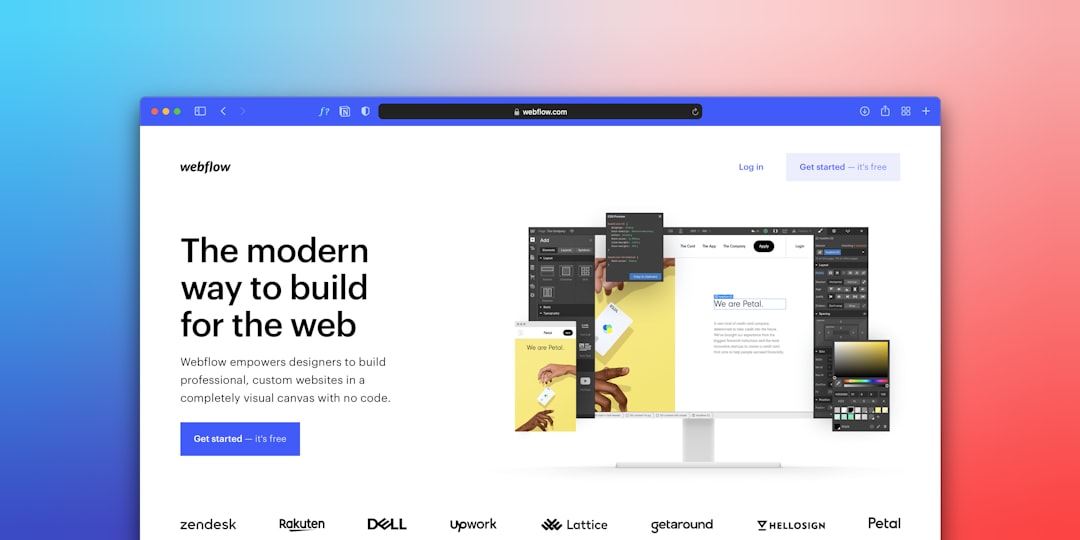
Framer feels like it was built for people who notice spacing, motion, and typography. Its AI page generation is useful, but the real value appears after the first draft. You can refine the layout with strong visual control and create pages that feel closer to custom design than template editing.
This matters for startups, apps, creative agencies, and premium products. If your landing page needs to look investor-ready or campaign-ready, Framer has an edge. Pages can feel sleek without requiring a full design team.
- Design quality: Framer pages often look more current and refined out of the box.
- Creative control: You can adjust sections, animations, components, and breakpoints with accuracy.
- Fast publishing: Going from concept to live page is quick once the structure is ready.
- Great for testing concepts: Build multiple versions of a hero section, pricing block, or feature page without starting over.
The catch is that Framer can feel less forgiving for non-designers. Tiny layout choices matter. If you drag things around without a clear plan, the page can start to feel uneven. It drives me crazy that a design tool can make one small spacing issue feel like a puzzle. Still, for teams that care about visual impact, Framer is hard to beat.
Wix: best for business owners who want AI plus built-in tools
Wix takes a more practical route. Its AI website and page creation features are aimed at users who want something working quickly. You answer questions, describe your business, choose preferences, and Wix creates a page or full site you can edit.
Wix shines when the landing page needs to connect with business functions. Forms, payment tools, scheduling, customer messages, email marketing, CRM features, and analytics are close at hand. That can save hours, especially for small businesses that do not want to connect five separate apps.
- Ease of use: Wix is friendlier for beginners and non-technical users.
- Business features: Bookings, stores, payments, forms, and email tools are built in.
- Template support: If the AI result is not perfect, you can fall back on many ready-made layouts.
- Maintenance: Small updates are simple, even for users who do not design every day.
Honestly, Wix can feel a bit boxed in when you want a highly custom visual idea. Some edits take a few extra clicks, and advanced design tweaks may not feel as smooth as Framer. But for a yoga teacher, local repair service, coach, restaurant, or online seller, Wix often gets the job done with fewer headaches.

Speed: both are fast, but in different ways
Framer is fast for creating a sleek launch page. Wix is fast for creating a useful business page. That difference matters.
With Framer, a product marketer can prompt an AI-generated page, refine the headline, swap visuals, adjust sections, and publish a campaign page. The page may look impressive quickly. With Wix, a service provider can generate a page, add a booking calendar, connect a form, and start collecting leads. The page may be less refined visually, but it is operational fast.
A realistic workflow looks like this:
- Framer: 30 to 90 minutes for a sharp landing page draft, plus extra time for copy and visual polish.
- Wix: 45 to 120 minutes for a landing page with forms, booking, payments, or basic automation.
Of course, complex pages take longer. AI is not magic. It is a strong first draft machine.
Conversion benefits: AI helps you test more ideas
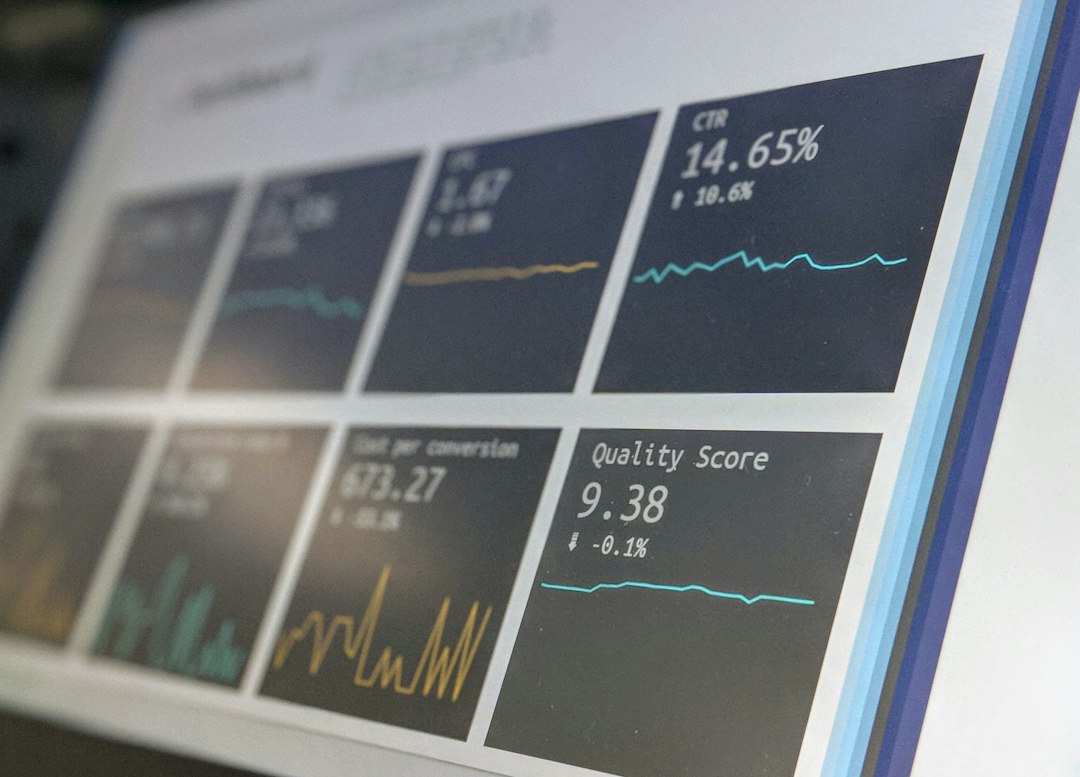
The biggest conversion benefit is not that AI writes perfect copy. It does not. The benefit is that you can create more versions faster. More versions mean more tests. More tests often mean better results.
For example, a software company might create three Framer landing pages for the same product: one focused on saving time, one focused on team reporting, and one focused on pricing clarity. After 2,000 ad clicks, the team sees that the “save 6 hours per week” message gets a 9.8% sign-up rate, while the pricing page gets 6.4%. That gives the team real evidence, not guesswork.
Wix can support similar testing for local and service businesses. A tutor might test two landing pages: one offering a free consultation and another offering a discounted first session. If the free consultation page brings in 35 leads from 500 visits, while the discount page brings in 22, the winner is clear.
SEO and performance considerations
Landing pages built with AI still need human review. Search engines and visitors both reward clarity. That means strong headings, direct copy, fast loading, helpful FAQs, and a clear call to action.
Framer gives strong visual performance when pages are built cleanly. It is also a good fit for content-light campaign pages that need speed and style. Wix offers more guided SEO tools, which can help people who do not know where to place page titles, descriptions, alt text, and structured settings.
Expect to waste time on cleanup if you publish the first AI draft without editing. AI may create vague claims like “transform your workflow” or “grow your business effortlessly.” Replace those with specifics. Say what the product does. Say who it helps. Say what happens next.
Framer vs Wix: which should you choose?
Choose Framer if your landing page needs to feel premium, modern, and highly designed. It is a strong fit for SaaS, apps, waitlists, portfolios, agencies, digital products, and startup launches. It rewards teams that care about brand presentation and are comfortable making design decisions.
Choose Wix if you need a complete business setup around the page. It is a strong fit for consultants, coaches, local businesses, educators, event hosts, stores, and service providers. It rewards users who want forms, payments, appointments, and customer messages without extra setup.
Best practical approach
Do not treat AI as the final creator. Treat it as a fast assistant. Start with a clear prompt. Include your audience, offer, tone, proof points, and desired action. Then edit hard.
- Use one primary call to action.
- Keep the hero section clear and specific.
- Add social proof, such as reviews, user counts, or results.
- Check the mobile version before publishing.
- Test headlines, buttons, and offers after launch.
Final verdict: Framer wins for design quality and campaign polish. Wix wins for practical business pages with built-in tools. Both save time, but the best choice depends on what “done” means for you: a beautiful page ready for a product launch, or a working page ready to collect leads, bookings, and sales.