
Business cards are small. But their impact can be huge. A well-designed card can open doors, spark conversations, and make people remember you. The good news? You do not need to be a professional designer. Today’s business card generators make the process simple, fast, and even fun.
TLDR: Business card generators help you create clean, professional cards without design skills. The best tools focus on simplicity, clear layouts, and easy customization. Look for features like ready-made templates, drag-and-drop editors, and print-ready downloads. Keep your design minimal, readable, and aligned with your brand for maximum impact.
Let’s dive into how these tools keep design simple yet effective — and which ones are worth trying.
Why Simple Business Cards Work Best
Simple wins. Always.
When someone looks at your card, you have just a few seconds to make an impression. If the design is cluttered, confusing, or too flashy, your message gets lost.
A simple card:
- Highlights your name
- Makes contact details easy to read
- Feels professional
- Looks timeless
Minimal design does not mean boring. It means focused. Clean fonts. Balanced spacing. Smart use of color.
This is where business card generators shine. They guide you toward clean layouts that already work.

What Makes a Business Card Generator “Simple Yet Effective”?
Not all tools are created equal. Some overload you with options. Others make it hard to customize.
The best generators share a few key features:
1. Ready-Made Templates
Templates save time. They also prevent bad design decisions. A good template already has proper spacing and font balance.
2. Drag-and-Drop Editing
You should be able to click, type, and move elements easily. No design degree required.
3. Limited but Smart Customization
Too many fonts can overwhelm you. Too many colors can hurt the design. Great tools offer curated options.
4. Print-Ready Files
A card that looks good on screen must also print well. High-resolution downloads are a must.
5. Mobile-Friendly Editing
Sometimes inspiration hits on the go. A tool that works on your phone is a big plus.
Popular Business Card Generators That Keep It Simple
Here are some user-friendly platforms that focus on clarity and ease of use.
1. Canva
Canva is known for simplicity. You get thousands of business card templates. The interface is clean and intuitive.
Why it works:
- Huge template library
- Drag-and-drop editor
- Beginner friendly
- Free plan available
It is perfect for entrepreneurs, freelancers, and small business owners.
2. Adobe Express
Adobe Express offers polished templates with modern design. It feels professional but not overwhelming.
Why it works:
- High-quality typography
- Clean layouts
- Easy brand color matching
- Cloud storage
Great for users who want sleek results without complex software.
3. VistaCreate
VistaCreate offers stylish, contemporary designs. The interface is smooth and simple.
Why it works:
- Modern templates
- Easy text editing
- Good icon and graphic selection
- Affordable premium plans
4. Shopify Business Card Maker
This tool is very basic. And that is its strength.
You enter your details. The generator creates simple layout options.
Why it works:
- Extremely easy to use
- No design decisions needed
- Quick download
- Ideal for beginners
Quick Comparison Chart
| Tool | Ease of Use | Template Variety | Best For | Free Option |
|---|---|---|---|---|
| Canva | Very Easy | Extensive | General users and small businesses | Yes |
| Adobe Express | Easy | High quality curated | Professional branding | Yes |
| VistaCreate | Easy | Modern and stylish | Creative entrepreneurs | Yes |
| Shopify Card Maker | Extremely Easy | Limited | Quick basic cards | Yes |
Tips to Keep Your Card Clean and Effective
Even with great tools, you must make smart design choices. Here is how.
Use Only One or Two Fonts
More fonts mean more chaos. Choose one for your name. One for details.
Stick to a Limited Color Palette
Two or three colors are enough. Use your brand colors if you have them.
Prioritize Information
Your name should stand out the most. Then your title. Then contact details.
Use White Space
Empty space is not wasted space. It makes your card breathable and elegant.
Add a Logo Carefully
Your logo should not overpower the text. Balance is key.
Common Mistakes to Avoid
Simple design can quickly become messy if you are not careful.
- Too much information – You do not need to list every social media platform.
- Tiny text – If people need a magnifying glass, it is too small.
- Low contrast – Light gray text on white looks stylish but is hard to read.
- Overdecorating – Extra lines and shapes add clutter.
- Ignoring print bleed – Always check margins before printing.
When in doubt, remove something. Simplicity is your friend.
Digital Business Cards: Even Simpler?
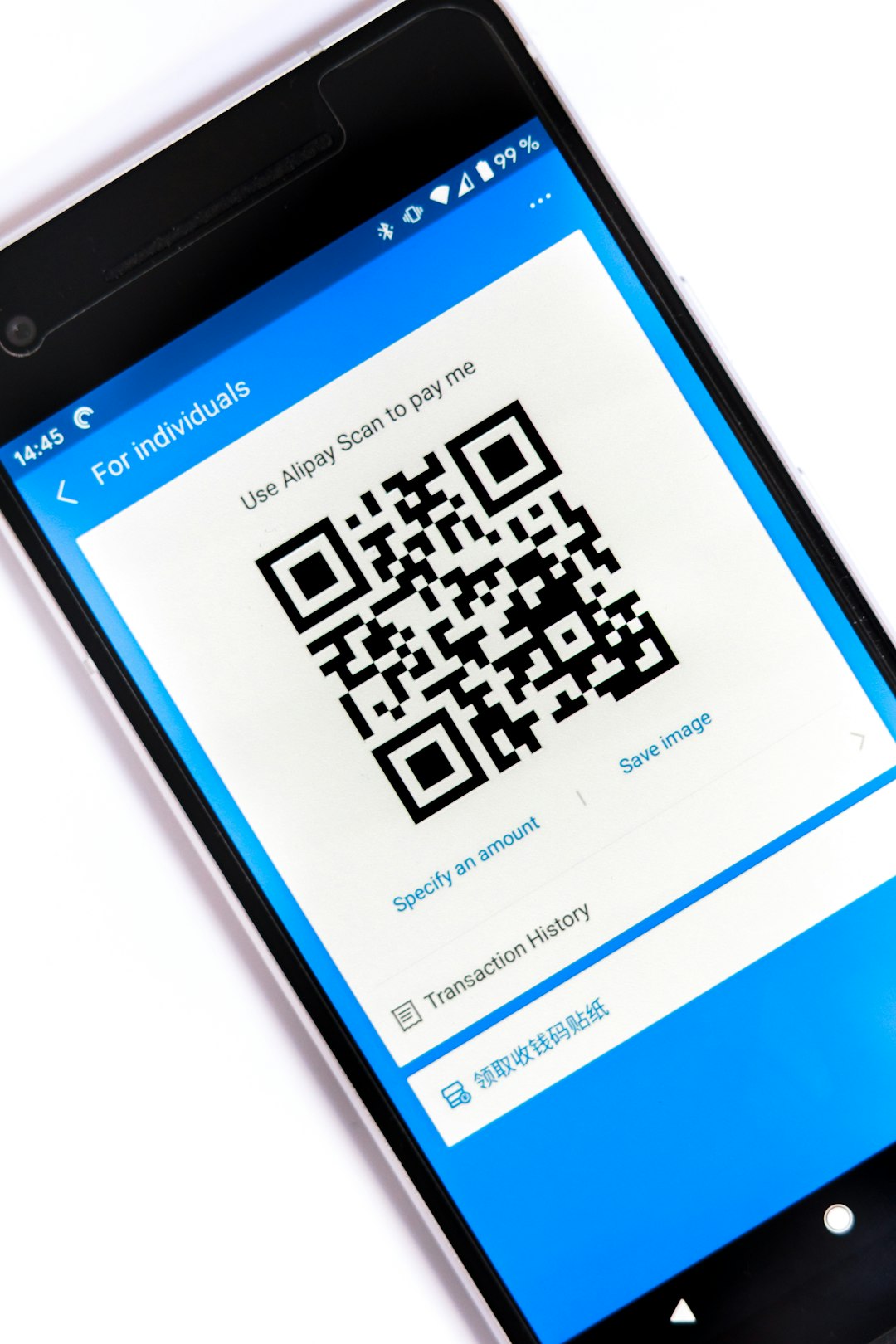
Many generators now offer digital versions. These are cards you can share via QR code or link.
Why people like them:
- No printing costs
- Instant updates
- Clickable links
- Eco-friendly
But physical cards still matter. They feel personal. Tangible. Memorable.
The smartest approach? Have both.
How to Choose the Right Generator for You
Ask yourself a few simple questions:
- Do I want complete creative control?
- Or do I want something done in five minutes?
- Do I have brand colors and logos ready?
- Will I print professionally or at home?
If you want speed and ease, go with a basic tool. If you care deeply about branding, choose a platform with richer template options.
But remember. The tool does not make the card great. Your choices do.
The Psychology of a Simple Card
Clean design sends a strong message.
It says:
- I am organized.
- I value clarity.
- I am professional.
- I respect your time.
Busy design can sometimes look desperate. Minimal design feels confident.
Think of luxury brands. They rarely shout. They whisper.
Final Thoughts
Business card generators have made great design accessible to everyone. You no longer need expensive software or professional designers to create something polished.
The secret is not complexity. It is clarity.
Choose a clean template. Limit your fonts. Use smart spacing. Keep colors simple. Focus on readability.
Your card is a small piece of paper. But it represents your entire brand.
Keep it simple. Keep it sharp. Keep it effective.