
Treat every YouTube link as a content asset, not just a URL. A good YouTube link-to-video workflow covers sharing, embedding, tracking, permissions, conversion risks, and long-term management. If the link breaks, the privacy setting changes, or the embed is removed, your website, course, campaign, or support page can lose value instantly.
TLDR: A reliable YouTube link-to-video process starts with the correct URL, the right sharing setting, and a tested embed. For example, a training team managing 42 product videos cut broken video reports by 31% after using a shared tracking sheet and monthly link checks. Share public links for reach, unlisted links for controlled access, and embedded videos for websites or learning portals. Keep original files backed up, because a YouTube link is not a permanent archive.
What a YouTube Link Actually Does
A YouTube link points users to a hosted video, but different link types serve different purposes. A standard watch link opens the video on YouTube. A short link is easier to share in chats and social posts. An embed link places the player inside a page. A playlist link groups related videos and can keep viewers moving through a sequence.
The common formats include:
- Watch URL: youtube.com/watch?v=VIDEOID
- Short URL: youtu.be/VIDEOID
- Embed URL: youtube.com/embed/VIDEOID
- Playlist URL: includes a playlist ID and often a video ID
- Timestamp URL: starts playback at a chosen second
These formats are not cosmetic. They affect where the video plays, how users interact with it, and how easy it is to measure performance.
Core Workflow: From Upload to Shareable Link
A serious workflow starts before anyone copies the link. Upload the right file, add a clear title, write a useful description, and set the correct visibility. Then choose the link type based on the use case.
- Upload the video in the best available quality.
- Set visibility to public, unlisted, private, or scheduled.
- Add metadata such as title, description, chapters, tags, and captions.
- Copy the correct link from the share menu or browser bar.
- Test the link in an incognito browser or separate account.
- Record the link in a content tracker with owner, date, and status.
The visibility step causes the most pain. Public videos can be found in search and on your channel. Unlisted videos can be viewed by anyone with the link but do not appear publicly in search. Private videos work only for specific invited accounts. It drives me crazy that teams still send private links to clients, then wonder why nobody can open them.
Embedding YouTube Videos on Websites
Embedding gives users a better experience when the video supports a page, lesson, or product explanation. Instead of sending visitors away, the video plays inside the page. YouTube provides embed code through the Share menu under Embed.
A basic embed uses an iframe. Site owners can adjust width, height, autoplay, controls, start time, and privacy settings. For professional sites, use responsive containers so the player scales on mobile screens. A fixed-width player may look fine on a desktop, then break a phone layout in a way that feels amateur.
Use the privacy-enhanced embed option when possible. It uses the youtube nocookie domain and may reduce tracking before the viewer interacts with the player. This does not remove every privacy concern, but it is a better default for many business, education, and public sector pages.
Sharing Workflows That Reduce Mistakes
Sharing sounds simple. Copy link, paste link, done. The catch is that small choices create real problems later. A timestamp link may start at the wrong point. A playlist link may show unrelated videos. A link copied from a logged-in editing page will not work for regular viewers.
For clean sharing, follow these rules:
- Use the official Share button when sending links to outside users.
- Test access without being logged in as the channel owner.
- Use timestamps for long webinars, demos, and tutorials.
- Use playlists for courses, onboarding, events, and series.
- Avoid editing URLs unless you know what each parameter does.
For teams, create a link registry. It can be a spreadsheet, database, or content platform. Track the video title, YouTube ID, status, owner, target page, last review date, and replacement link. This basic record often saves hours when a team member leaves or a campaign needs updates.
Conversion: What Is Safe, Useful, and Legal
“YouTube link to video conversion” can mean different things. Some people mean converting a YouTube link into an embed. Others mean turning a video link into a downloadable file. The second use needs care.
If you own the video, keep the original source file outside YouTube. Downloading your own content from YouTube should be a backup method, not your main archive. YouTube recompresses uploaded files, so downloaded copies may not match the original quality.
If you do not own the video, do not use third-party download tools to save or republish it without permission. That can breach copyright law and platform terms. For business use, ask for a licensed file, a permitted embed, or written approval. It is slower, yes, but far safer than scrambling after a takedown notice.
Useful conversion-style tasks include:
- URL to embed code for web pages.
- Video to transcript for accessibility and search.
- Video to clip references using timestamps.
- Playlist to course outline for training programs.
- Link to QR code for events, packaging, and printed materials.
Content Management for YouTube Links
Managing YouTube links is content governance. That may sound formal, but broken or outdated videos cost trust. A support article with a dead embed makes users question the product. A sales page with an old demo can mislead buyers. A compliance training link set to private can derail onboarding.
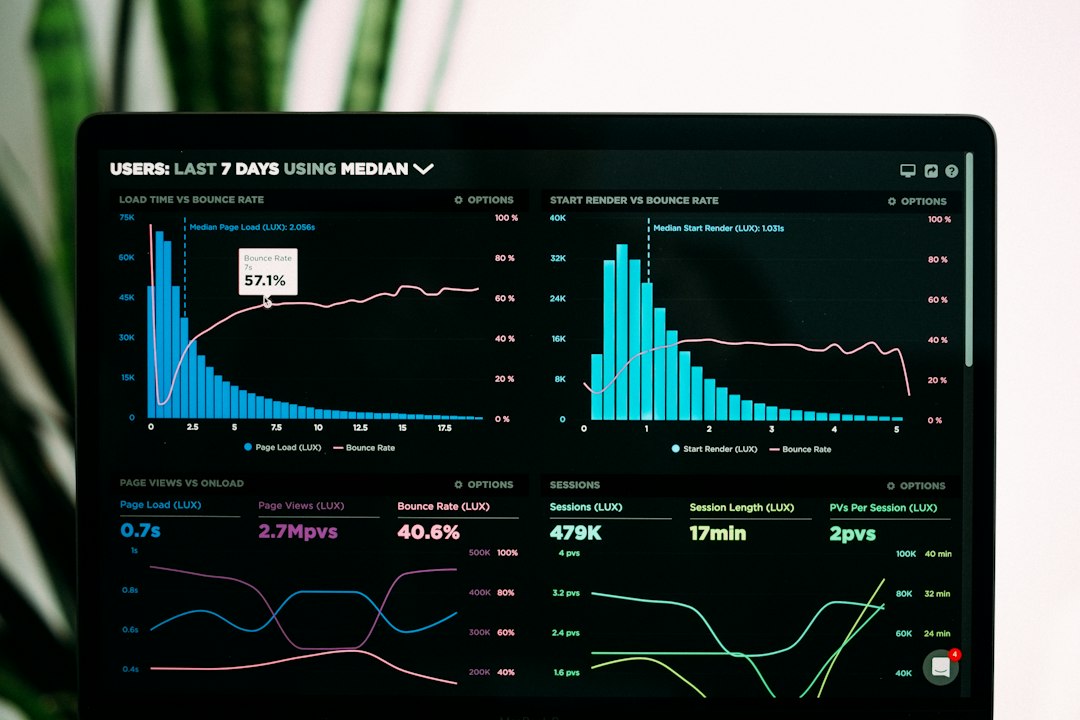
Set a review cycle. For high-value pages, check video links monthly. For general blog posts or archives, check quarterly. Use analytics to decide what needs attention first. A video with 18,000 monthly views deserves faster review than a five-year-old internal clip with 12 views.
Good content management should include:
- Ownership: every video has a named person or team responsible for it.
- Version control: old videos are marked, replaced, or removed.
- Access control: private and unlisted videos are checked after staff changes.
- Analytics review: watch time, drop-off points, traffic sources, and embeds are monitored.
- Backup storage: original files live in secure cloud or local storage.
Analytics and Tracking
YouTube Studio shows impressions, click-through rate, views, watch time, audience retention, traffic sources, and top external sites. These numbers help you judge whether the link is doing its job. A high view count with poor retention may mean the title overpromises. A strong retention rate with low impressions may mean the video needs better placement or clearer sharing.
Use UTM parameters when sharing links in campaigns. They help analytics tools identify the source, medium, and campaign name. Keep them tidy. Messy tracking links look suspicious and are painful to audit later.
Practical Checklist Before Publishing
- Confirm the video is the final approved version.
- Check title, description, thumbnail, captions, and chapters.
- Choose public, unlisted, private, or scheduled visibility.
- Copy the correct watch, short, embed, playlist, or timestamp link.
- Test access in a clean browser session.
- Check mobile playback and page speed for embeds.
- Record the link in your content tracker.
- Schedule a future review date.
A YouTube link is simple only at first glance. Used well, it can power tutorials, campaigns, product pages, classrooms, support centers, and internal knowledge bases. Used carelessly, it creates broken pages, access errors, copyright risk, and stale content. Build a repeatable workflow, test every link, and treat each video as part of a managed library.