
Data visualization in C applications is often treated as a secondary concern, yet it can be essential for diagnostics, scientific computing, industrial monitoring, embedded systems, finance, simulation, and performance analysis. C remains a preferred language where speed, control, portability, and predictable resource usage matter. The challenge is that C does not provide built-in visualization facilities, so developers must choose appropriate libraries, rendering strategies, and data pipelines carefully.
TLDR: Visualizing data in C requires selecting the right balance between performance, portability, accuracy, and user interaction. Common approaches include using graphics libraries such as SDL, OpenGL, Cairo, GTK, Qt bindings, or plotting tools like Gnuplot. For serious applications, the best solution is usually a structured pipeline: collect data, transform it, render it efficiently, and validate that the visual output represents the data honestly.
Why Visualization in C Matters
C is widely used in areas where the data being produced is too important to remain hidden in logs or raw binary files. A signal processing application might need to display waveforms in real time. A robotics controller may need to show sensor values and actuator states. A network analyzer may need charts of throughput, latency, and packet distribution. In each case, visualization helps engineers make decisions faster and with greater confidence.
The value of visualization is not simply aesthetic. A well-designed chart can expose outliers, instability, trends, bottlenecks, timing issues, and incorrect assumptions. In C applications, where software often interacts closely with hardware, operating systems, and memory, visual feedback can also reduce debugging time. A memory allocator test, for example, may become much easier to understand when fragmentation is drawn over time instead of printed as thousands of numbers.
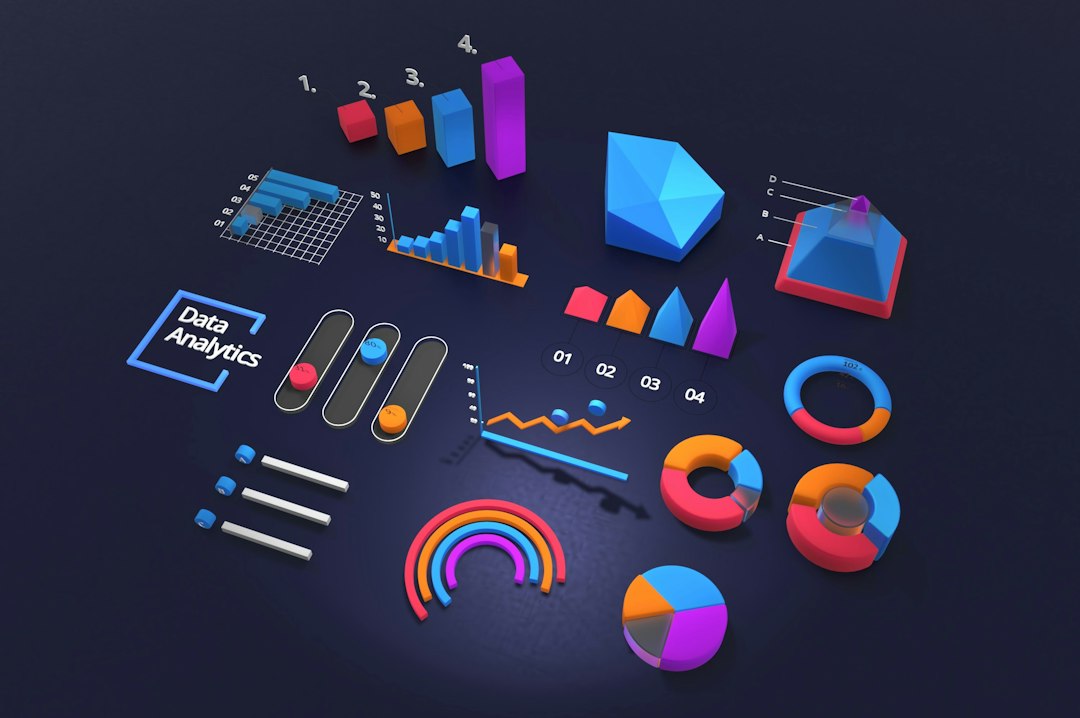
Core Techniques for C Data Visualization
Before choosing a tool, it is important to understand the main visualization techniques available to C developers. The right technique depends on whether the application needs static output, interactive graphics, real-time rendering, or integration with an existing user interface.
- Static plotting: The application exports images, SVG files, PDF charts, or data files for later rendering.
- Interactive visualization: Users can zoom, pan, inspect values, and change parameters inside a graphical interface.
- Real-time visualization: Data is rendered continuously as it is produced, often with strict performance limits.
- Remote or web visualization: The C application streams data to a browser, dashboard, or server-side renderer.
- Debug visualization: Internal application state is visualized for developers rather than end users.
These categories often overlap. For example, a laboratory instrument may need a real-time signal display during operation, plus the ability to export static plots for reporting. A simulation engine might use OpenGL for live inspection and also write CSV files for offline analysis.
Using Gnuplot from C
One of the simplest and most reliable approaches is to connect a C program to Gnuplot. Gnuplot is a mature plotting utility capable of generating line charts, scatter plots, histograms, heat maps, contour plots, and output formats such as PNG, SVG, and PDF. A C application can write data to a temporary file and invoke Gnuplot with a script, or it can open a pipe and send commands directly.
This approach is especially useful for scientific and engineering programs where plotting is needed but a full graphics system would be excessive. It keeps the visualization layer separate from the computational core. That separation improves maintainability because the C program focuses on producing correct data, while Gnuplot handles axis scaling, labels, legends, and file output.
However, Gnuplot is not always ideal for deeply integrated user interfaces or high-frequency real-time visualization. It is best suited for batch plots, reports, analysis tools, and developer diagnostics. For many teams, it remains a practical first choice because it is easy to automate and has a long record of stability.
Rendering with SDL
SDL, or Simple DirectMedia Layer, is a cross-platform library commonly used for games, simulations, and multimedia applications. It provides windows, input handling, timers, textures, and 2D rendering primitives. For C visualization, SDL is a strong option when the goal is to build a custom real-time display without the complexity of a full GUI toolkit.
SDL works well for:
- Real-time graphs and scrolling plots
- Sensor monitoring panels
- Simulation views
- Pixel-based image visualization
- Educational visualizations of algorithms
A developer might use SDL to draw axes, grid lines, and data points directly. For higher performance, data can be rendered into textures, updated incrementally, and displayed at a controlled frame rate. This is useful when thousands or millions of samples must be shown without overloading the CPU.
The main limitation is that SDL does not provide advanced charting components out of the box. Developers must build or integrate chart logic themselves, including scaling, labeling, interaction, and layout. For applications with simple custom visual displays, this is acceptable. For complex business dashboards, another toolkit may be more appropriate.
OpenGL for High-Performance Visualization
When visualization requires substantial rendering performance, OpenGL is a common choice. It allows C applications to use GPU acceleration for drawing large datasets, 3D scenes, meshes, particles, heat maps, and scientific visualizations. OpenGL is particularly suitable when the application needs smooth interaction with large amounts of geometry or frequent updates.
Examples include fluid simulation, medical imaging, CAD-style inspection tools, molecular visualization, and large-scale scatter plots. Instead of drawing each data point using CPU-bound calls, developers can upload data to GPU buffers and render it efficiently using shaders. This technique can dramatically improve performance.
Image not found in postmetaOpenGL also introduces complexity. Developers must understand graphics pipelines, buffers, shaders, coordinate systems, transformations, and synchronization. For this reason, teams should use OpenGL when the performance or visual complexity justifies the investment. For basic line plots, simpler tools are usually more cost-effective.
Cairo for Vector Graphics
Cairo is a 2D graphics library that supports multiple output backends, including PNG, PDF, SVG, and drawing surfaces used by windowing systems. It is well suited for high-quality static charts, diagrams, reports, and printable visualizations. Cairo provides anti-aliased drawing operations, paths, strokes, fills, text rendering, and transformations.
For C applications that need professional-looking output, Cairo is often a strong candidate. It can be used to produce charts with clean lines, readable labels, and scalable vector output. This is valuable when visualizations must be included in technical reports, documentation, or archival records.
Cairo is not a complete charting library by itself. It provides drawing primitives, not chart semantics. Developers still need to implement scales, tick marks, legends, color mapping, and data layout. Nevertheless, its output quality and backend flexibility make it a dependable tool for serious visualization work.
GUI Toolkits: GTK and Qt
For applications that need menus, controls, dialogs, tables, and embedded charts, a graphical user interface toolkit may be the right foundation. GTK is written in C and naturally fits C applications. It supports custom drawing areas through Cairo and can be used to build complete desktop interfaces. Developers can combine widgets with custom chart rendering to create professional monitoring or analysis tools.
Qt is primarily C++, but C applications can still interact with Qt-based components through wrappers, mixed-language architecture, or separate processes. Qt offers strong GUI capabilities, model-view patterns, and mature support for desktop applications. In environments where C++ integration is acceptable, Qt can be effective for sophisticated visualization software.
The advantage of GUI toolkits is structure. They provide event loops, layout systems, input handling, accessibility features, and platform conventions. The tradeoff is increased application complexity and dependency management. For long-lived desktop software, that tradeoff is often justified.
Exporting Data to External Tools
Not every C application needs to render charts directly. In many professional workflows, the best decision is to export clean data in a standard format and visualize it elsewhere. Common export formats include CSV, JSON, binary formats, HDF5, NetCDF, and SQLite databases.
This approach has several advantages. It allows analysts to use specialized tools such as Python, R, spreadsheet software, business intelligence platforms, or scientific packages. It also helps preserve reproducibility because raw data can be stored, reviewed, and reprocessed later.
A disciplined export strategy should include:
- Clear column names and units of measurement.
- Consistent timestamps, ideally with explicit time zones or monotonic counters.
- Documented data types and value ranges.
- Metadata describing acquisition settings or software versions.
- Validation checks to detect incomplete or corrupt output.
For regulated or safety-critical environments, exporting reliable data can be more important than rendering impressive graphics inside the application.
Real-Time Visualization Considerations
Real-time visualization in C requires careful engineering. The display should not interfere with the system being measured. If a visualization routine consumes too much CPU time, allocates memory unpredictably, or blocks on I/O, it may distort the very data it is intended to show.
A robust design often separates data production from rendering. The producer writes samples into a ring buffer, queue, or shared memory region. The renderer reads from that buffer at a controlled rate, such as 30 or 60 frames per second. This prevents the visualization layer from forcing the computation layer to wait.
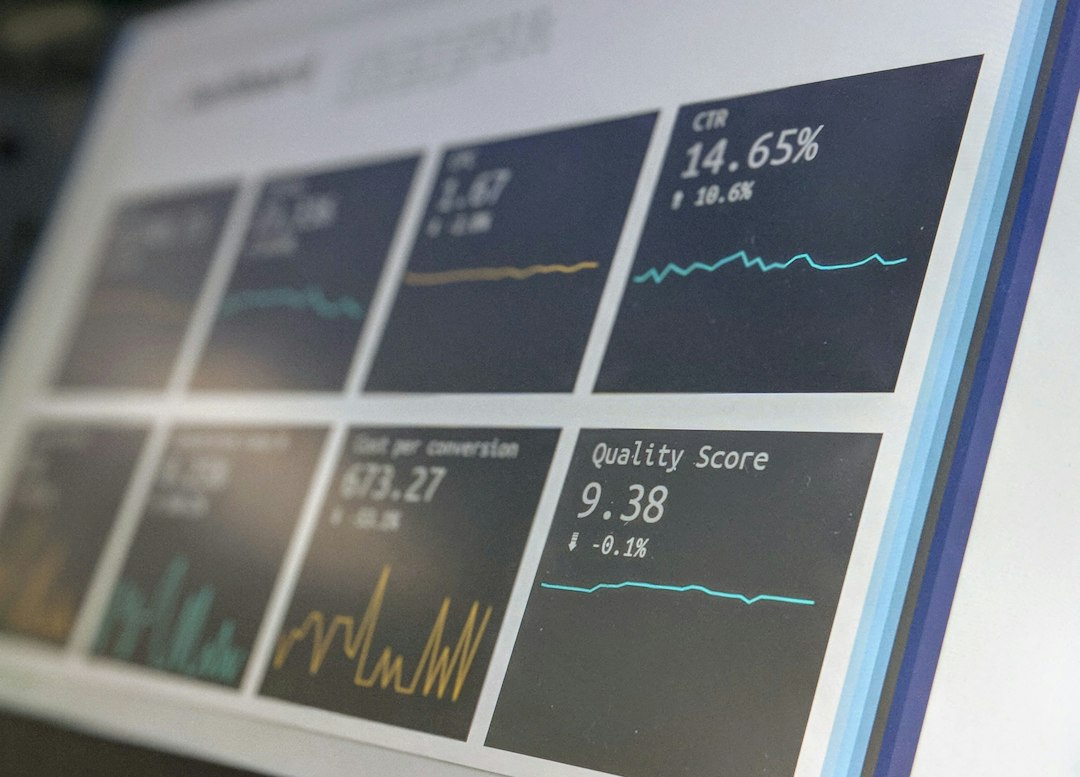
Developers should also avoid rendering every sample when the display resolution cannot show them. If a chart is 1200 pixels wide and the system produces 1,000,000 samples per second, drawing every point is wasteful. Aggregation techniques such as min-max sampling, averaging, decimation, or level-of-detail rendering can preserve meaningful visual patterns without overwhelming the renderer.
Color, Accuracy, and Responsible Design
Visualization is not only a technical task; it is also a communication task. Poor design can mislead users even when the underlying data is correct. Serious C applications should treat visual accuracy as an engineering requirement.
Important principles include:
- Use appropriate scales: Linear, logarithmic, and normalized scales communicate different meanings.
- Label axes clearly: Include units and avoid ambiguous abbreviations.
- Choose colors carefully: Use palettes that remain readable for color-blind users.
- Avoid unnecessary decoration: Visual effects should not obscure the data.
- Show uncertainty when relevant: Error bars, confidence bands, or data quality indicators can prevent overinterpretation.
For operational systems, it is also important to distinguish normal, warning, and critical states consistently. Colors such as red, amber, and green are common, but they should be supported by labels, icons, or patterns so that meaning does not depend on color alone.
Choosing the Right Tool
The most suitable visualization approach depends on the application’s requirements. For quick plots and automated reports, Gnuplot is practical and dependable. For custom real-time 2D displays, SDL offers control and portability. For high-performance 3D or large-scale rendering, OpenGL is appropriate. For publication-quality vector output, Cairo is a strong option. For full desktop interfaces, GTK or a carefully integrated GUI framework may be preferable.
A sound decision should consider these questions:
- Does the visualization need to be static, interactive, or real time?
- How much data must be displayed, and how often does it change?
- Is GPU acceleration required?
- Must the output be printable or suitable for reports?
- What platforms must be supported?
- How much long-term maintenance can the project support?
Conclusion
Visualization in C is a serious engineering activity that requires thoughtful tool selection and disciplined implementation. Because C gives developers direct control over memory, timing, and system resources, it can support highly efficient visualization systems. At the same time, that control means developers must handle rendering, data management, scaling, and user interaction with care.
The strongest C visualization solutions usually rely on a clear separation between data acquisition, transformation, rendering, and export. Whether the final output is a Gnuplot chart, an SDL monitoring display, an OpenGL simulation view, or a Cairo-generated report, the objective is the same: present data accurately, efficiently, and in a form that supports sound decisions.