
Who said you need to break the bank to create stunning graphics? Expensive software is no longer a barrier to your creativity. Get ready to discover a world of free graphic design tools that will revolutionize the way you bring your ideas to life.
Whether you’re a beginner or a seasoned designer, these tools are accessible, easy to use, and perfect for any project. From Canva’s versatility to Pixlr’s artistic effects, there’s a tool for every style and purpose. So, why wait? Say goodbye to expensive software and hello to limitless possibilities with these amazing free graphic design tools!
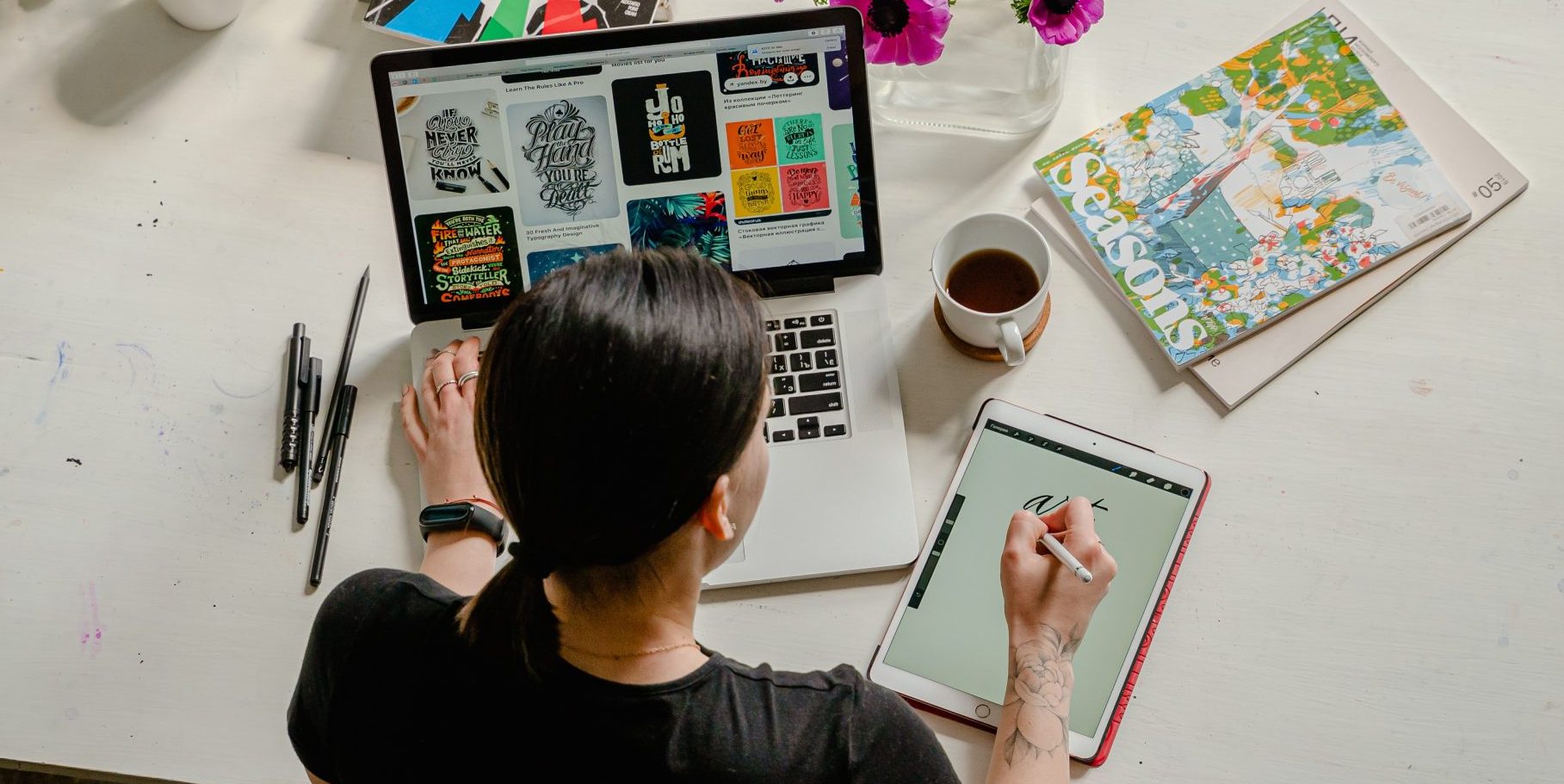
Canva
Alright, let’s start with a super popular tool called Canva. It’s really easy to use, even if you’re just starting out. They’ve got tons of ready-made templates for things like social media posts, logos, and posters.
All you have to do is pick a template and then you can add your own pictures, text, and other cool stuff. They’ve got lots of fonts, images, and shapes to choose from, and you can even make your designs look fancy with filters and special effects.
GIMP
Now, GIMP might sound like a strange name, but it’s actually a really powerful graphic design tool. It’s totally free, and it’s kind of like a free version of fancy professional software.
GIMP lets you do all sorts of cool things with images. You can create and edit pictures, design logos, and even make your own digital drawings. It takes a bit more time to learn, but once you get the hang of it, you can do some really amazing stuff with GIMP.
Adobe
Adobe is a free tool that lets you create cool graphics, web pages, and even videos. It’s really easy to use and doesn’t require any design experience. With this, you can choose from different templates and customize them with your own text, images, and colors. Plus, if you need to resize your images for various projects, you can easily find an image resizer online to help you maintain quality and fit specific dimensions. You can make social media posts, presentations, or even simple websites.
It’s a great way to show off your creativity and make eye-catching designs. Don’t be afraid to explore and experiment to get your desired outcome. For instance, you can go to their website or click here to give it-a-try!
Pixlr
Next up is Pixlr. It’s a totally free online tool that lets you edit photos like a pro. You can fix things like brightness, contrast, and colors in your pictures.
It’s great if you want to make your photos look their best before posting them on social media. Pixlr also lets you add fun filters and effects to make your pictures stand out. It’s like having your own photo editing studio right on your computer!
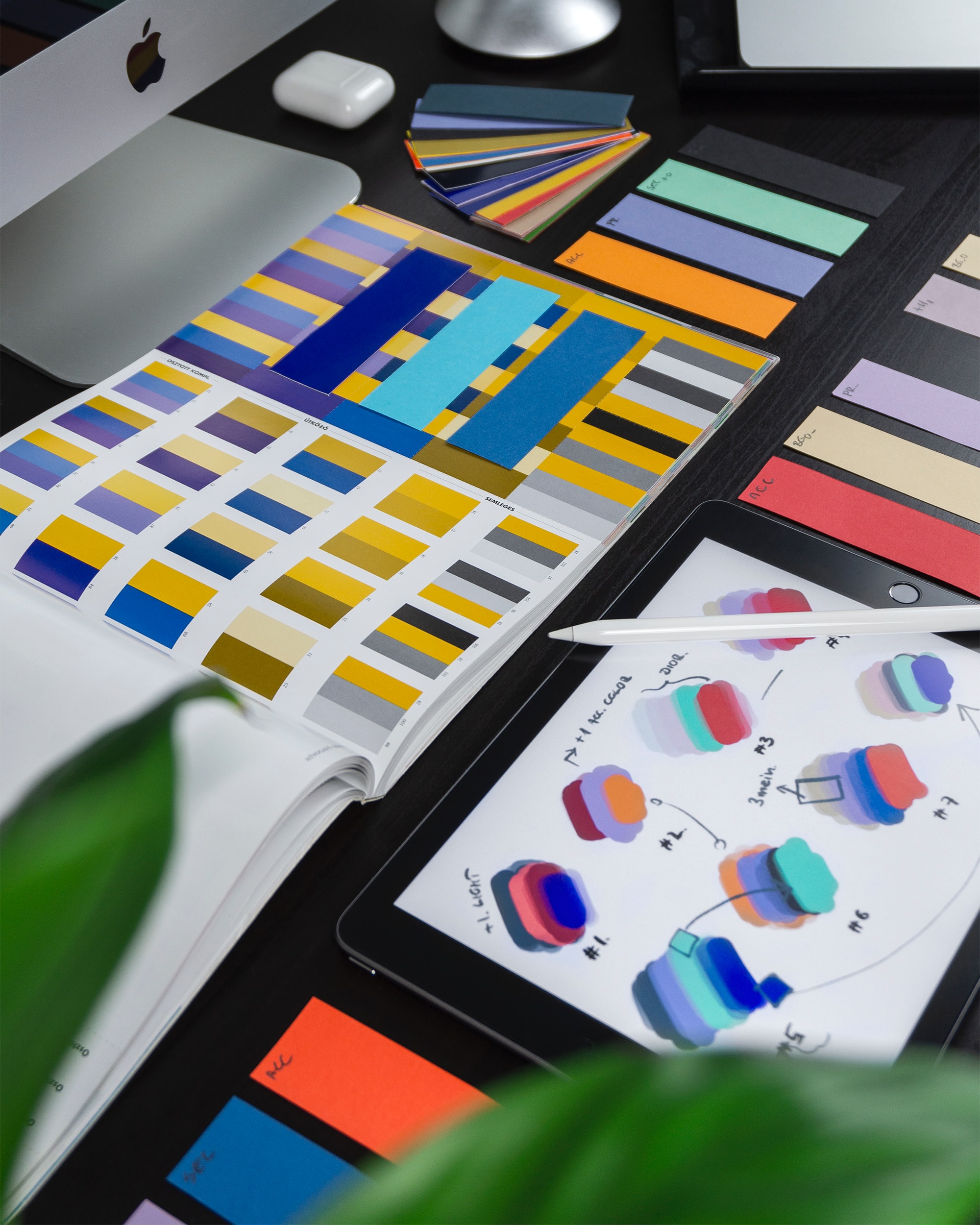
Venngage:
Need to design a flyer without the hassle of starting from scratch? Venngage makes it easy with its smart flyer creation tool. With the AI flyer generator, you simply describe your needs, and it builds a polished, ready-to-use flyer in minutes. Perfect for small businesses, events, or quick promotions, Venngage blends automation with creativity—no design experience required. If you’re short on time but big on ideas, this tool helps you bring them to life fast and fuss-free.
Unlock Your Creative Potential With These Graphic Design Tools
You don’t need to spend a fortune to make awesome graphics. Whether you’re a student, a small business owner, or just someone who loves creating cool designs, these tools have got you covered.
So, why not give these graphic design tools a try? Get creative and have fun designing amazing graphics. Remember, the sky’s the limit when it comes to your imagination!
Feel free to check out the rest of our topics for more awesome reads!